


Klippa is now Doxis - Find out more
The Best AI-Powered OCR Software for Your Documents
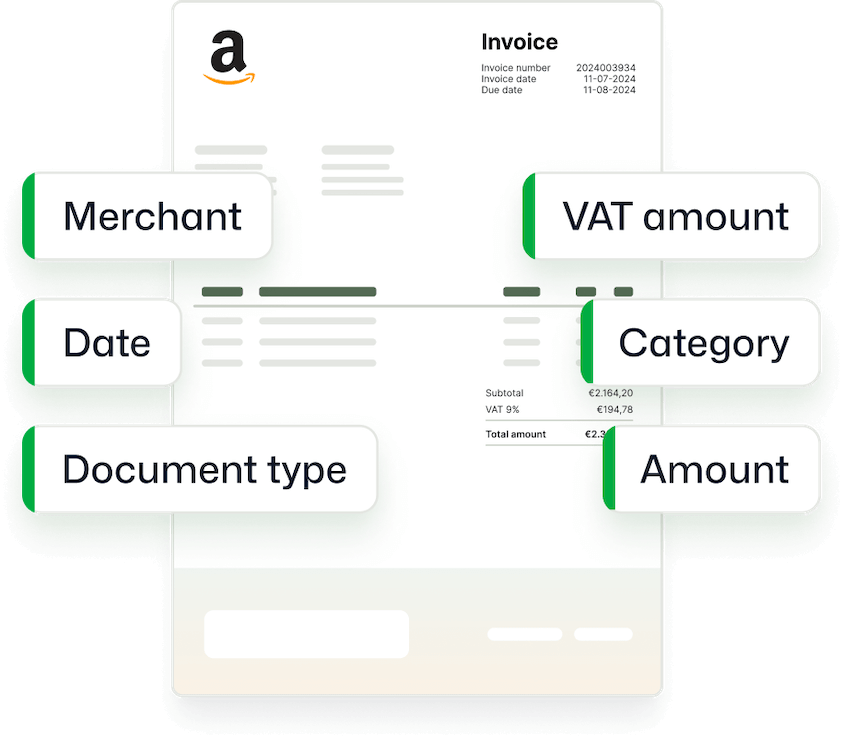
Automate data extraction with AI-powered Document OCR. Get structured data from invoices, receipts, bank statements, passports, and more in seconds.
Trusted by 1000+ brands worldwide




We Ensure You Get Accurate Data from Your Documents
Manual data entry is slow and error-prone, and traditional OCR struggles with complex layouts and multiple languages. With AI-powered OCR software from Doxis, you won’t have these issues.
Without Doxis
With Doxis
BRANDS WE HELP
Join 1000+ Other Brands in Automating Your Workflows
Discover how leading brands use Doxis’ OCR to automate, optimize, and scale their document workflows.
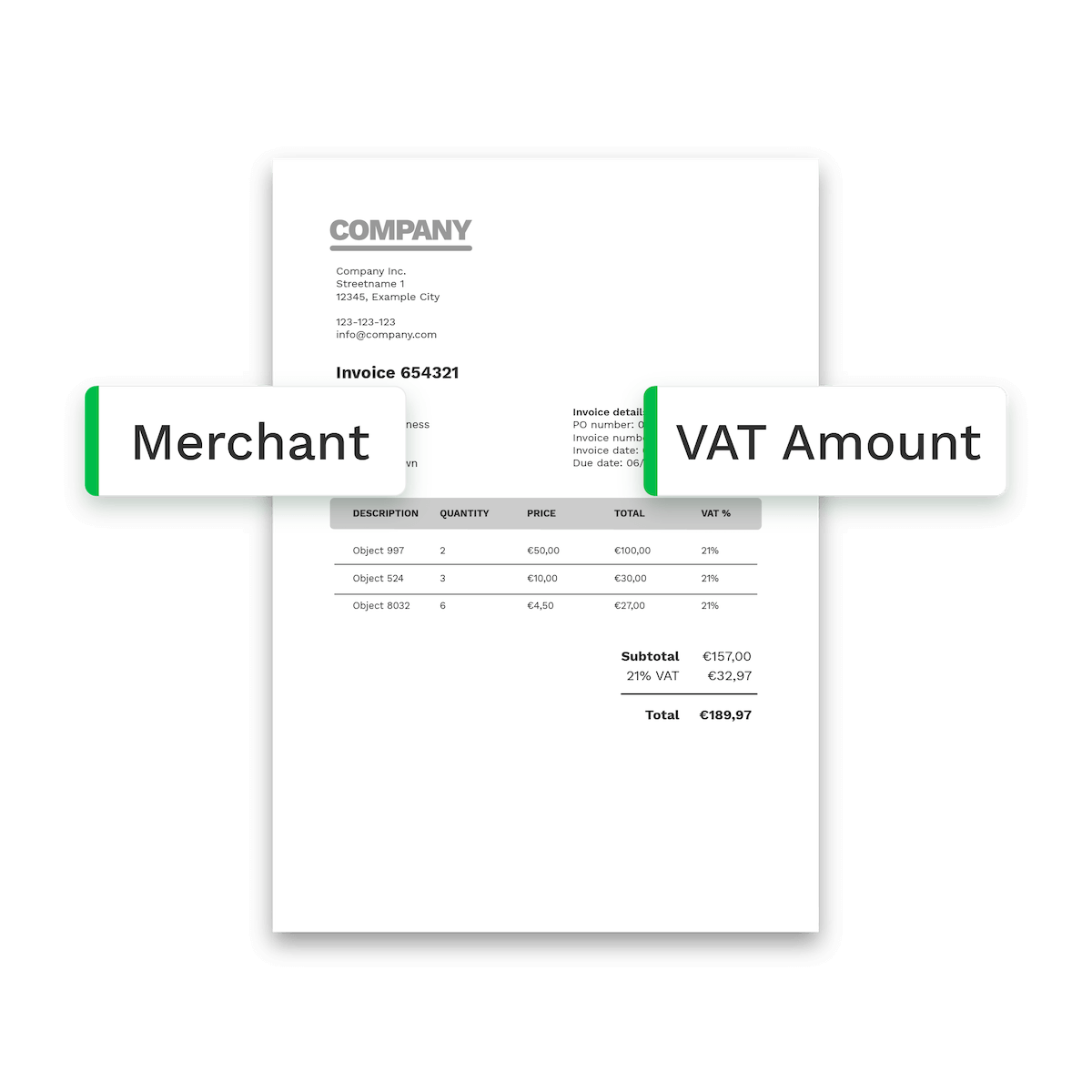
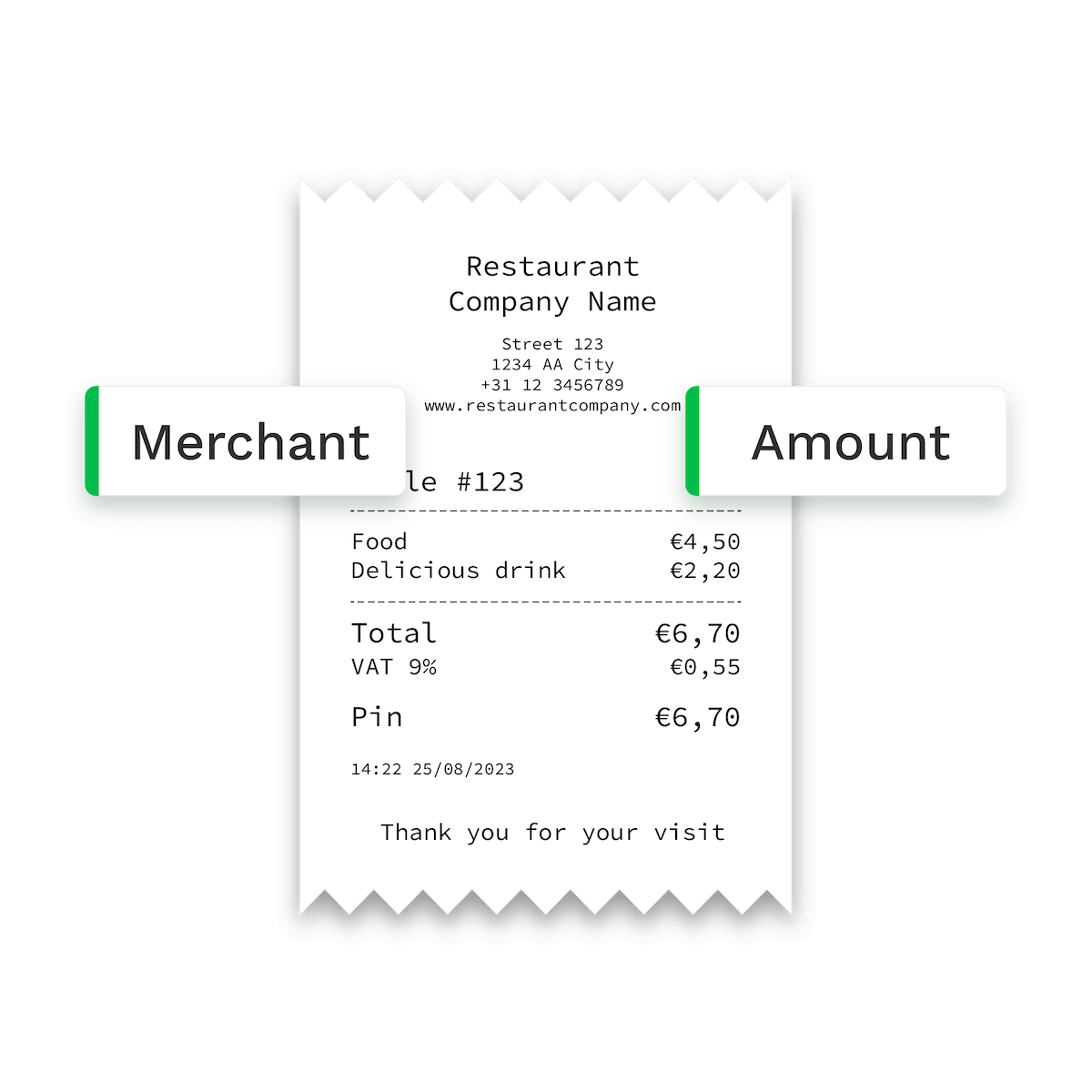
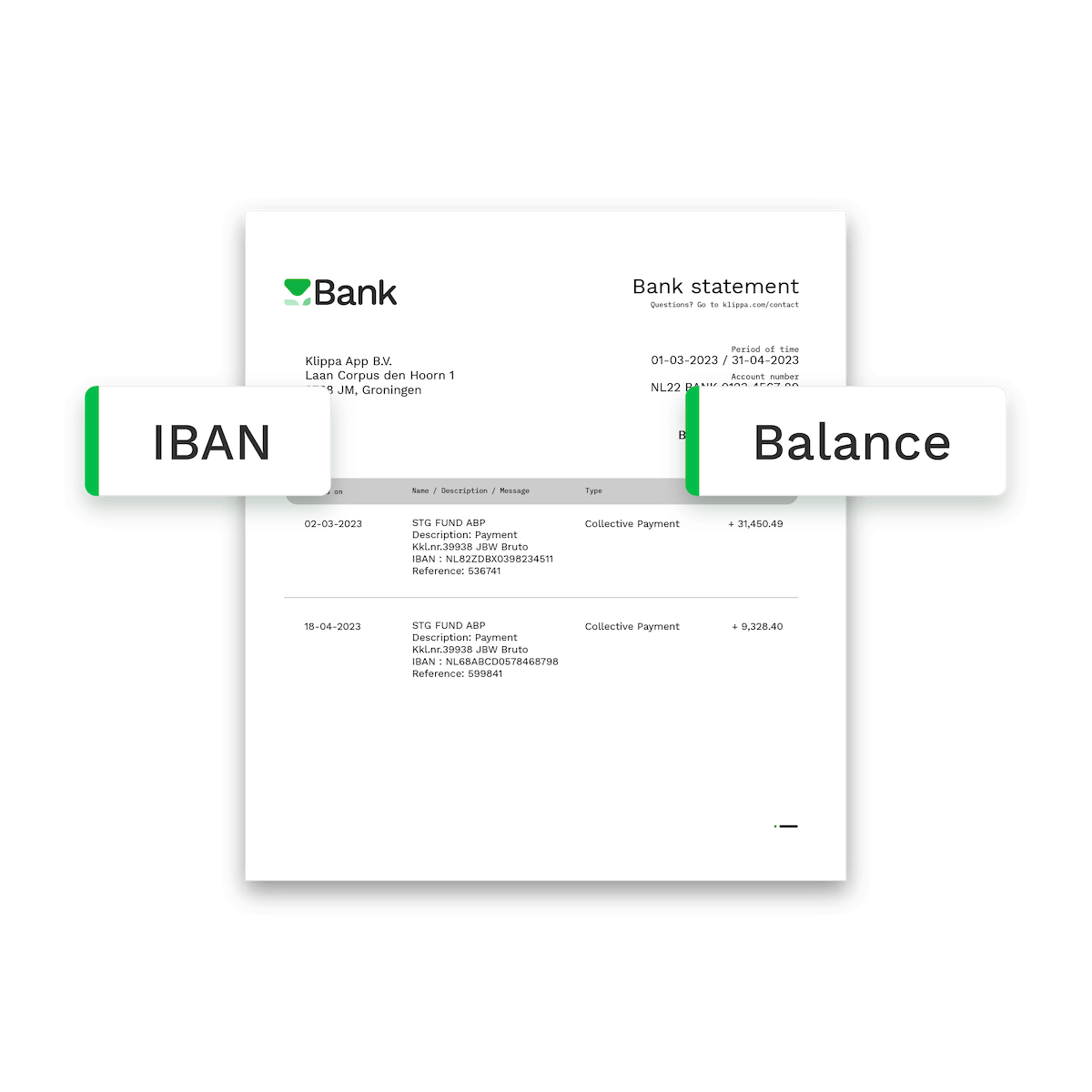
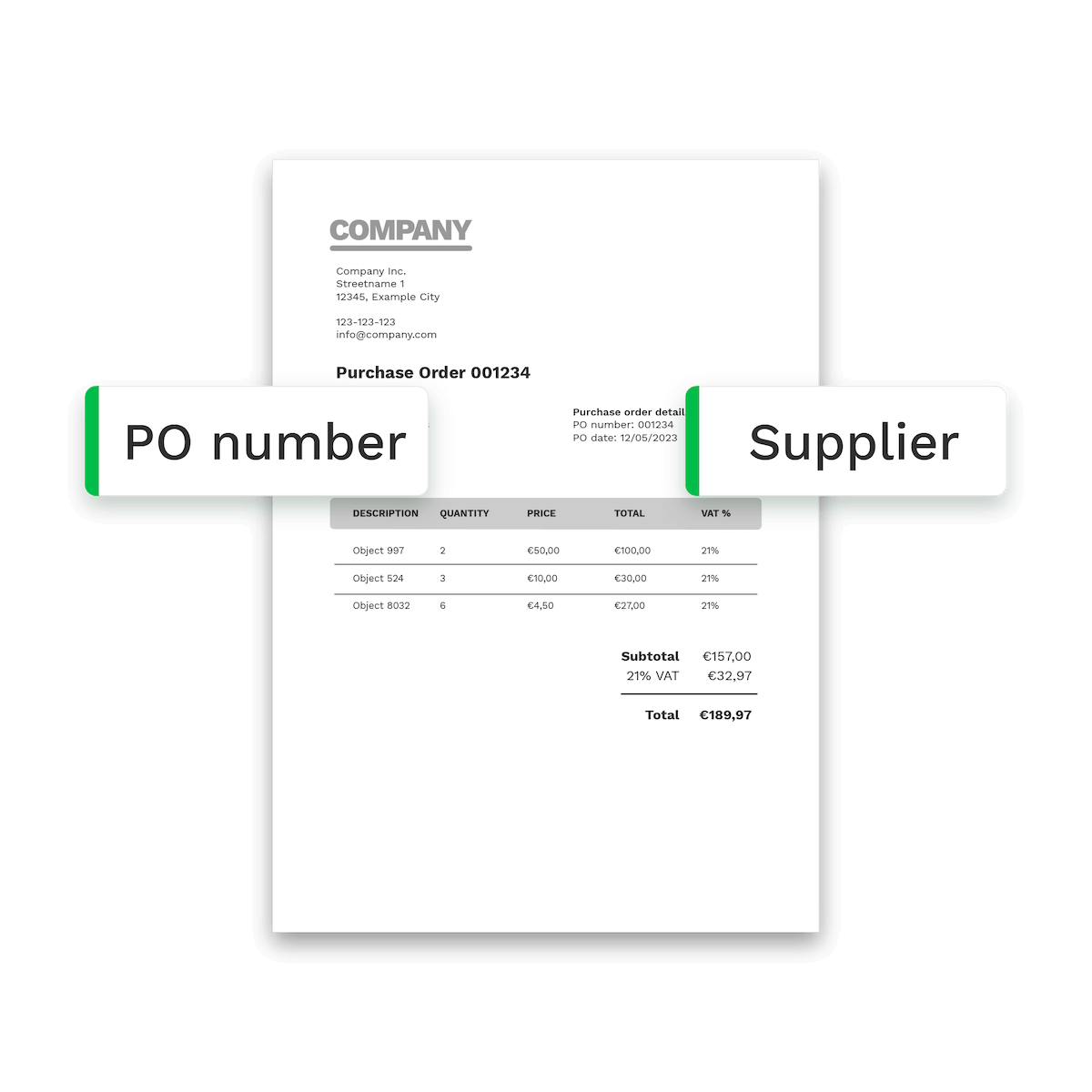
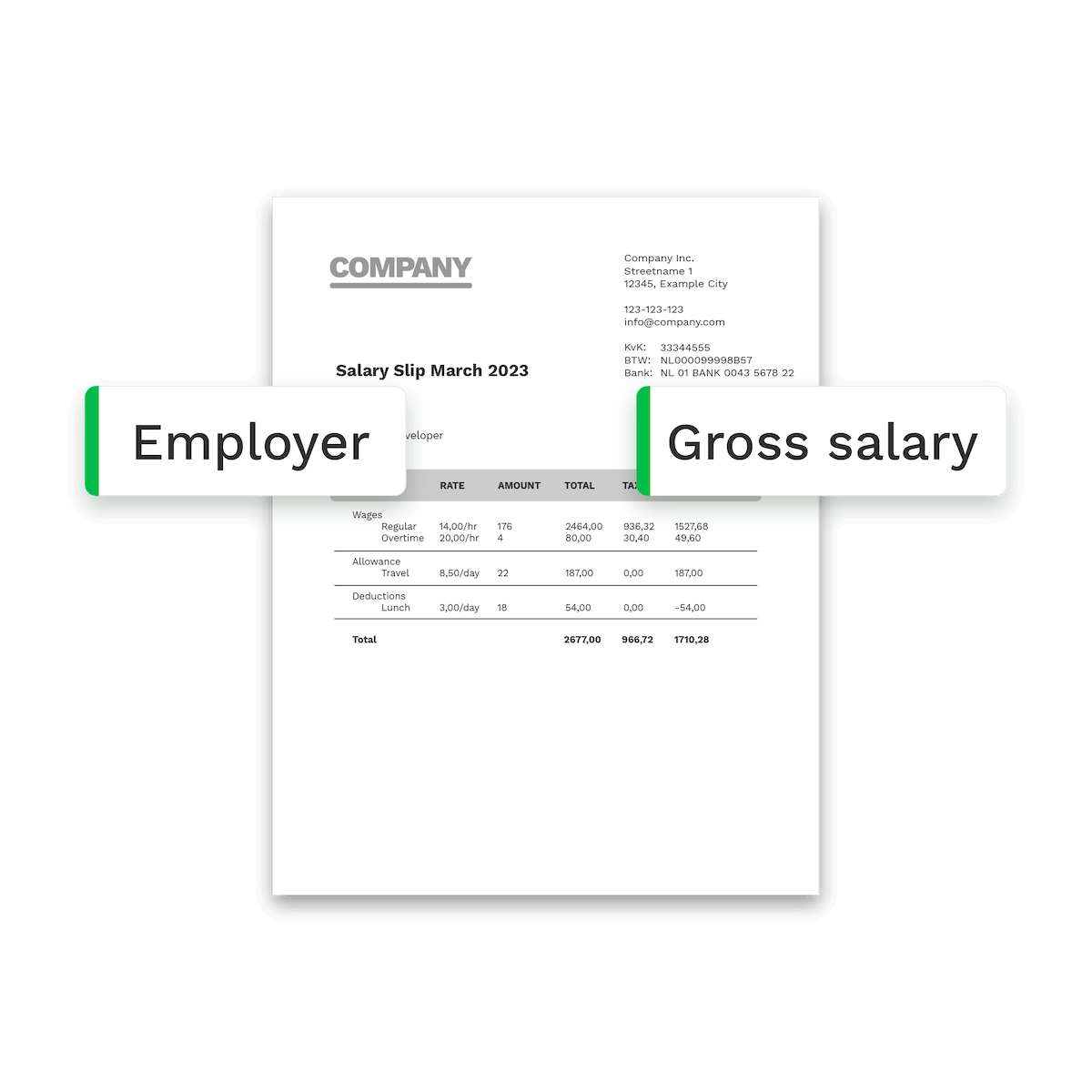
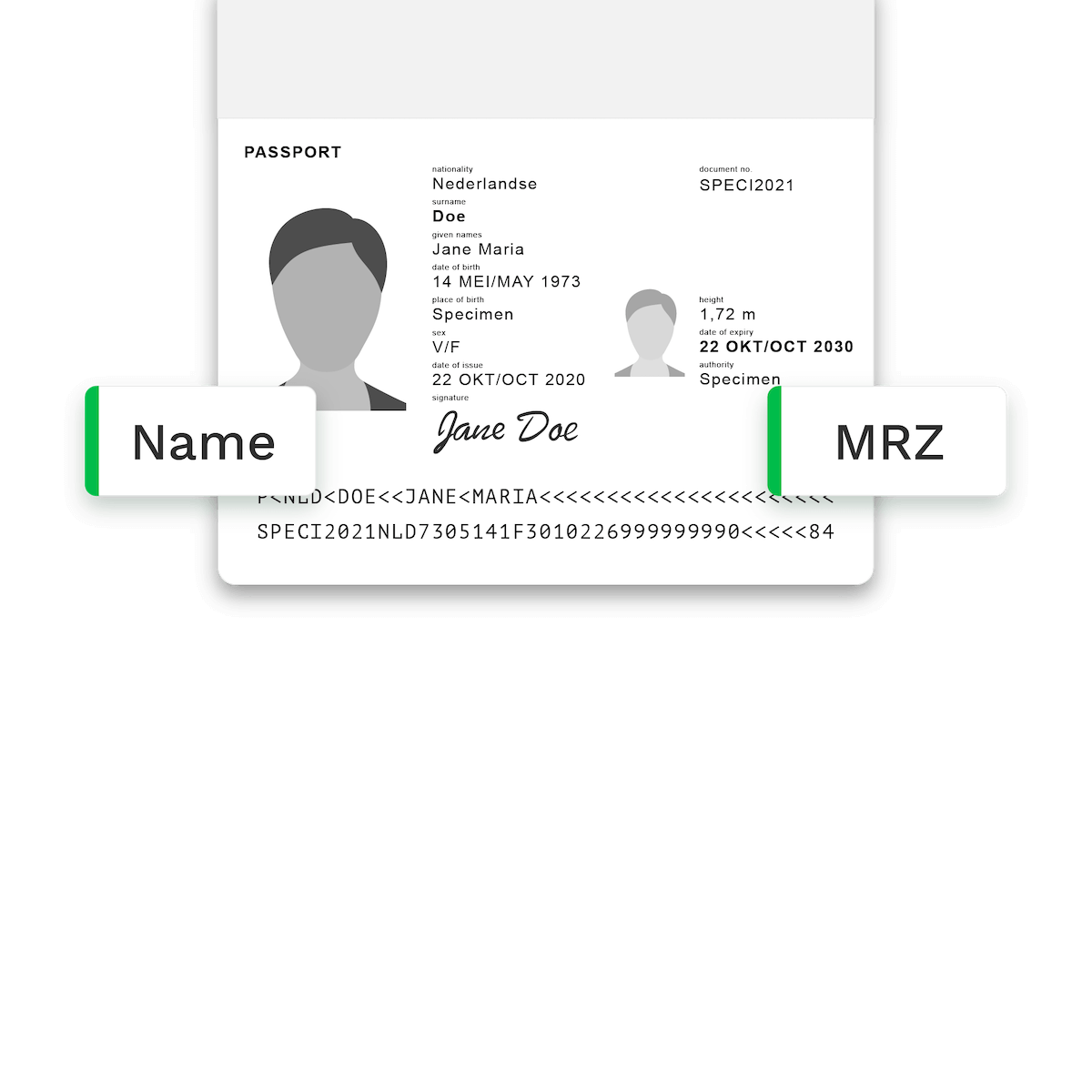
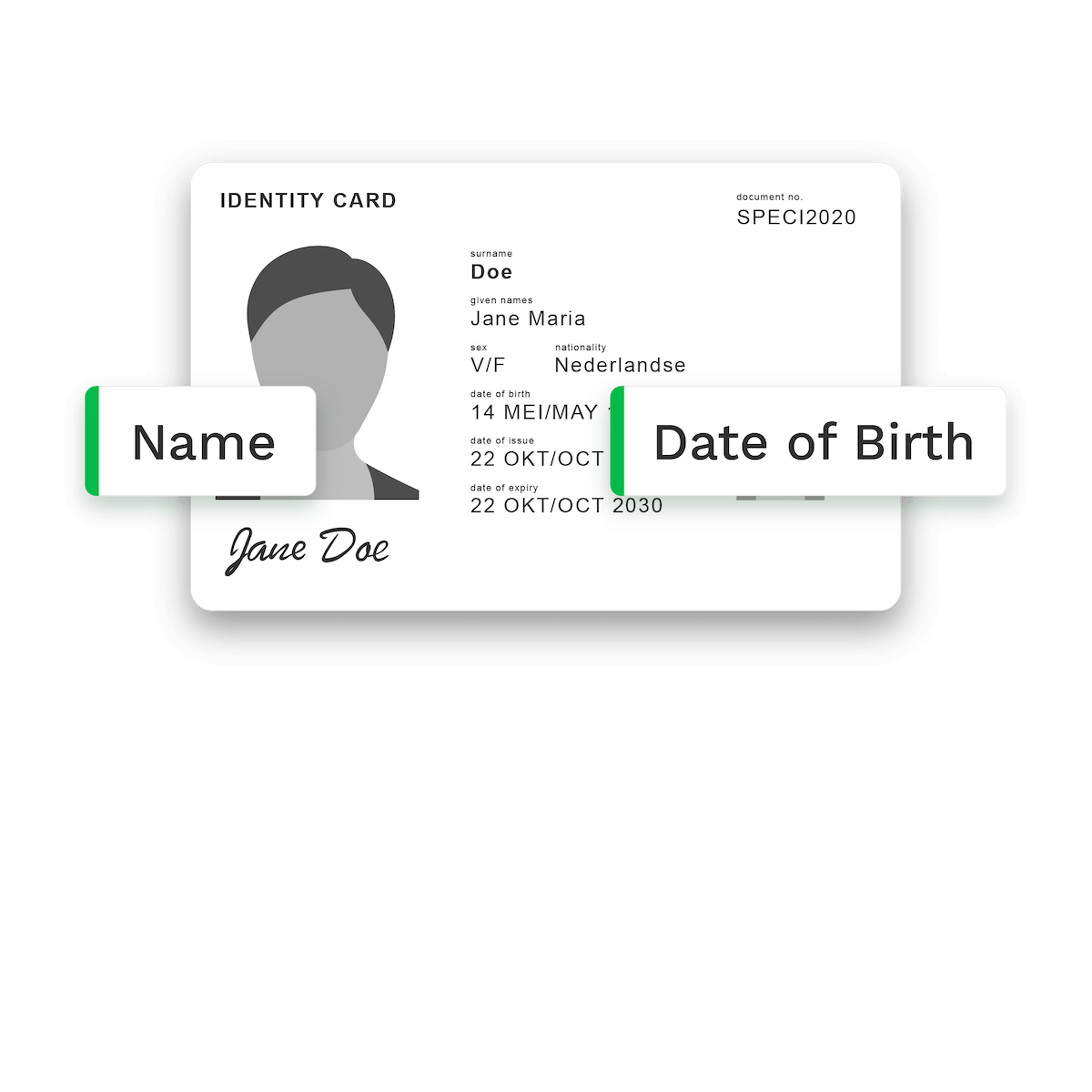
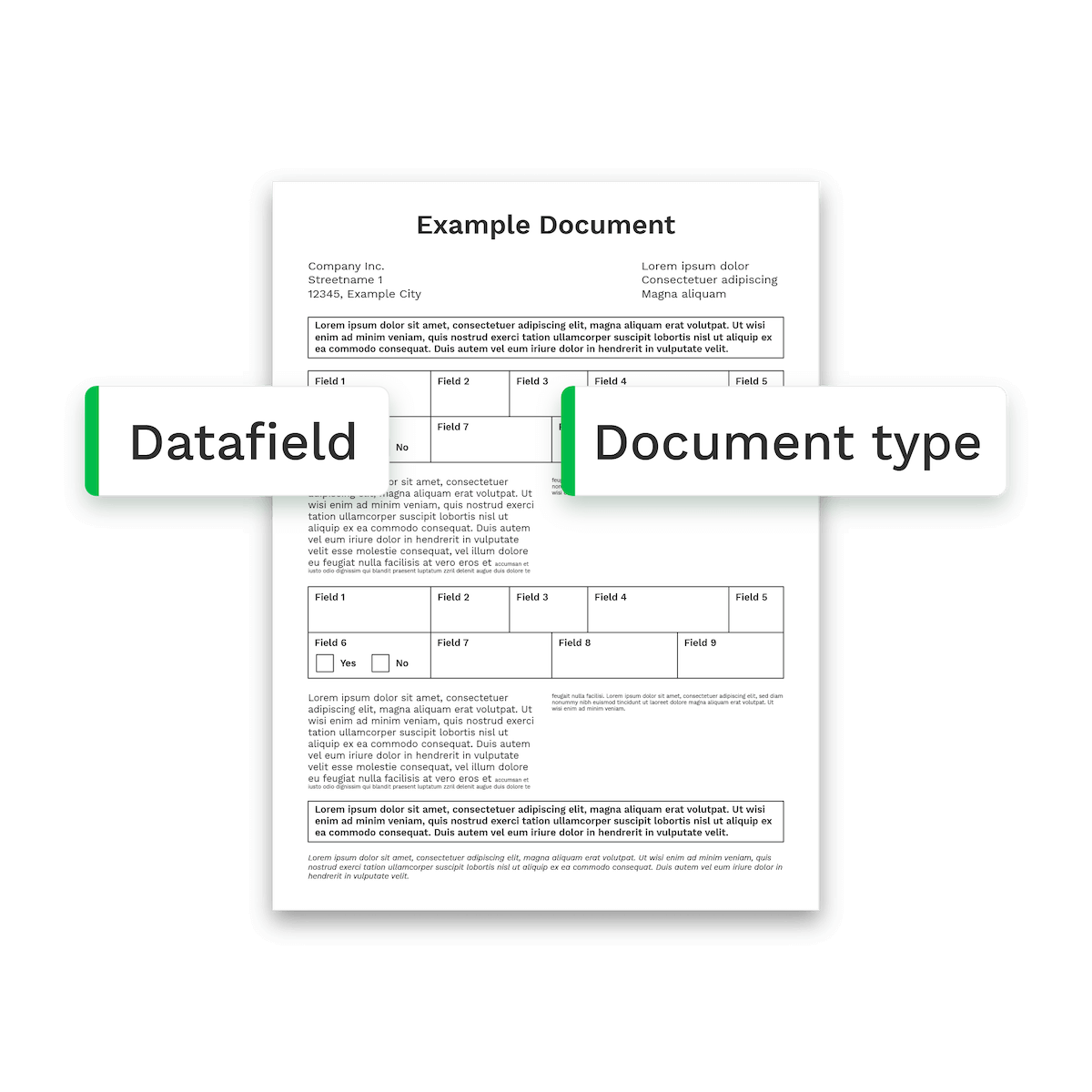
Our OCR Supports 100+ Documents
Process various document types including payslips, purchase orders, identity cards, dispatch notes, and more. Our advanced OCR technology extracts precise data for you in 0.5 to 4 seconds.
How it works
How Our Document OCR Works In 4 Simple Steps
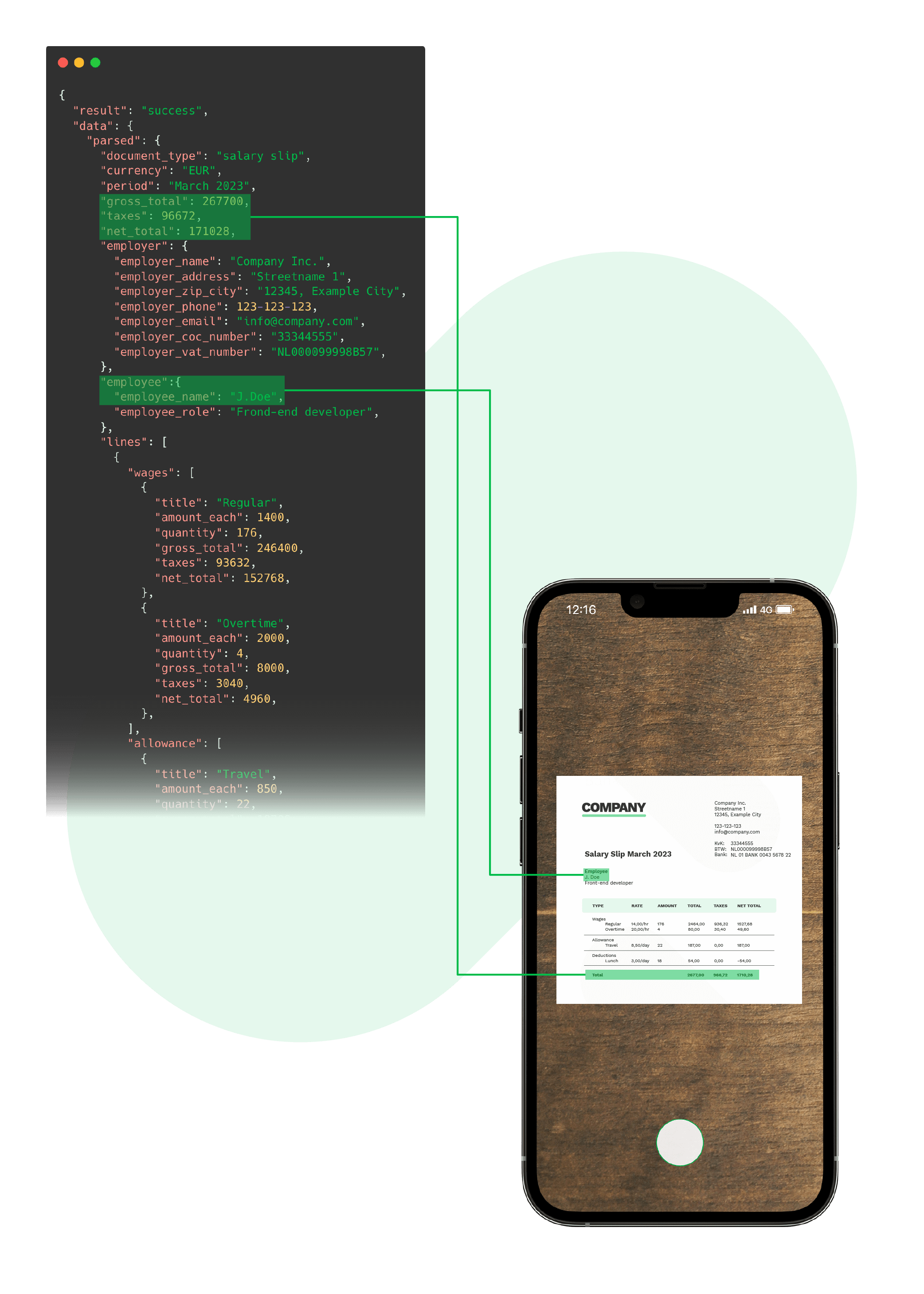
Upload files via app, web, and email
Upload any file or data from email attachments to scanned documents and our OCR handles the rest.
Supported formats include:
.jpg, .jpeg, .png, .pdf, .doc, .docx, .xlsx, .heic, .webp, and more.Our advanced AI-powered OCR analyzes and extracts data from documents without relying on templates.
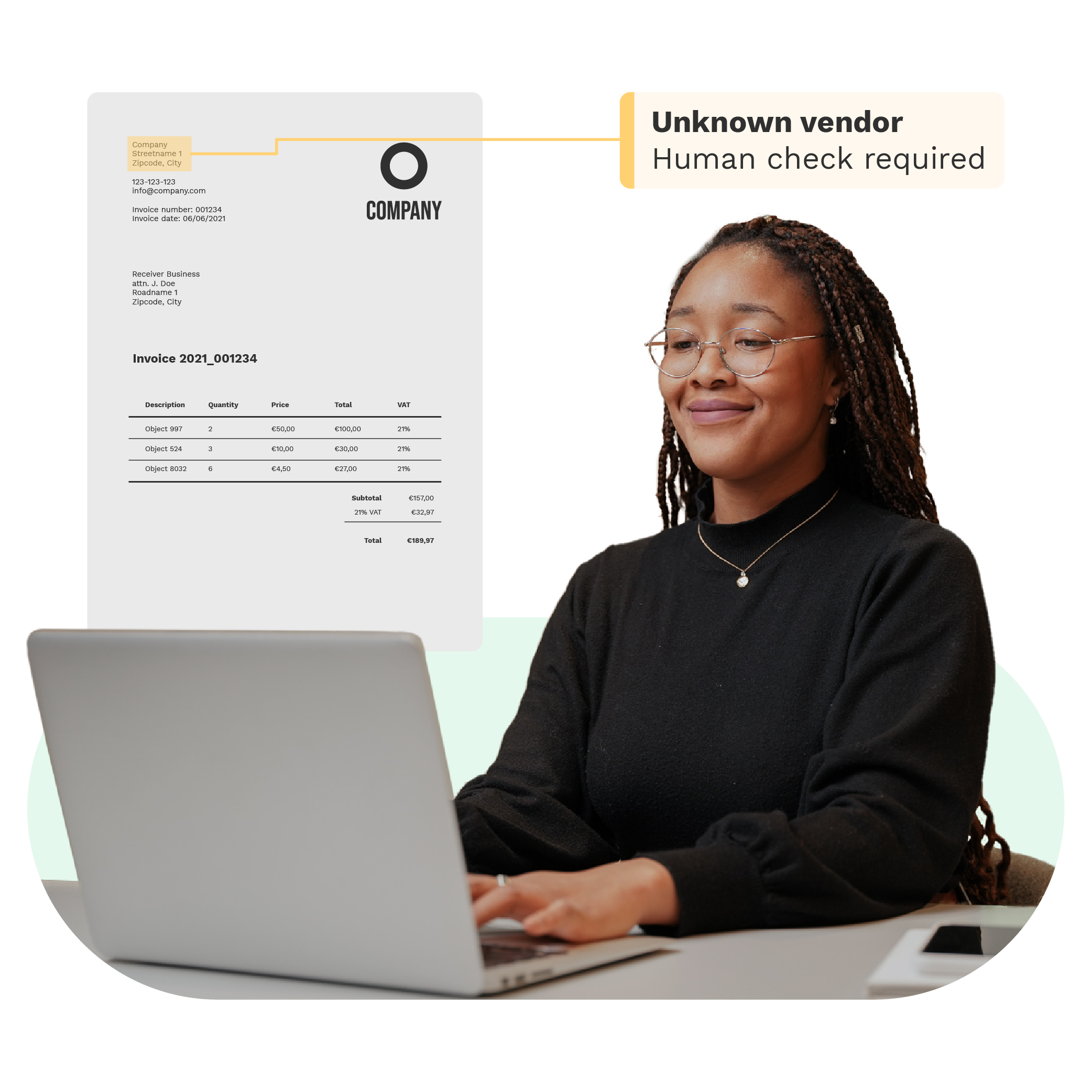
Validate data
Validate data and flag any missing or potentially fraudulent information, to enhance data accuracy and authenticity.
Export to various formats
Forward structured data in your CRM, ERP or database directly – or export the data as
.json, .csv, .xml, .xls, .ubl, and more.KEY FEATURES
Why Choose Document OCR from Doxis
Doxis’ AI-powered OCR simplifies document scanning and processing with advanced features, delivering precise, structured data swiftly.
Reach 99% accuracy
Experience unparalleled accuracy in OCR text conversion, ensuring every field is captured correctly.AI-powered OCR
We leverage the power of AI to enhance OCR capabilities, making document processing smarter and faster.Wide document support
Our Document OCR supports various documents in 150+ languages ensuring versatility and flexibility.Seamless integration
Image pre-processing
Our OCR engine automatically enhances image quality for accurate data extraction and analysis.20+ formats supported
We support JSON, CSV, PDF, XML, XLS, XLSX, UBL, PNG, TIFF, DOC, DOCX, JPG, and many more.Multi-page processing
Upload multi-page documents to ensure scalable, efficient, and accurate document processing workflow.Ensured data protection
By default, we do not store any data that is being processed on our servers to ensure regulatory compliance.
How Real Estate Software Alasco Automates Invoice Workflows
“For us, it is outstanding that the OCR integration is seamless, so our customers don’t see that they are actually using another tool.”
What Alasco achieves with Doxis’ OCR:
Go Beyond Document OCR with Advanced Functionalities
Enhance your workflows with modular, high-performance OCR extensions for seamless document processing and scalability.
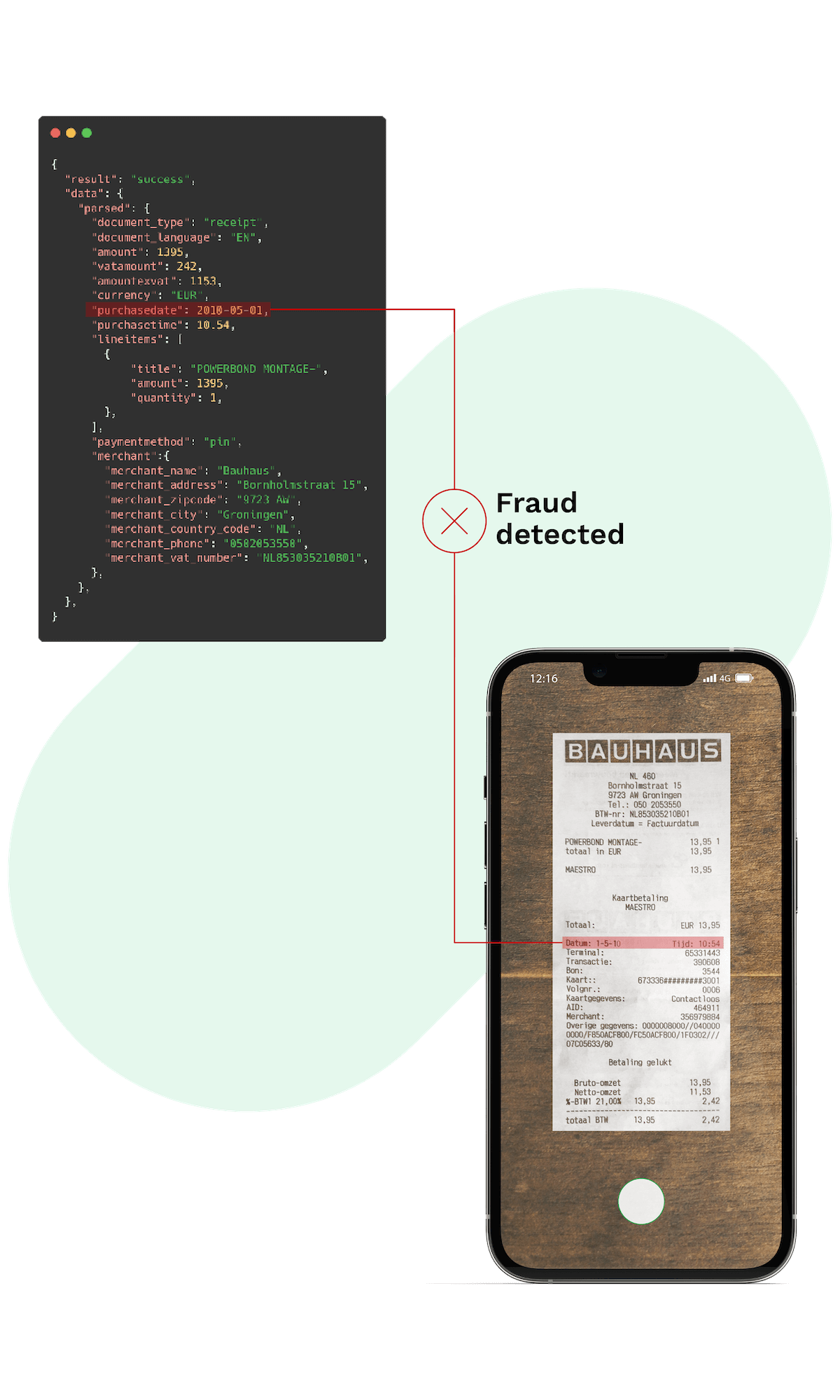
Implement Document OCR In No Time
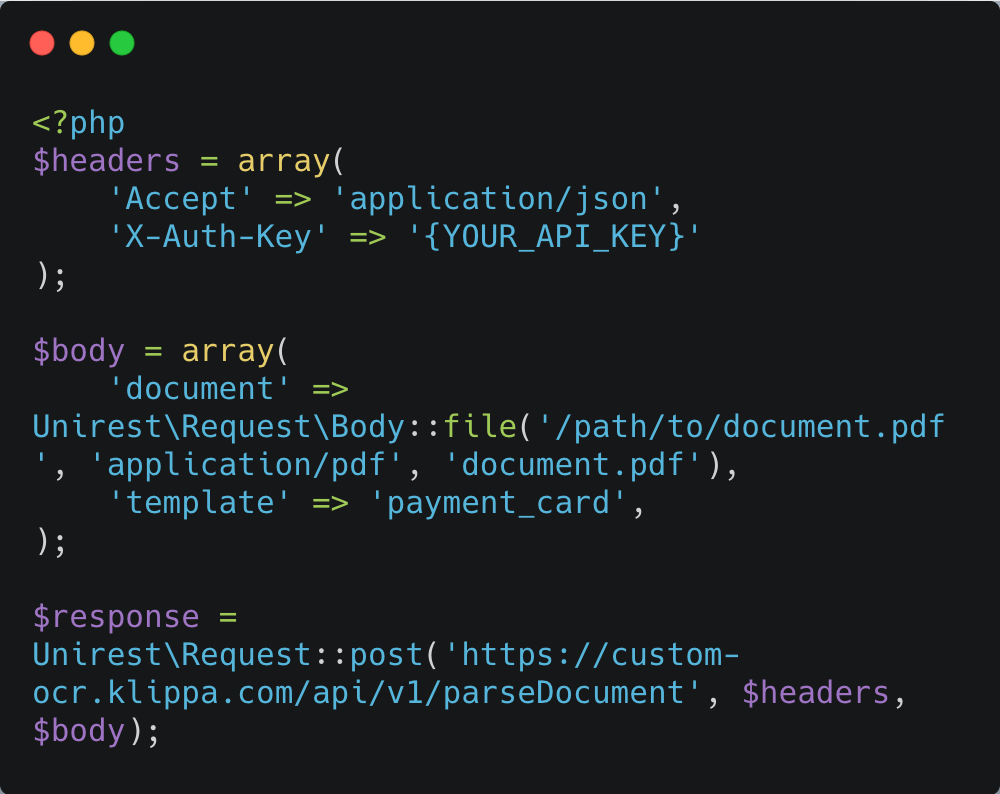
Integrate AI-powered OCR technology into your application via API, SDK or intelligent document processing platform with our developer-made documentation.
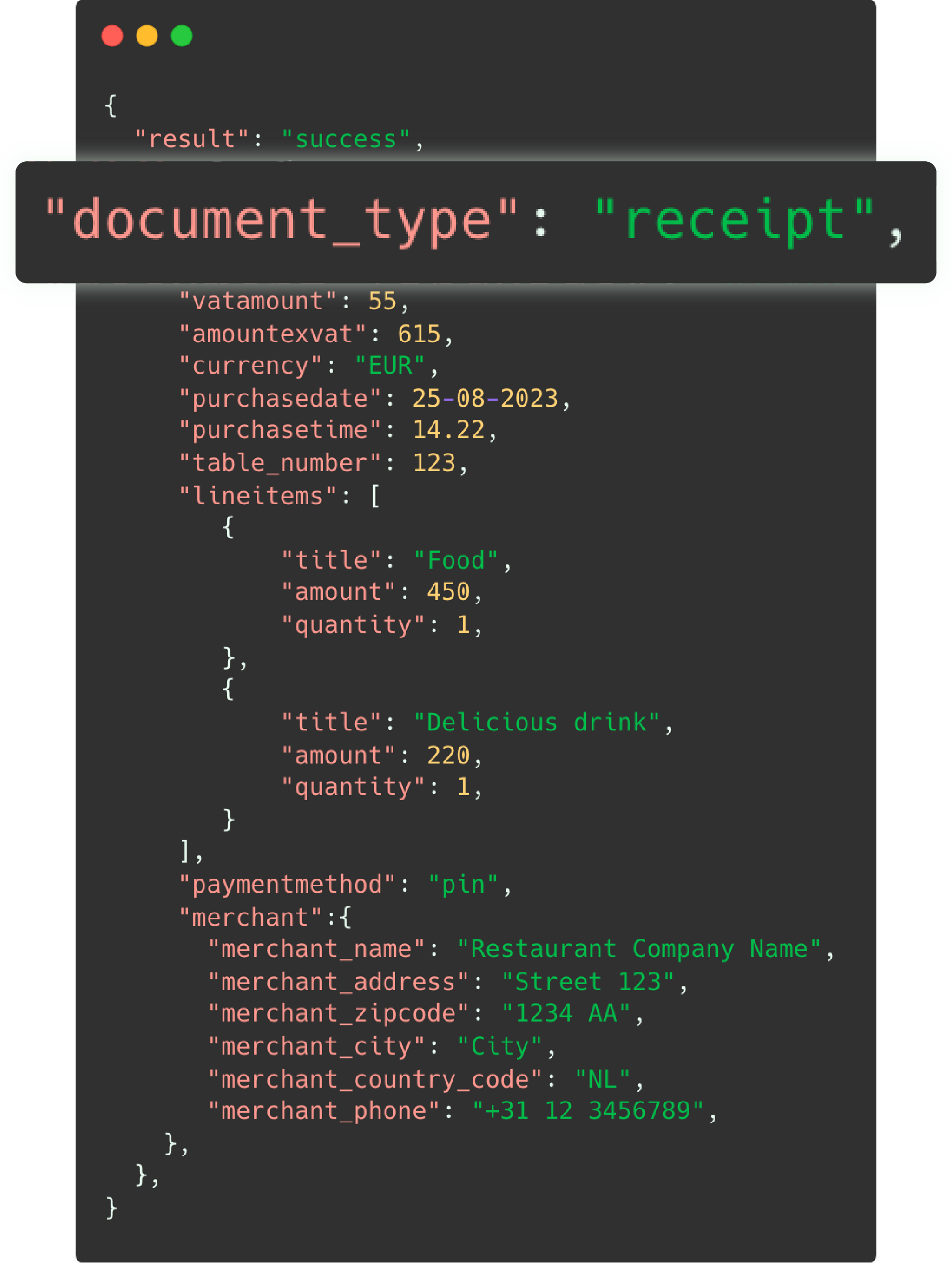
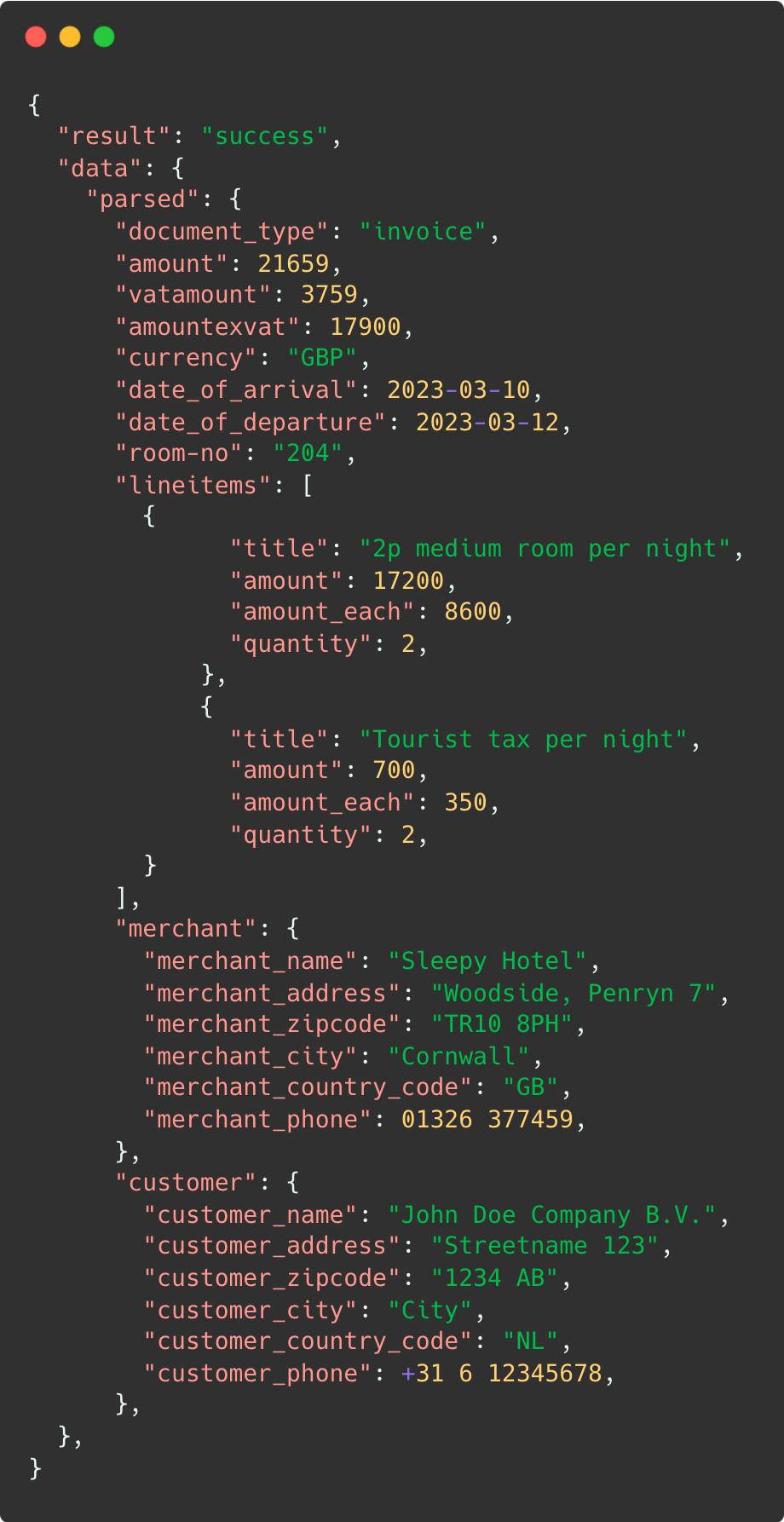
Integration is seamless: once you obtain your API key by signing up, you can swiftly implement our document OCR into your application or tech stack. With our OCR API, you’ll receive structured data in a JSON format as the standard output.
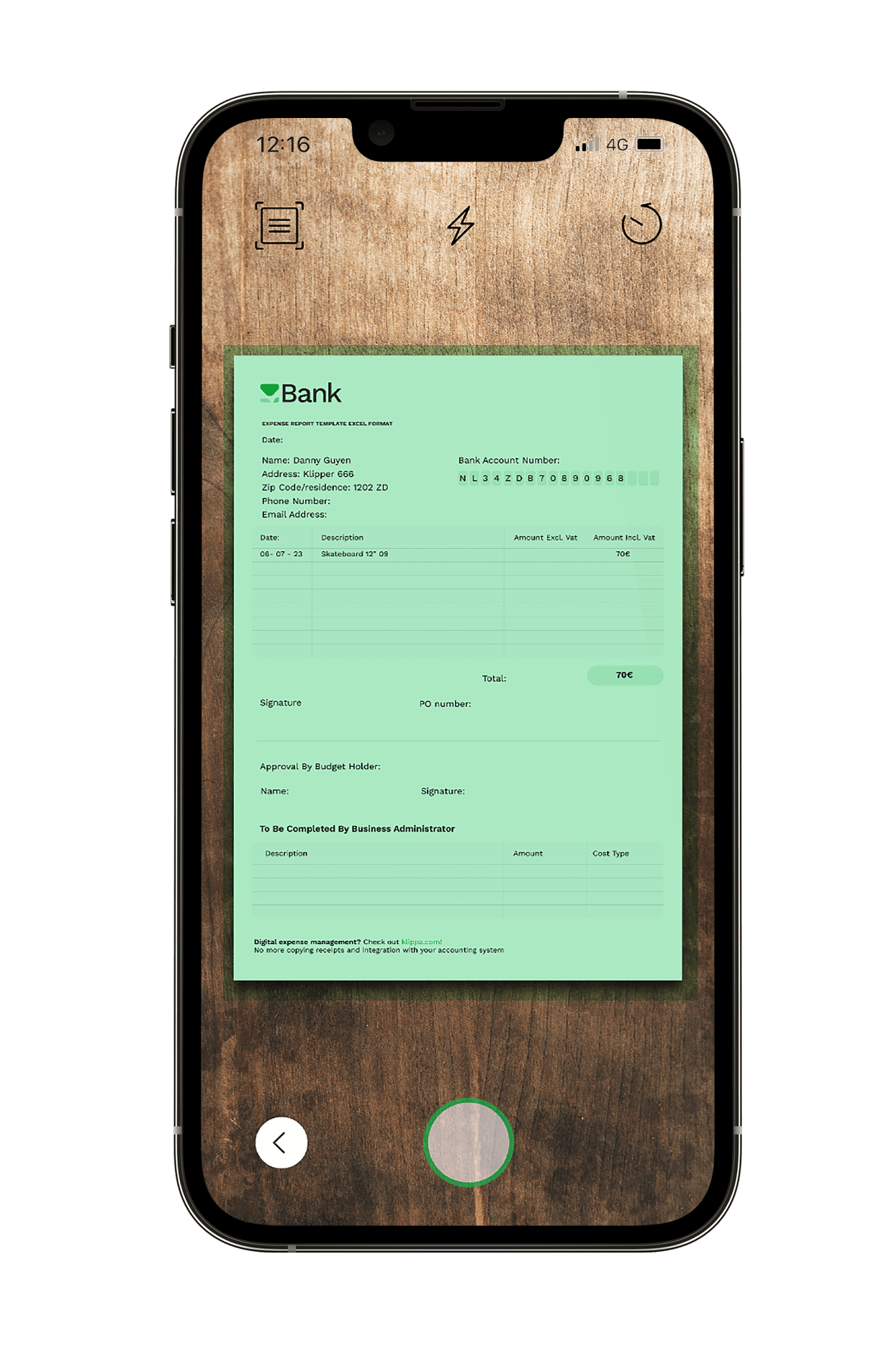
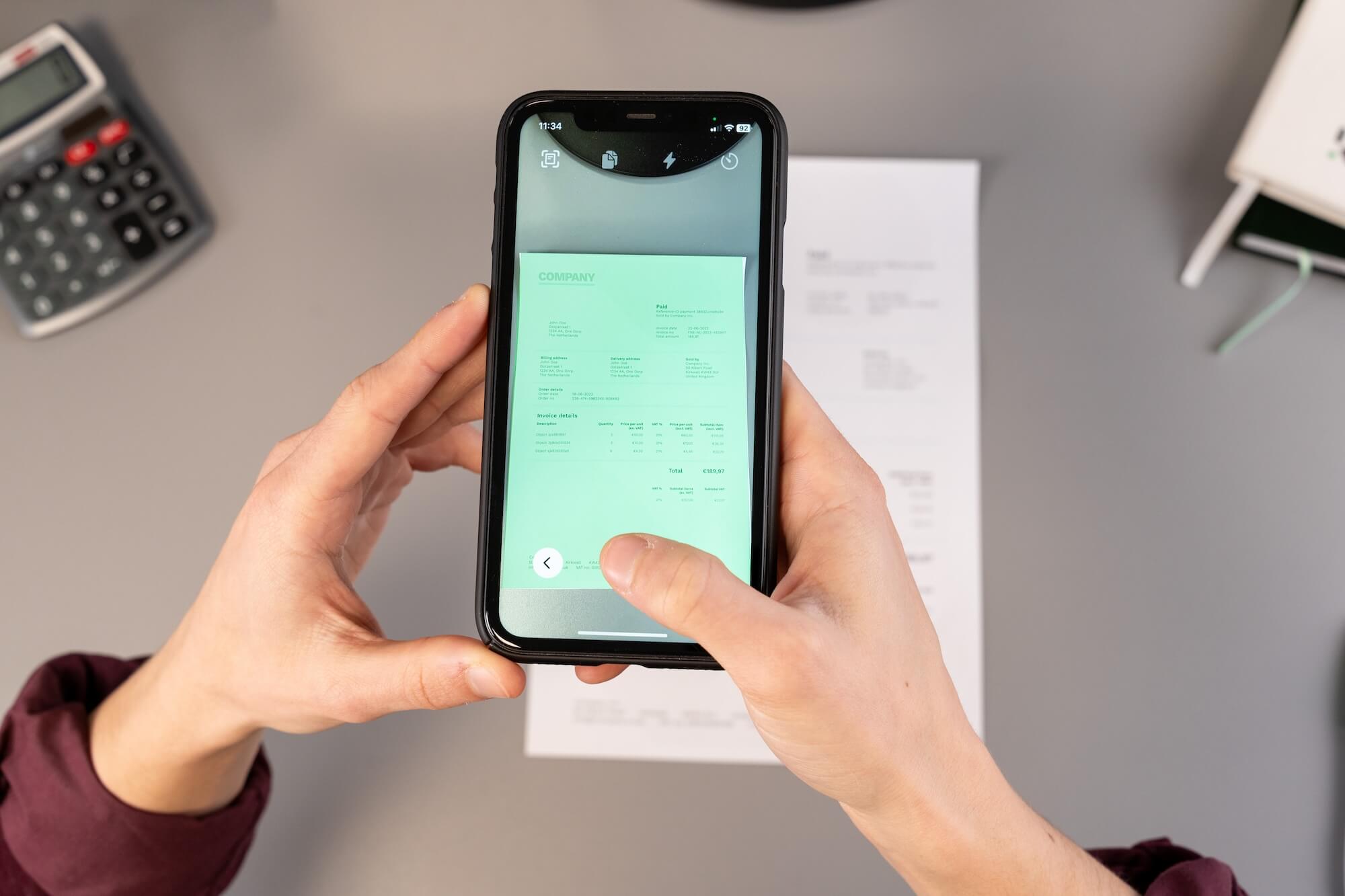
To implement real-time document scanning feature for data capturing, you will need to implement our OCR SDK. Our SDK offers various features and is made available for both iOS and Android. To get started, contact one of our experts.
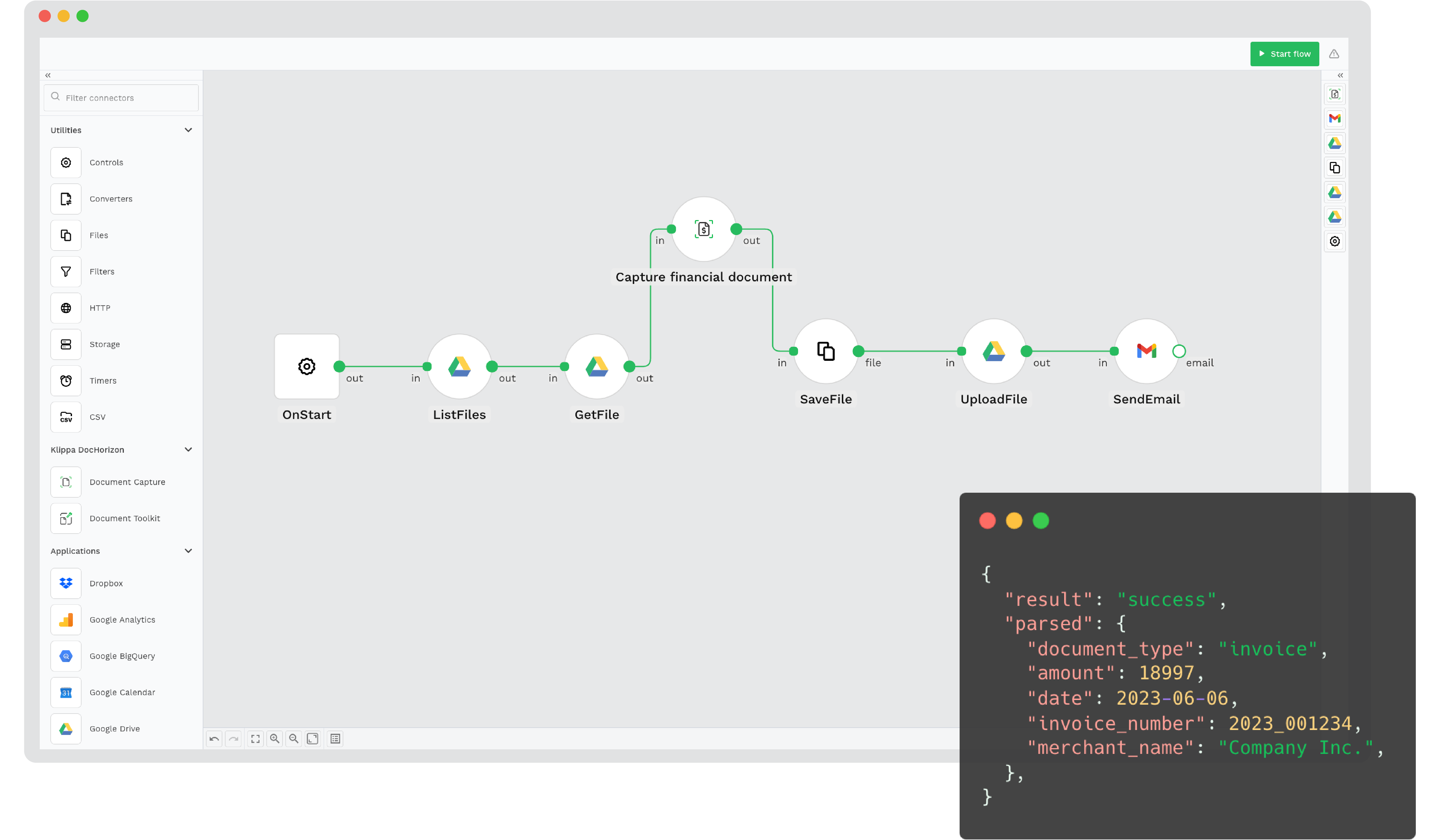
Another alternative is to use our Intelligent Document Processing platform (Klippa DocHorizon), which is more than just OCR. With Doxis AI.dp, you can create an end-to-end document processing workflow from data ingestion to export with no code! You can get started immediately by signing up.
CUSTOMER REVIEWS
What They Say About Us
Doxis AI.dp earns a 4.8/5 rating from verified users on Capterra.
- ✓ Secure

- ✓ Compliant
- ✓ Protected
- ✓ Hosted in EU
- ✓ Trusted
Frequently Asked Questions
What is Document OCR?
Can Doxis process handwritten documents?
Which document types are supported?
Which languages are supported by Doxis?
Can I use OCR for document scanning?
Is it possible to customize Doxis’ OCR?
How accurate is Document OCR?
How can Document OCR be implemented?
What does OCR response look like?
Can I test your OCR before committing?
What are the costs of using Document OCR?
Does Doxis store processed data?