Without the Legacy Limits: The Alternative to Kofax Readsoft Invoices
Stuck with a costly, on‑premise AP tool that’s reaching end of life? Klippa delivers cloud‑native, AI‑driven automation that adapts to any invoice or document — faster, smarter, and future‑proof.
Choose Klippa: The User-Friendly and Secure Solution
At Klippa, we keep our platform in continuous development. Have a look at the reasons why Klippa DocHorizon is the best Tungsten Automation alternative
Excellent support to guide your team through the implementation
Infrastructure in Europe and US to comply with regulations
Flexible document conversion for integration with business software
100% accuracy with human-in-the-loop automation
Cross-validation of extracted data points across multiple sources
EXIF data analysis to detect document forgery
Allows for complex data analysis for comprehensive insights
Why Finance Teams Choose Klippa
With Kofax ReadSoft Invoices nearing end‑of‑support in 2025, many finance teams are rethinking workflows weighed down by servers, rigid templates, and complex upgrades. Klippa offers an AI-first, cloud-based alternative that deploys fast, scales effortlessly, and keeps your AP future‑ready.
Cloud‑Native, Zero‑Maintenance Deployment
ReadSoft Invoices requires on‑premise infrastructure and IT management. Klippa eliminates servers, manual upgrades, and patch cycles with a single secure cloud platform.
Go live in weeks instead of months
No hardware, hosting, or maintenance costs
ISO 27001, GDPR, & SOC certified
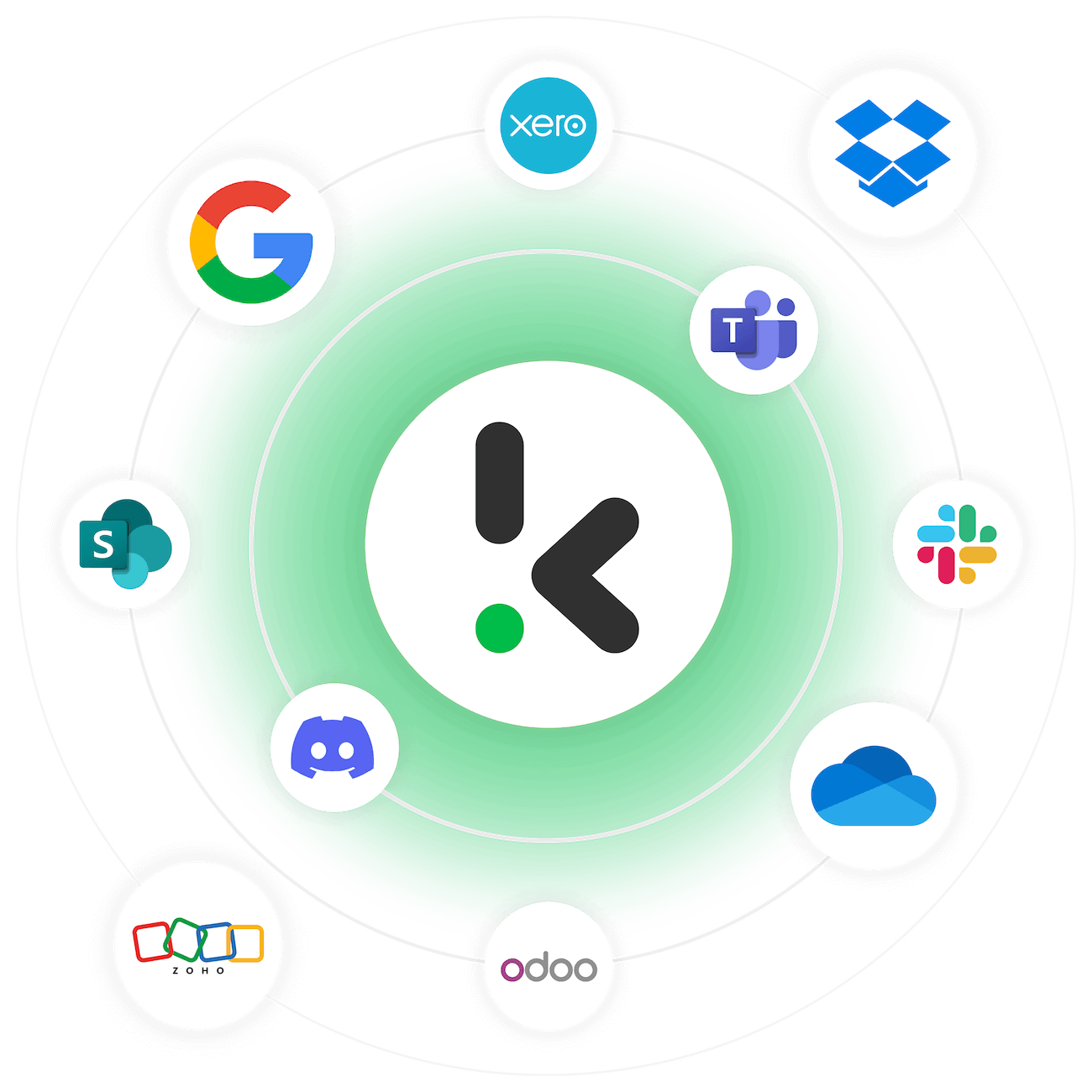
Integrate with 200+ accounting and ERP systems
AI Extraction Beyond Templates
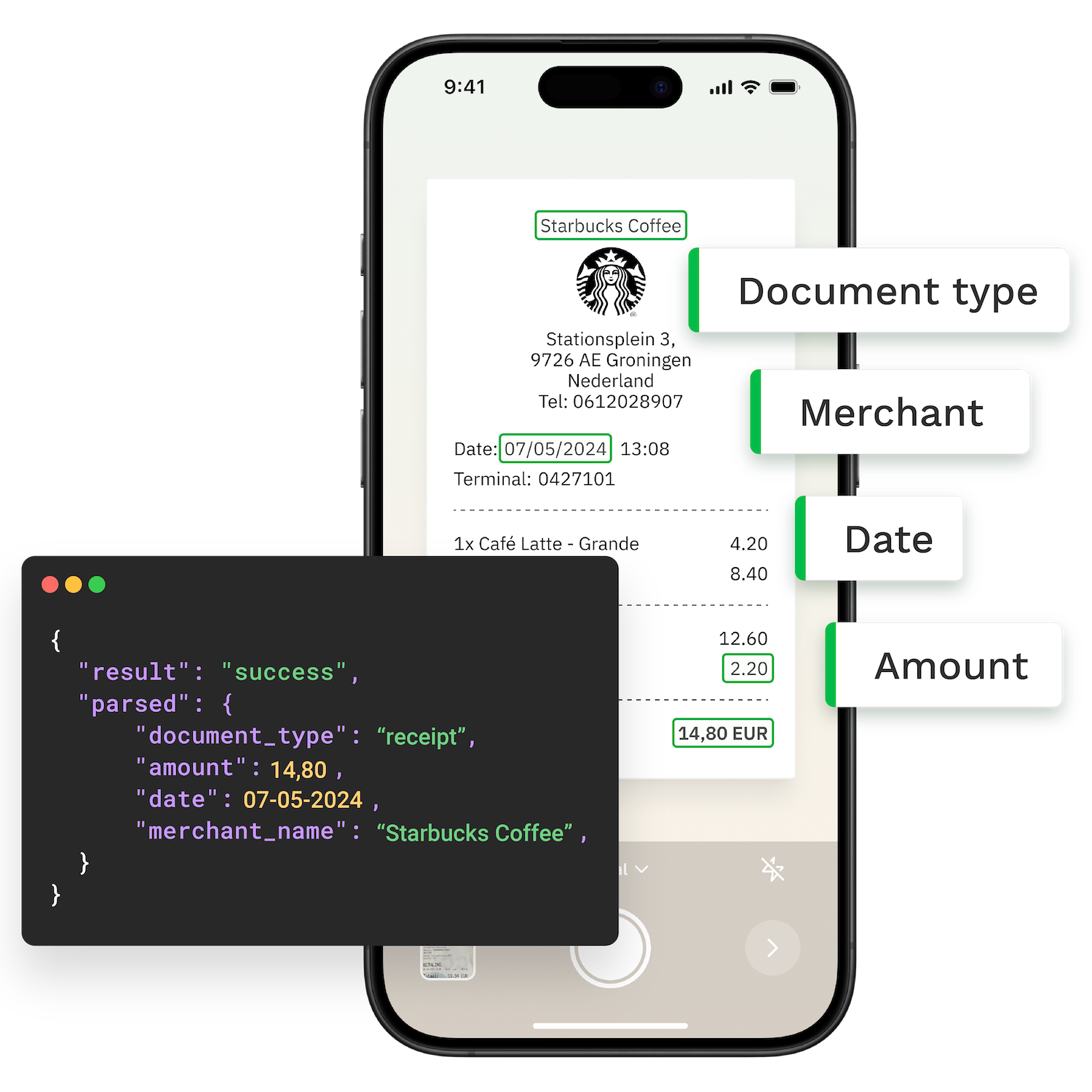
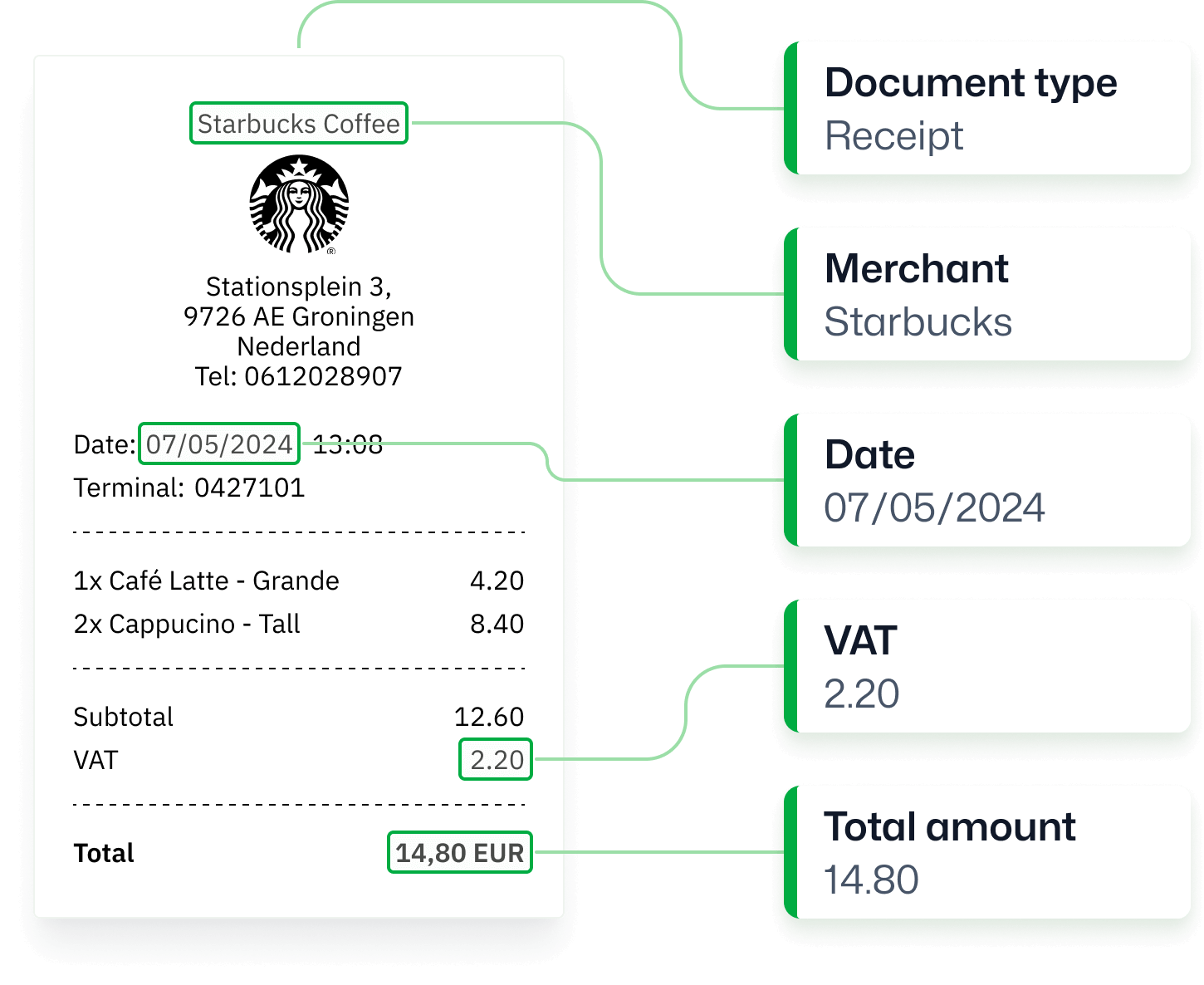
Stop relying on invoice templates. Klippa uses pre-trained AI models for 100+ financial documents and adapts in minutes with our no-code Prompt Builder.
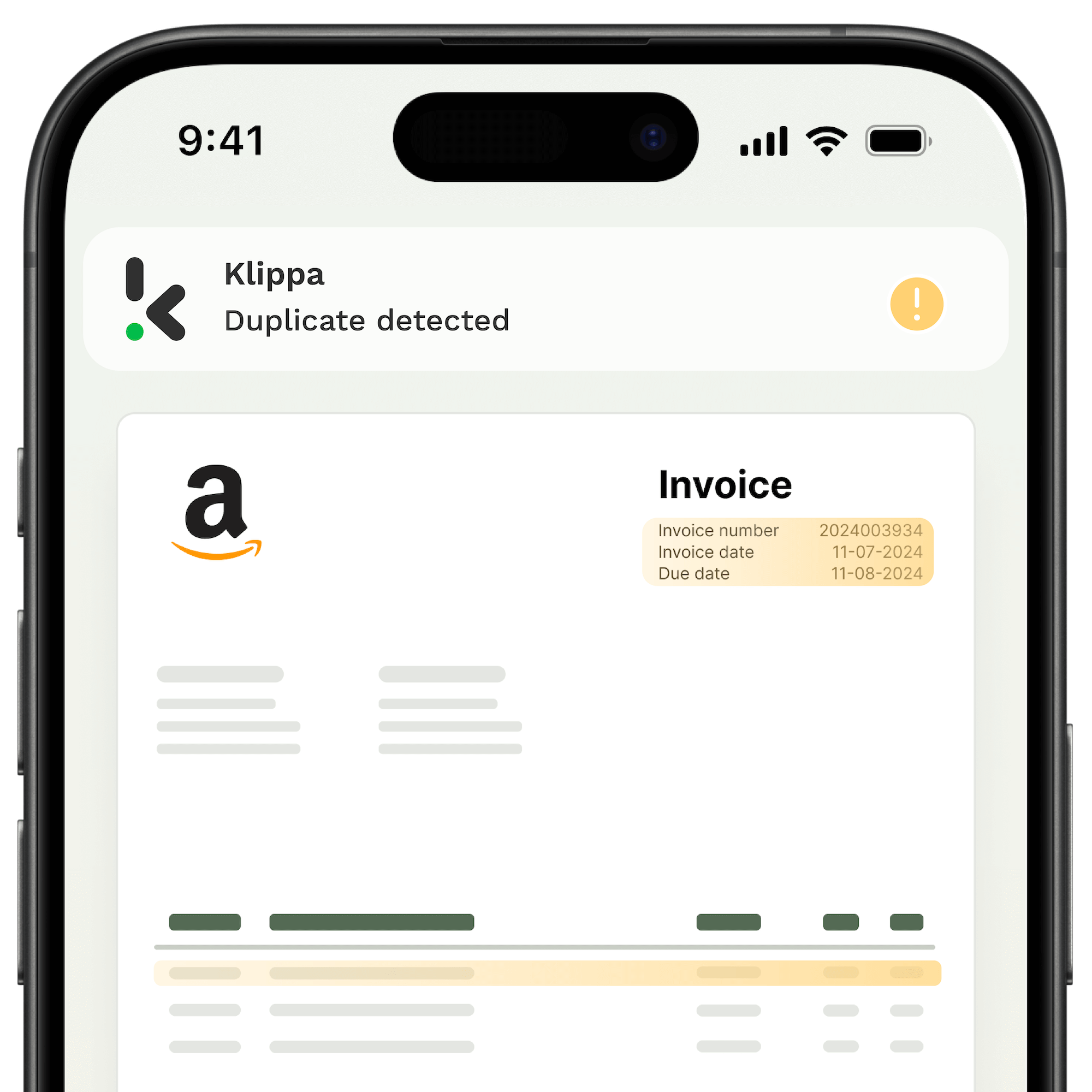
Protect yourself against invoice fraud — without adding extra tools. Klippa automatically checks every invoice for signs of manipulation, duplicates, or compliance risks.
ISO-certified, GDPR-compliant, with full audit logs
Lower Total Cost of Ownership
On‑premise software stacks up licensing, hardware, and consulting fees. Klippa’s SaaS model keeps automation costs low and predictable.

Scale costs based on usage and document volumes
No annual infrastructure or upgrade expenses
Transparent pricing with no hidden fees
Full transition support from our specialists
Future-Proof Your AP Automation
While many platforms remain template-driven, Klippa continuously invests in AI, LLMs, and new automation technology, such as AI agents, to keep you ahead.
Regular product updates included for all users
Adaptive AI & LLM-powered extraction
Support and customization for any document types
Secure, cloud-native technology ready for tomorrow
Explore Klippa’s Solutions
Klippa offers two products: DocHorizon for intelligent document processing and SpendControl for effortless spend management. Save time, reduce costs, and keep your employees happy. Explore our Readsoft Invoices alternatives.
Spend Management
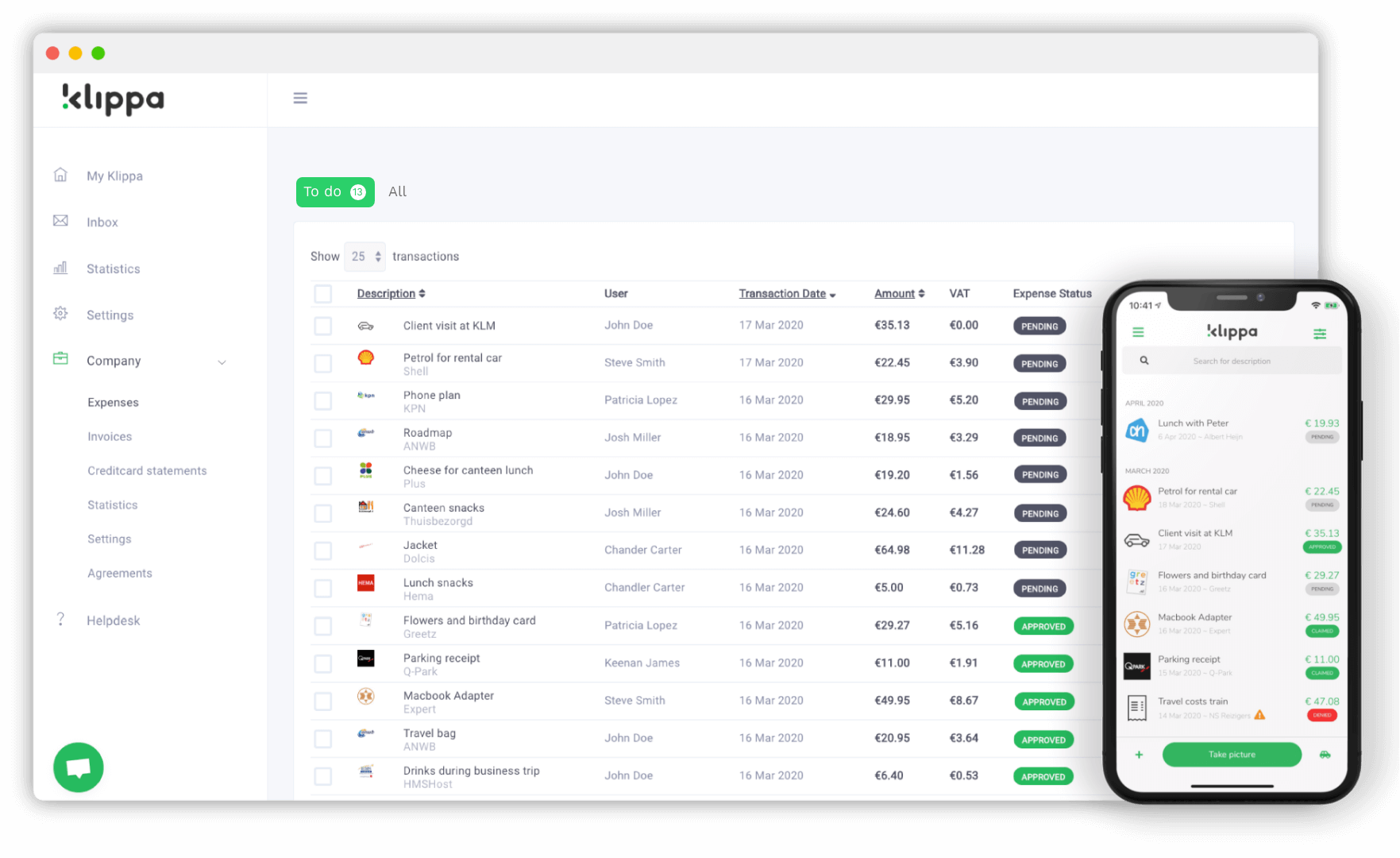
SpendControl provides care free spend management for every financial leader. Control your organizations spend and optimize financial operations, with modules for invoice processing, expense reimbursements and business expense cards.
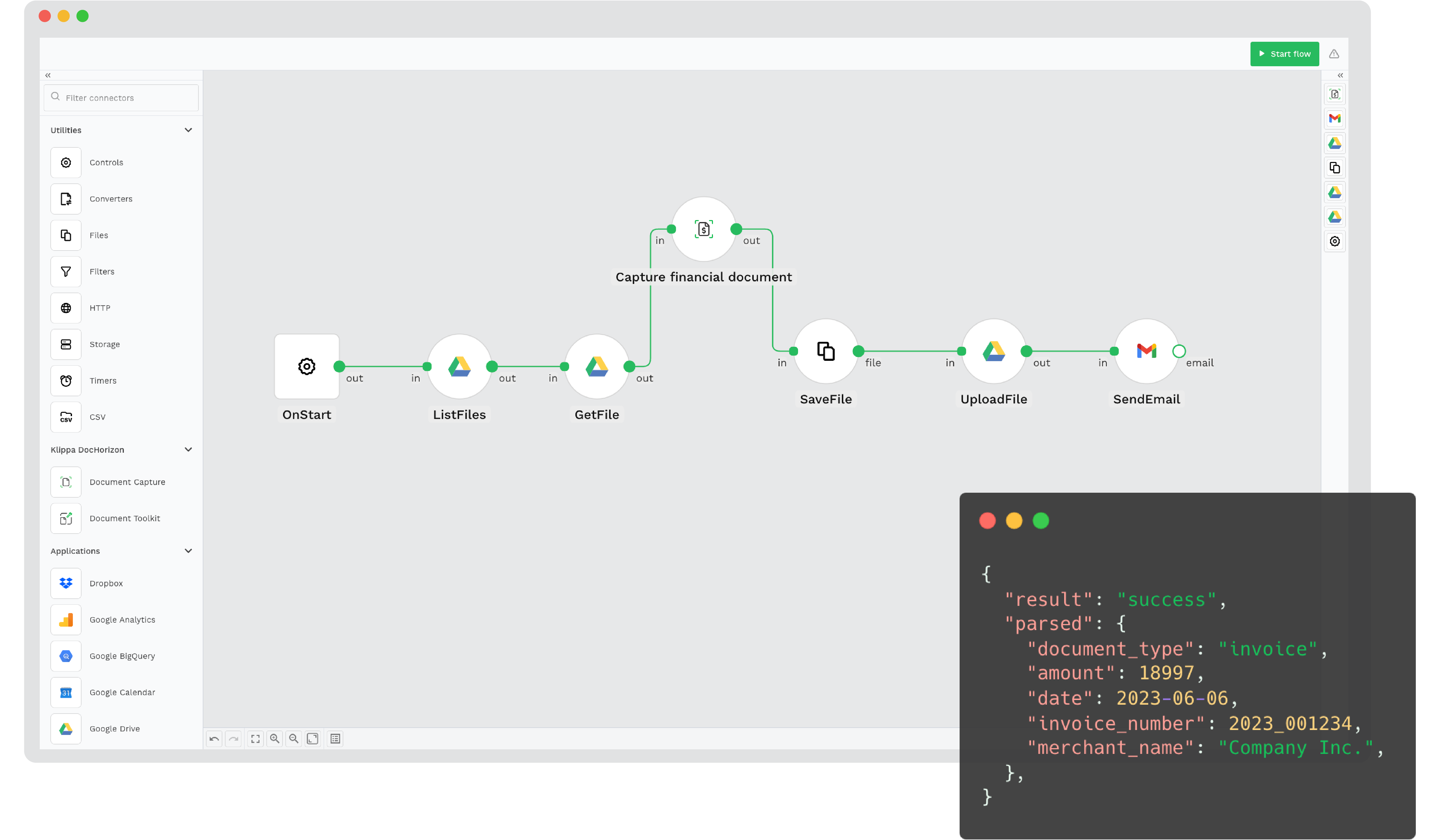
Klippa DocHorizon helps organizations automate document workflows. Turn documents into structured data within seconds. Scan, read, sort, extract, anonymize, convert and verify documents at scale via our interface, APIs or SDK.
What is the best alternative to ReadSoft Invoices?
Klippa is a cloud‑native, AI‑powered platform that processes all AP documents quickly, accurately, and without the IT overhead of on‑premise systems.
Invoice-only platforms like Readsoft Invoices limit finance teams when they need broader automation and stronger compliance. Klippa combines AI-driven invoice processing with support for receipts, invoices, purchase orders, bank statements, vendor statements and other AP documents — all in one solution.
Features like data capture for line items, IBANs, and VAT, anonymization, fraud and duplicate detection, and 2-way matching ensure finance teams get speed, accuracy, and security.
With flexible pricing, a modern interface, and continuous updates, Klippa is the smarter choice for AP automation.
How does Klippa DocHorizon work?
Klippa DocHorizon is an intelligent document processing platform that automates workflows for capturing, sorting, extracting, and verifying data from various documents. Here’s how it works:
2. Data Extraction: The platform extracts relevant data from the captured documents, such as names, amounts, dates, and other key details. It uses machine learning to improve accuracy over time.
3. Data Verification: Klippa verifies the extracted data, ensuring it matches the correct format and business rules. It can flag any discrepancies for review.
4. Workflow Automation: Users can create customized workflows to automate the processing of documents, reducing manual tasks. This includes integration with other business tools (e.g., ERPs, CRMs, and accounting software).
5. Human-in-the-Loop (HITL): In cases where ultimate precision is required, Klippa uses a human-in-the-loop approach, where human oversight ensures 100% accuracy, especially for complex or non-standard documents.
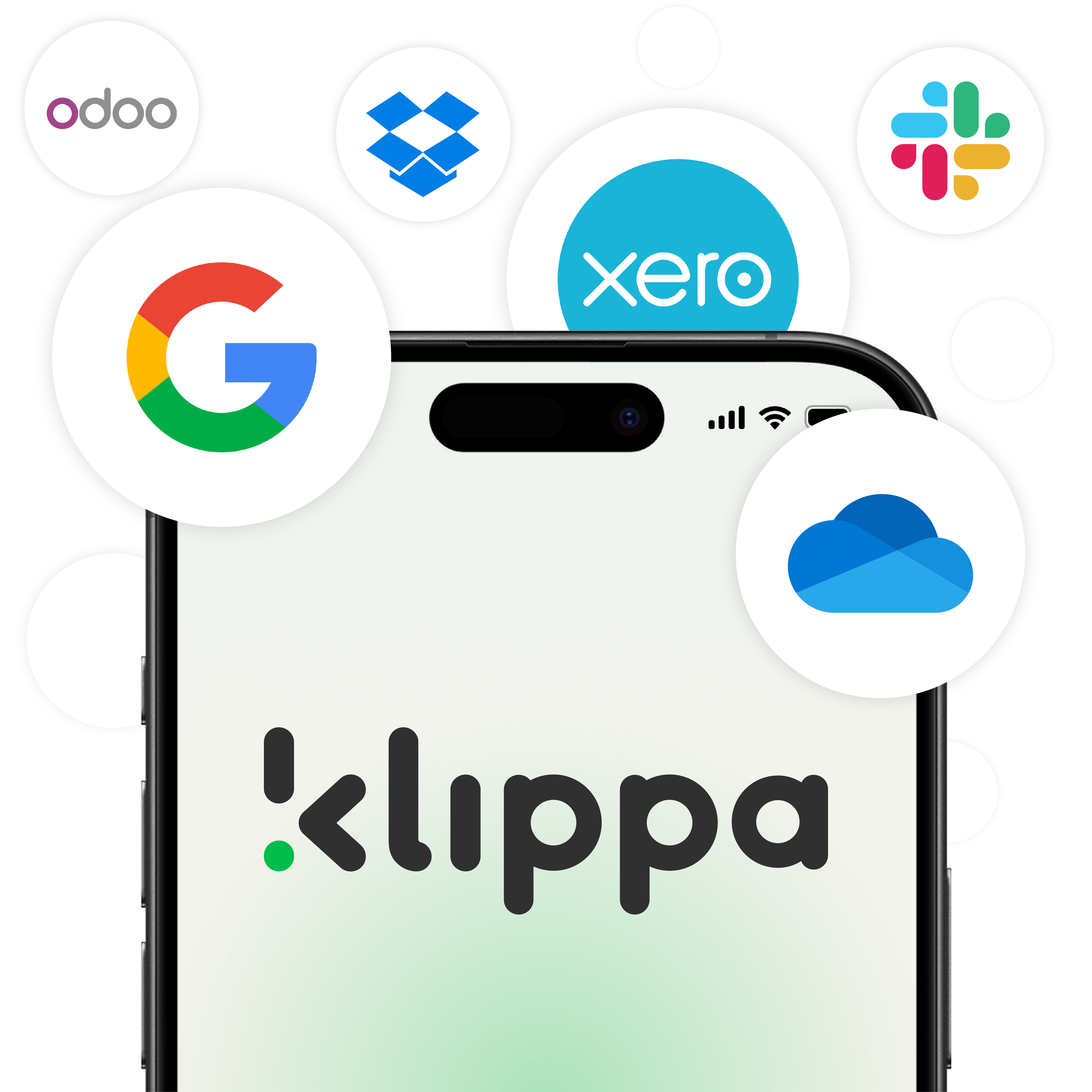
6. Integration: The platform integrates seamlessly with various applications (e.g., Google Drive, Xero, Salesforce), allowing businesses to sync and use extracted data across systems.
By automating these tasks, Klippa DocHorizon saves businesses time, reduces errors, and ensures compliance with data protection regulations.
What features are included in the platform?
Klippa DocHorizon includes the following key features:
1. Data Extraction: Automatically extracts key data from documents, such as names, amounts, dates, and other relevant details, using AI and OCR technology.
2. Document Conversion: Converts documents into various formats, making it easier to share and integrate the data into other business systems.
3. Document Classification: Classifies documents based on predefined categories, enabling better organization and faster document processing.
4. Data Anonymization: Masks sensitive data within documents, ensuring compliance with privacy regulations like GDPR while protecting personal and confidential information.
5. Document Verification: Verifies the extracted data to ensure accuracy, checking it against business rules and predefined criteria.
6. Identity Verification: Verifies the identity of individuals by processing documents like IDs, passports, or driver’s licenses, using facial recognition and other AI-driven checks.
7. Human-in-the-Loop (HITL): Integrates human oversight to ensure 100% accuracy in data extraction for complex or uncertain documents, combining AI with human expertise.
8. Workflow Builder: Allows you to create customized document processing workflows with minimal technical skills, automating repetitive tasks and improving efficiency.
9. Prompt Builder: Provides a user-friendly interface to define and customize AI prompts, allowing you to fine-tune the platform’s responses based on your specific needs and document types.
10. Model Builder: Lets you train your own AI model tailored to specific document types or business requirements. This feature enables you to create models that suit your exact needs without needing deep machine learning knowledge.
These features work together to streamline document processing, enhance automation, and ensure data accuracy and security across various business applications.
Moreover, with our latest prompt builder, you can process all kinds of documents you can imagine. If you have any questions, please feel free to contact us.
Can I process multiple documents at once?
Yes, Klippa DocHorizon can process multiple documents at once. It allows you to upload and batch process documents in bulk, saving time and increasing efficiency.
The platform uses AI and OCR to automatically extract data from all documents in the batch, ensuring they are processed simultaneously.
This is especially useful for businesses that handle large volumes of documents, as it eliminates the need for manual entry and speeds up the overall workflow.
Does Klippa integrate with my other tools?
Yes, Klippa integrates with a wide range of business tools and applications, making it easy to streamline your workflows and sync data across systems. Some of the key integrations include:
1. Accounting Software: Xero, QuickBooks, and other accounting tools to automate financial document processing.
2. CRM Systems: Salesforce, HubSpot, and more for seamless data transfer between document processing and customer relationship management.
3. Cloud Storage: Google Drive, Dropbox, OneDrive, and other cloud storage platforms to store and access processed documents easily.
4. ERP Systems: Integration with ERPs like SAP and Microsoft Dynamics for smoother data flow and automation of business processes.
5. Other Business Applications: Klippa can integrate with many other tools through APIs and platforms like Zapier, enabling you to connect it with your existing software stack.
These integrations allow you to automate workflows, reduce manual data entry, and improve efficiency by connecting Klippa with the tools you already use.
Our pricing model is based on either an annual license or a pay-per-document fee. Depending on your requirements and volume, our product specialists will provide you with a personal pricing quote.
Yes, switching to Klippa is designed to be easy and seamless. The platform offers several features that make the transition smoother:
1. Simple Onboarding Process: Klippa provides a user-friendly onboarding experience, guiding you through setup and integration with your existing systems. You can get up and running quickly without extensive technical expertise.
2. Data Migration Support: If you are moving from another document processing solution, Klippa can assist with data migration to ensure that your existing documents and workflows are transferred smoothly.
3. Integration with Existing Tools: Since Klippa integrates with a wide range of tools and applications (e.g. accounting software, CRMs, cloud storage), you can easily connect Klippa to your current systems without significant disruption.
4. Customizable Workflows: You can tailor Klippa’s workflows to match your current processes, minimizing the need for drastic changes and allowing a smoother adoption.
5. Dedicated Support: Klippa offers support to help you through the transition. Our team can provide guidance and answer any questions as you switch to the platform.
Overall, Klippa is designed to simplify the adoption process, making it easier to switch and start automating your document processing workflows quickly.
Is my data safe with Klippa?
Yes, 100%! By default, Klippa does not store any customer data on its servers. Data is always processed under a data processing agreement (DPA) and all services from Klippa are compliant with the GDPR.
All data transfer is done via secure SSL connections. Our servers are ISO-certified and by default located in Amsterdam, the Netherlands. Getting a custom server on a location of choice is possible in any location worldwide.
Make the Best Choice for a Kofax Readsoft Invoices Alternative
If you’re looking for a reliable, easy-to-use automation platform, we believe Klippa is the best alternative to replace Kofax Readsoft Invoices. Explore other software providers and see how their features and service quality compare to Klippa, and choose the one that’s right for you.