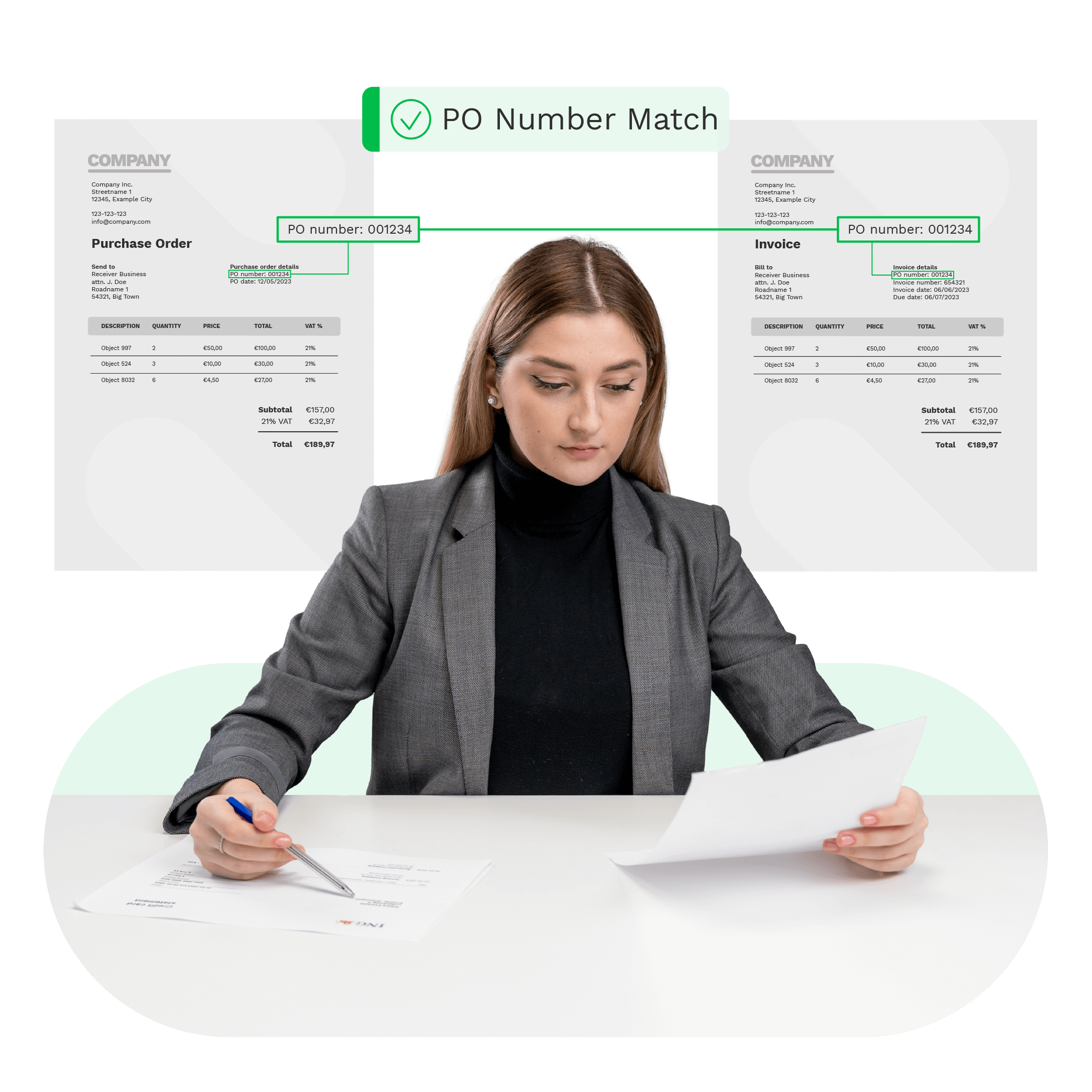
Automated Two-Way Matching for Faster & Smarter AP Workflows
Doxis AI.dp reconciles invoices with purchase orders (PO) in seconds, automatically flagging mismatches so you can prevent overpayments and handle exceptions.
Trusted by 1000+ brands worldwide





CHALLENGES
The Challenges of Two-Way Matching
If you rely on the traditional two-way matching process, you know how quickly it can become time-consuming and error-prone. When your AP team still depends on manual matching and reconciliation, you face significant challenges and inefficiencies:
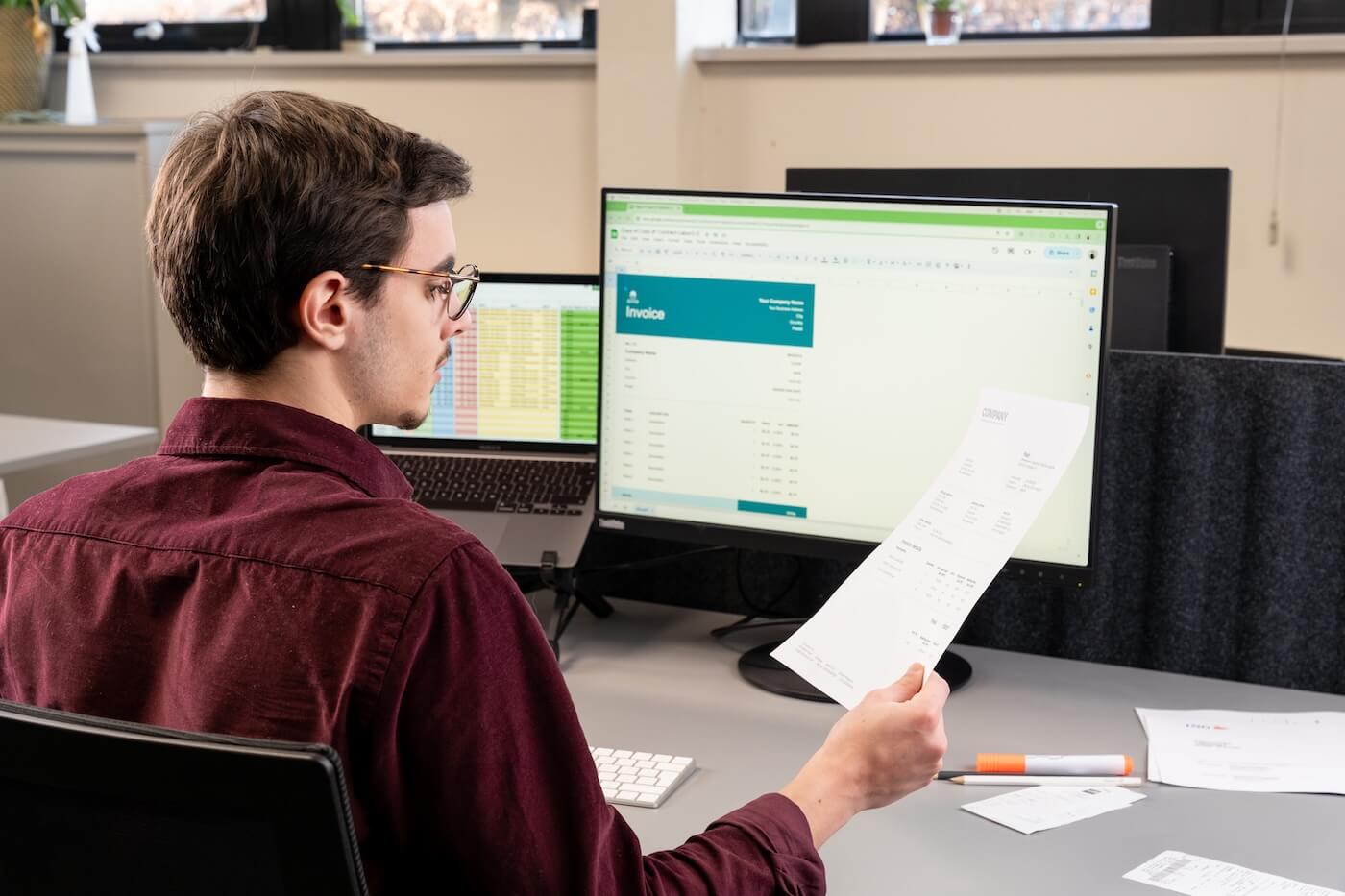
How Doxis AI.dp Automates Two-Way Matching
Doxis’ Intelligent Document Processing platform helps AP & procurement teams reduce errors, accelerate approvals, and maintain accurate financial records. AI-powered two-way matching automates data extraction, classification, validation, and reconciliation with ease.
Data Extraction and Structuring
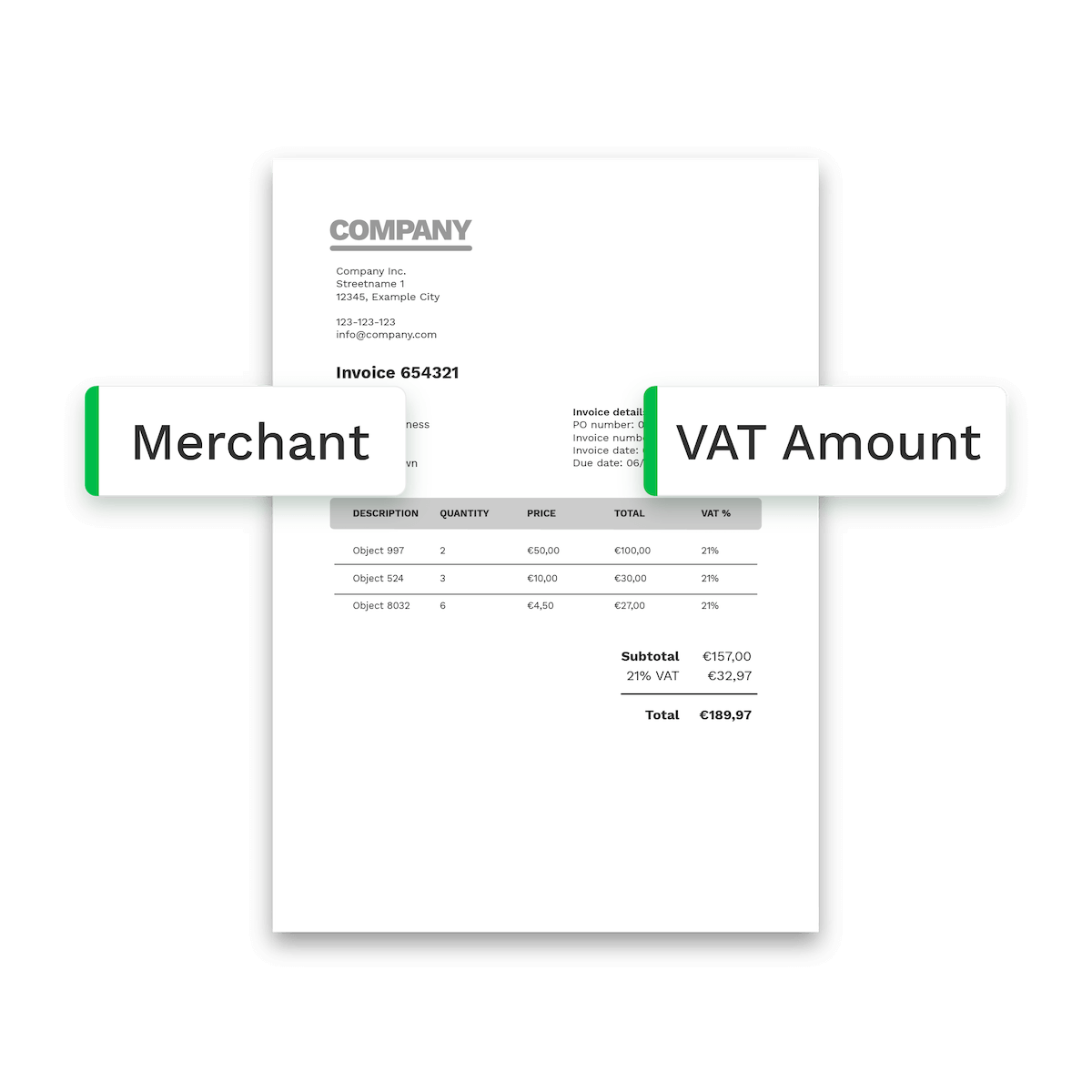
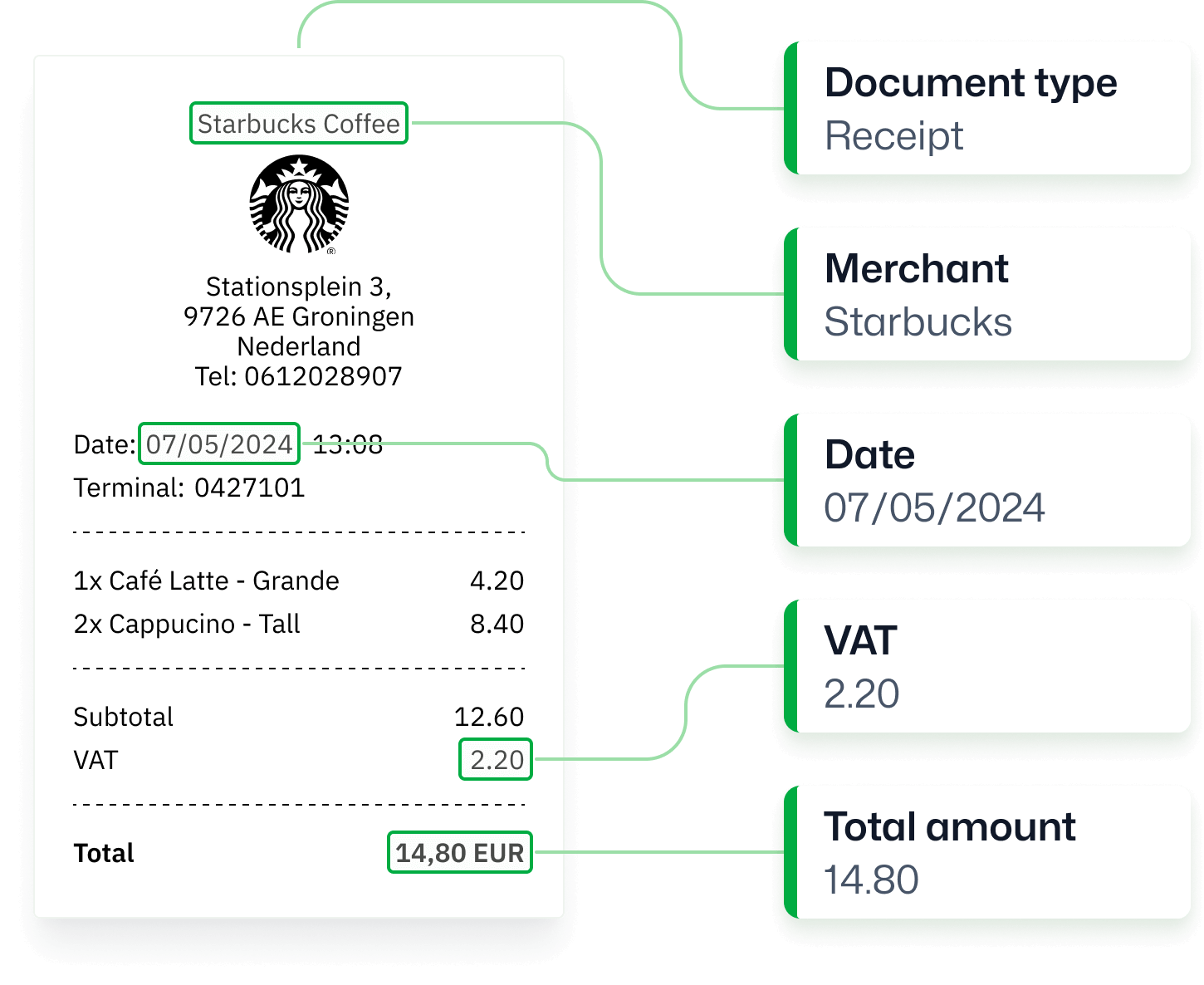
Extract and structure data from all documents in your two-way matching process, including invoices, purchase orders, delivery notes, and more. Doxis compares key details such as line items, quantities, and prices, making discrepancies easy to spot.

Intelligent Document Classification
Classify all incoming documents automatically so each file is instantly recognised as an invoice, purchase order, or any other supporting document. This removes the manual sorting work that often slows down document flows.
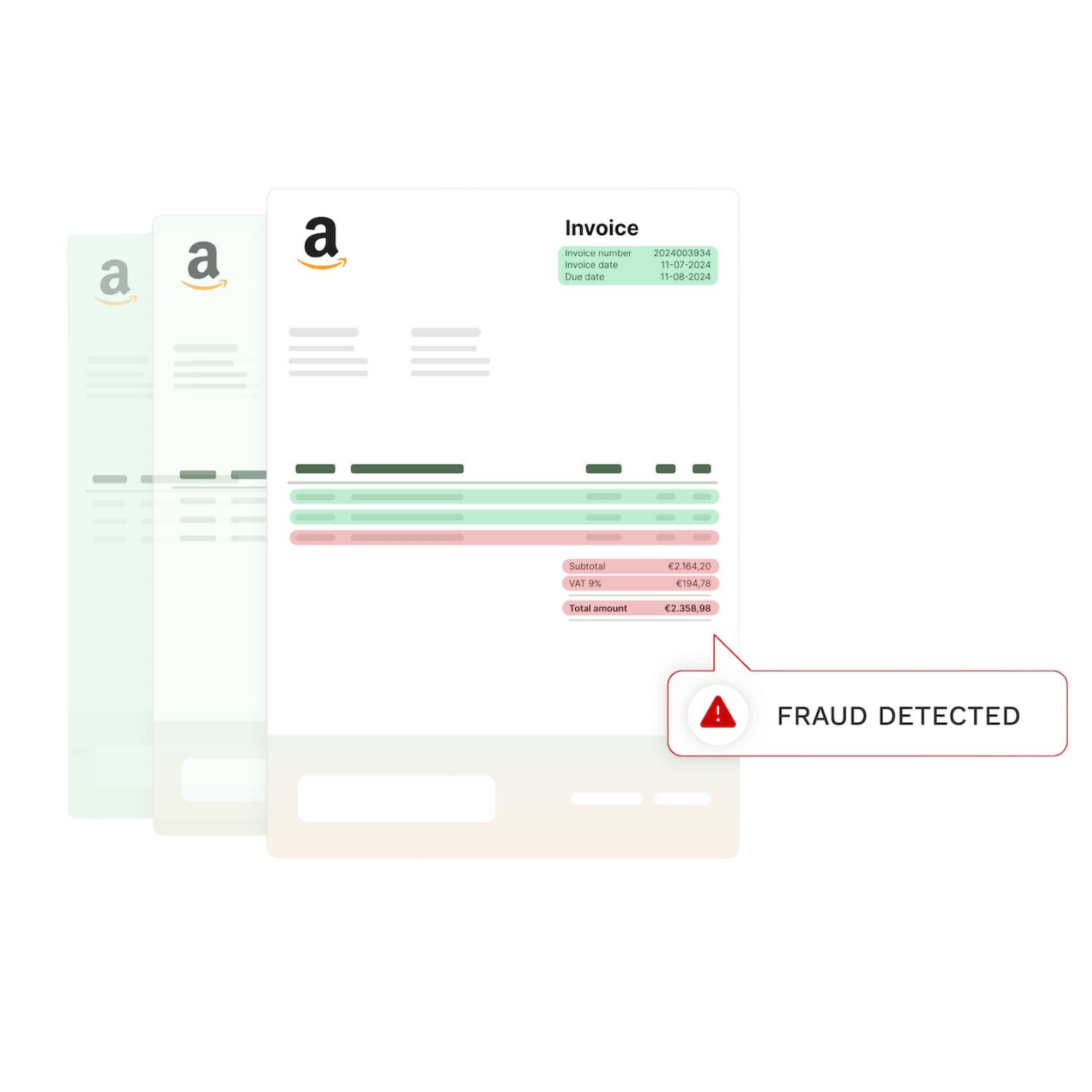
Instant Mismatch & Fraud Detection
Detect mismatches by cross-checking all documents in your matching process, as Doxis flags issues like quantity or price differences instantly. With AI-driven forensics, you can also spot potential fraud, such as duplicate or manipulated documents.
Benefits of Using Doxis AI.dp
99%
correct data extraction with AI-powered OCR70%
of time saving on processing67%
more likely to spot fraud with Doxis20+
integration possibilitiesto connect with
KEY FEATURES
Why Choose Doxis As Your Automated Two-Way Matching Solution
Doxis’ Two-Way Matching software solution is designed to meet the needs of procurement & Accounts Payable teams, delivering automation, accuracy, and security. Key features include:
Reach 99% accuracy
Experience unparalleled accuracy in data extraction, ensuring every field is recorded correctly.AI-powered OCR
We leverage the power of AI to enhance OCR capabilities, making document processing smarter and faster.Wide document support
Our document OCR supports various documents in 150+ languages ensuring versatility and flexibility.Seamless integration
No-code platform
Build custom workflows, configure processes, and digitize files without technical coding expertise.20+ formats supported
We support JSON, CSV, PDF, XML, XLS, XLSX, UBL, PNG, TIFF, DOC, DOCX, JPG, and many more.Multi-page processing
Upload multi-page documents to ensure scalable, efficient, and accurate two-way matching workflow.Ensured data protection
At Doxis, we ensure that our solutions process documents in full compliance with regulatory standards.







Read What Our Customers Say About Us
Frequently Asked Questions
How does Doxis extract data from documents?
What is two-way matching?
Which document types are supported?
Which languages are supported by Doxis?
Does Doxis connect to ERPs?
How accurate is Doxis?
How can I implement Doxis’ solutions?
What does the OCR response look like?
Can I test your platform before committing?
Does Doxis store processed data?
- ✓ Secure

- ✓ Compliant
- ✓ Protected
- ✓ Hosted in EU
- ✓ Trusted