


Klippa is now Doxis - Find out more
Doxis SpendControl | Invoice Processing
Process Invoices in Seconds, not Minutes
Easily manage invoice processing with automatic data extraction, quick approvals, and smooth integration with your accounting system — on the go or at your desk.
Trusted by 1000+ innovators and finance leaders worldwide






Leave Manual Invoicing Behind, Use Efficient Invoice Processing Software
Transform Your Invoice Workflow
No more piles of invoices thanks to
automatic extraction and categorization.
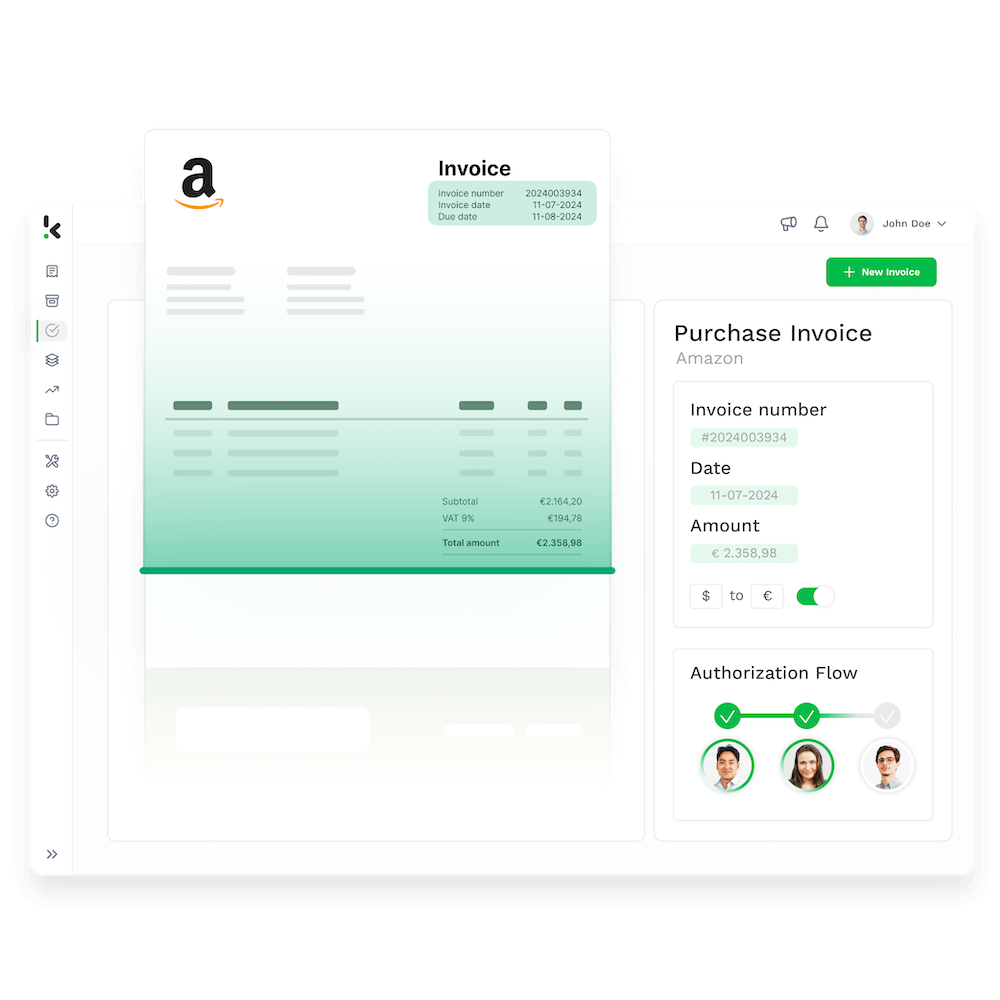
Simplify Your Approval Process
Customize your approval process for a fast, paperless, and effortless experience.
Stay on Top of Your Finances
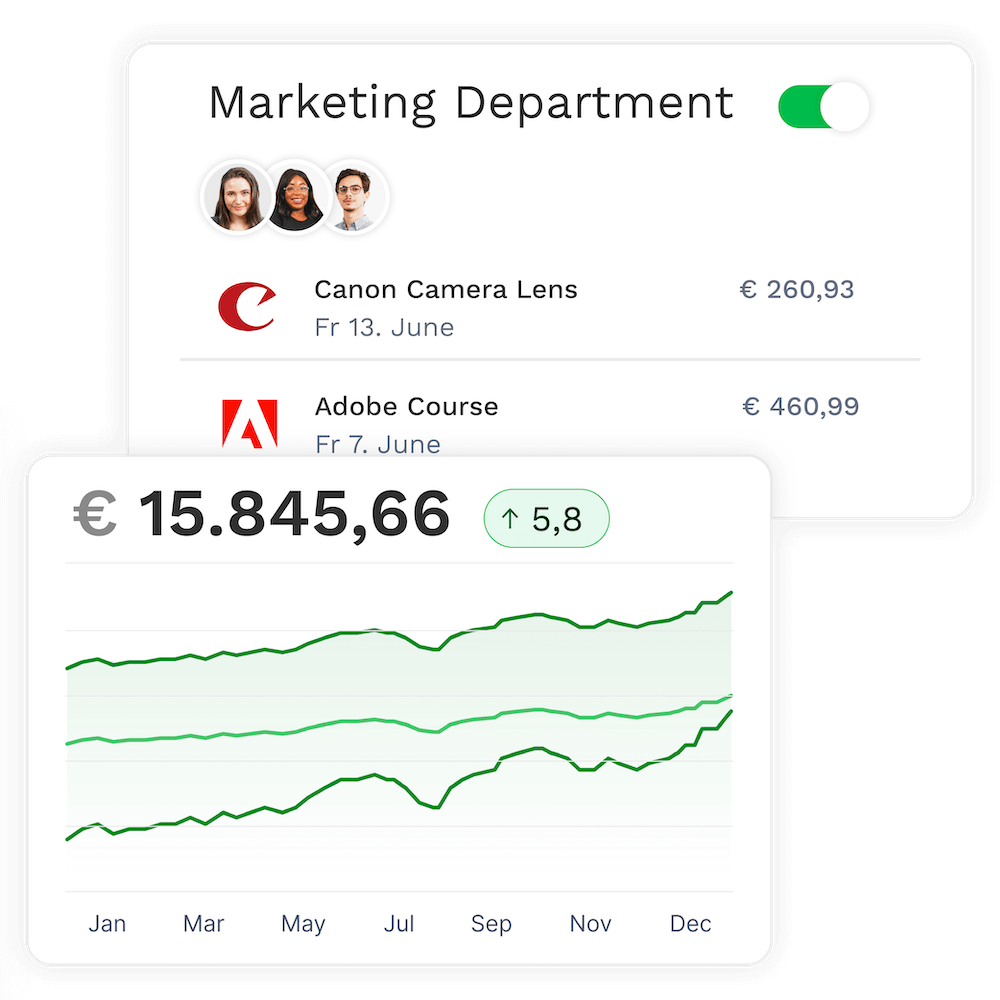
No more last-minute surprises with full transparency on pending invoices.
Cut Errors and Free Up Your Time
Eliminate manual entry mistakes with OCR.
Get reminders and alerts to stay on track.

Happy Employees at Digital Agency Label A Thanks to SpendControl
“Supplier invoices are digitally recorded, authorized, and processed in one user-friendly platform.”
Why Modern Finance Teams Choose SpendControl
99%
correct data extraction by Doxis’ leading OCR70%
of time saving on processing100%
insights into your operational expenses20+
integration possibilitiesto connect with
Automated Invoice Processing
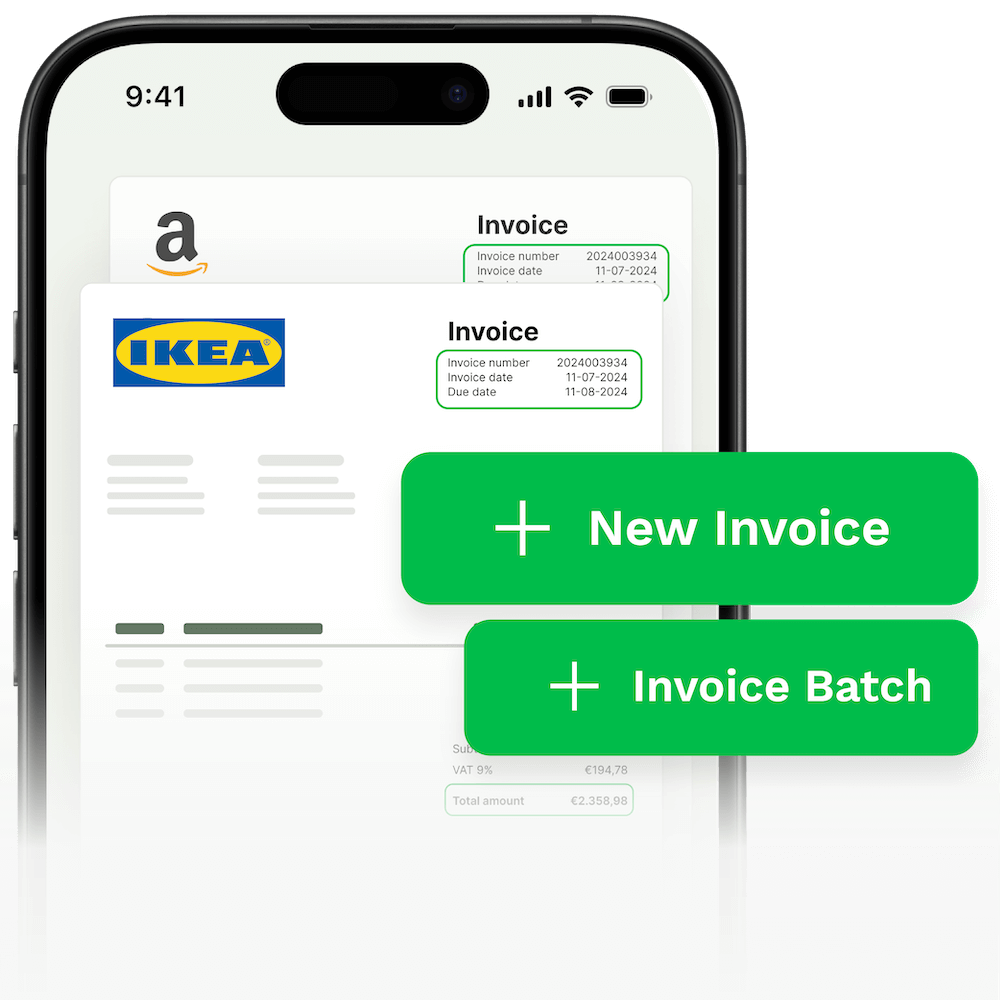
Say goodbye to tedious manual data entry. Save over 70% on management time with digitized workflows that extract, categorize, forward, and archive invoices automatically.
Full Control and Transparency
Monitor expenses and avoid unnecessary costs with our platform’s comprehensive control functions for efficient financial management.
Invoice Processing in Your Corporate Style
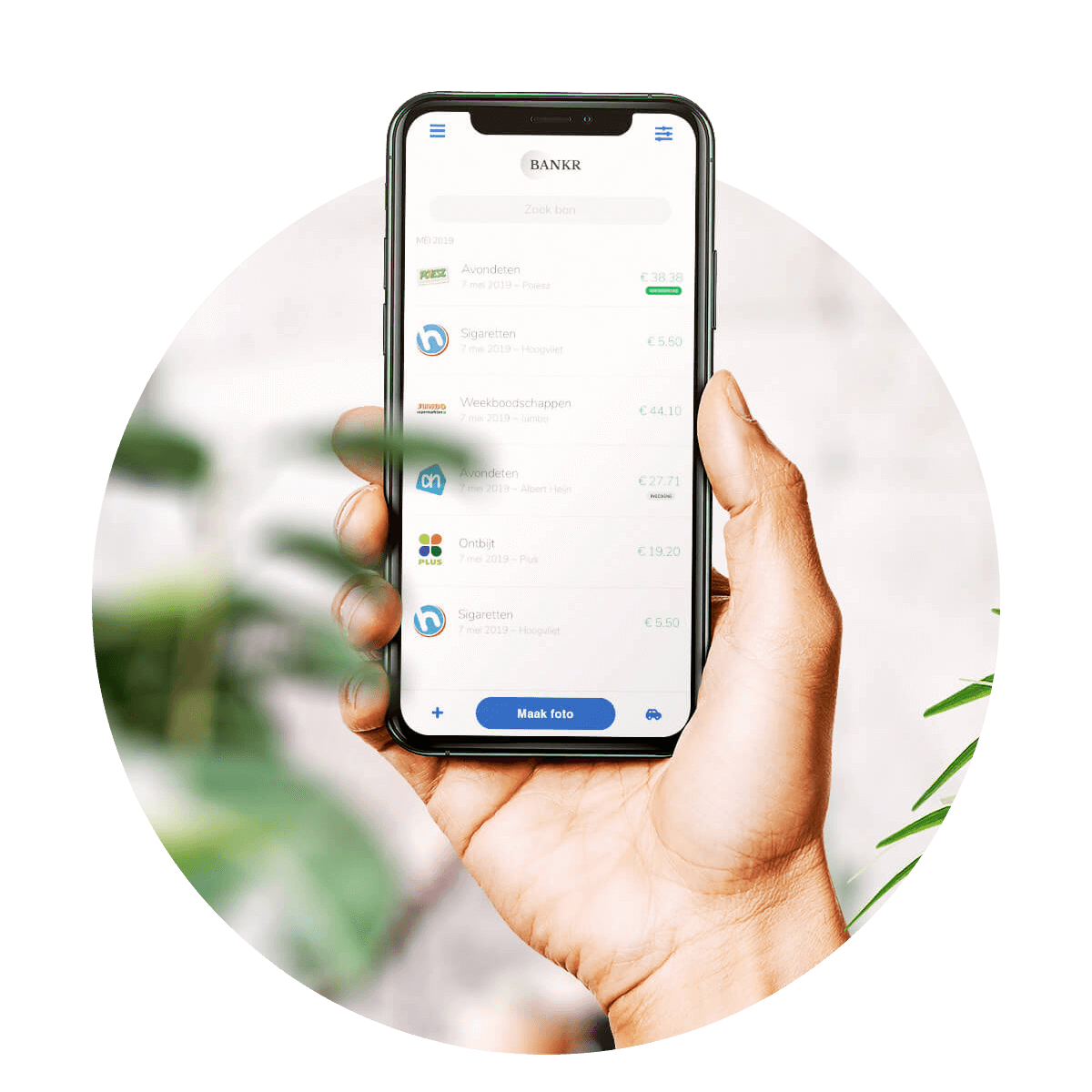
Our solutions are available as white label, with your house style and custom integrations. Integrated OCR technology and comprehensive training provide the highest accuracy and support. Your own app, domain, and style.

Smooth Invoice Validation
Speed up your invoice approval and validation with our flexible workflows. Save time and optimize your processes through automation and user-friendly functions.
Direct integration and archiving
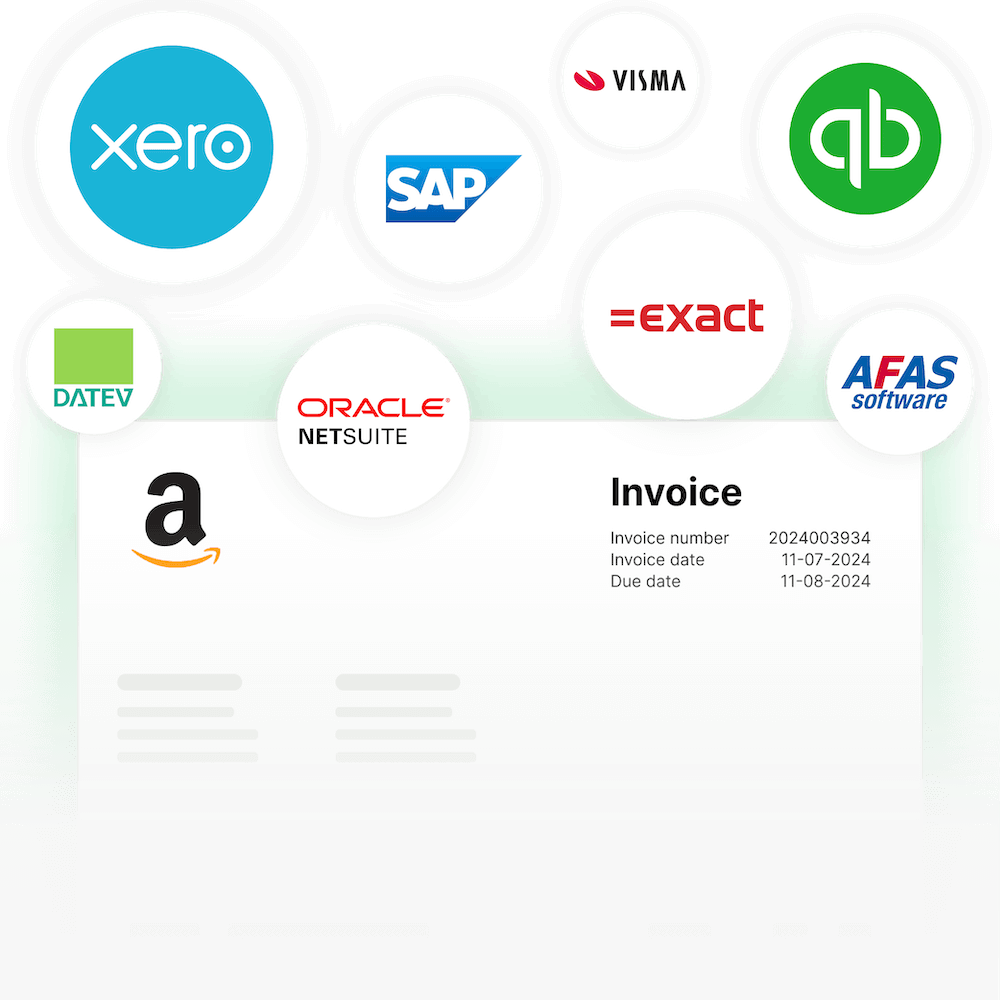
Ensure effortless month-end closing with seamless integration into your accounting and ERP systems, and benefit from secure and flexible data processing.








Digital Invoice Processingin 3 Simple Steps
Simplify invoice processing and authorization in three easy steps: upload your invoices via app, web or mailbox, submit them for approval and book them directly into the accounting system.
With SpendControl’s invoice processing software, invoice management becomes a breeze. Find out how it works:
Join 1000+ Finance Teams in Carefree Spend Management

Doxis allows us to digitally register, approve, and process expenses and invoices in one user-friendly cloud environment.

With Doxis, colleagues can focus on key tasks as workload and manual processes are greatly reduced, achieving an ROI of 60–80%.

Employees can now submit their claims directly via the app. Managers approve them, and finance ensures proper receipt allocation.
We Take Your Data Privacy & Security Seriously
- ✓ Secure

- ✓ Compliant
- ✓ Protected
- ✓ Hosted in EU
- ✓ Trusted




FAQ – Frequently Asked Questions
How to add my invoices and documents to SpendControl?
SpendControl supports a variety of ways to add invoices. Most companies receive their invoices in an inbox, which is why we created a unique Doxis email to which you can forward your emails. All data will be extracted from the email or attachment(s) and added to the Doxis dashboard. Do you have invoices stored on your computer? That’s not a problem! Just add them manually to SpendControl. In case you receive invoices on paper, just use the SpendControl App to scan the file.
Are multiple administrations supported in SpendControl?
Yes, SpendControl supports multiple administrations. Actually, there is no limit on it. With an API integration we sync your available administrations in SpendControl. A different route is that we run separate imports.
Does SpendControl apply text recognition (OCR)?
Yes, we do! We apply text recognition with the highest recognition rate possible. The technique we use is OCR, which stands for Optical Character Recognition. After each scan we extract the data within seconds including:
– The merchant name
– The invoice date
– The total amount
– The VAT percentage
– The VAT amount
Is it possible to download reports or files with SpendControl?
Creating reports and exporting them in a preferred file is not an issue. You can create your own template in PDF, XLSX, CSV, and UBL. We also offer statistics for management purposes in the Doxis dashboard.
How do the approval workflows of SpendControl work?
SpendControl uses a multi-level approach for approving invoices. You can create fixed approval flows in the settings, as well as assign invoices to flows once they come in. Depending on your user rights in SpendControl you can do specific tasks such as record invoices in your accounting system.
Would you like to set up specific workflows? That’s not a problem. SpendControl can help you route invoices to the right approver(s).
Does SpendControl have a mobile application?
Yes, SpendControl has a mobile app for both Apple and Android. The SpendControl App can be used to scan and approve invoices on the go. You will find the assigned invoices in your to-do list of the app.
Can SpendControl integrate with my ERP or accounting system?
Yes, over the years, SpendControl has become software partners with a variety of accounting and ERP systems. In many cases, there is an API integration, which syncs the data both ways. SpendControl also offers intelligent export/import files to create your journal entries.
How does the implementation work with SpendControl?
SpendControl is plug & play! Our helpdesk articles will guide you in setting up in your account. Would you rather get help from a product specialist? That’s not a problem, we can have your account set up in 48 hours.
Discover Our Insightful Blogs
Stay informed with our insightful blogs on expense management, intelligent document processing and more.