


Intelligent Document Processing (IDP) has been the go-to solution for companies wishing to automate document processing tasks, such as data extraction, document classification, or conversion. There is no need to highlight how time-consuming, error-prone, and repetitive these tasks are, especially when done manually.
In 2025, the Doxis IDP Survey revealed that 66% of new IDP projects replace a legacy system, highlighting just how often businesses are switching providers to keep up with AI-driven innovations. Selecting the right software from the start can save you from costly migrations later.
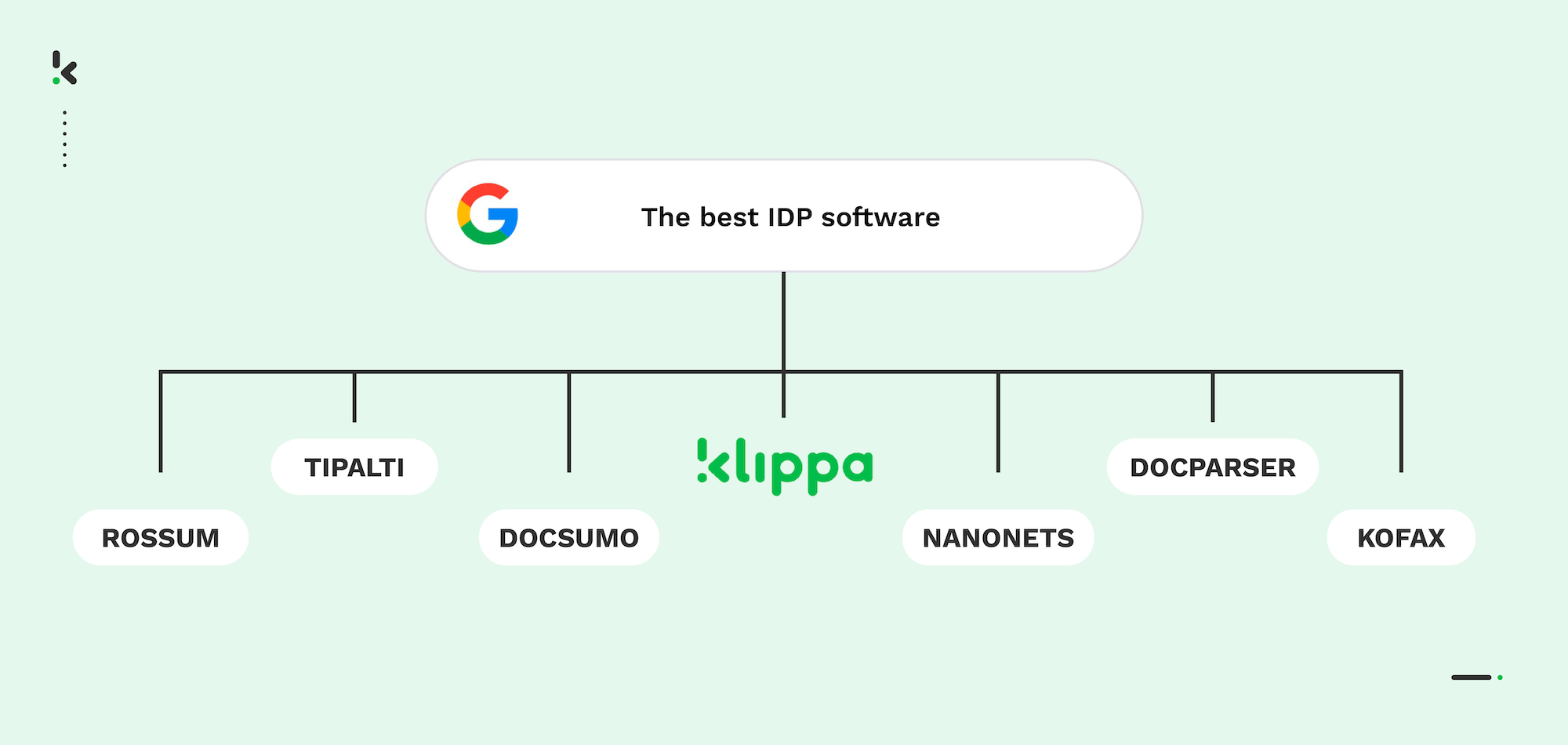
In this guide, we’ll shed light on what to look for in intelligent document processing software and share our list of the 7 best IDP solutions in 2026.
Let’s begin!
Key Takeaways
The 7 Best Intelligent Document Processing (IDP) Solutions for 2026:
- Doxis AI.dp: Best all-in-one IDP platform in 2026 for end-to-end document workflow automation.
- Tipalti: Ideal for automating accounts payable and payment workflows in finance teams, with integrated fraud checks and compliance tools.
- Rossum: Ideal for low-code workflow automation in finance, with AI-powered data extraction and customizable approvals.
- Nanonets: Best for processing financial and identity documents with flexible formats and strong integration options.
- Docsumo: Best for SMBs in lending and insurance, offering solid, structured document extraction.
- Tungsten Automation: Ideal for large enterprises needing complex, high-volume workflow automation with advanced customization.
- Docparser: Perfect for small to medium businesses looking for easy PDF parsing with a no-code interface and prebuilt templates.
What is IDP Software?
Intelligent Document Processing software automates all processes involved in the document processing workflow, from start to finish. With an IDP solution, tasks such as document sorting, classification, or conversion are also automated.
IDP software is a great solution if your business is looking to reduce processing time and get better, more accurate results, all at the same time. Regardless of your use case, it helps streamline your business operations and achieve a competitive advantage.
Now that we have a clear understanding of what an IDP solution is, let’s discover the 7 best intelligent document processing software on the market in 2026!
The Best IDP Software Vendors in 2026
To help you, we’ve selected some of the most popular tools, looked into their features, and explored real user feedback from trusted review platforms. The result is a clear overview of what each app does well and where it might fall short based on what actual users are saying.
1. Doxis AI.dp
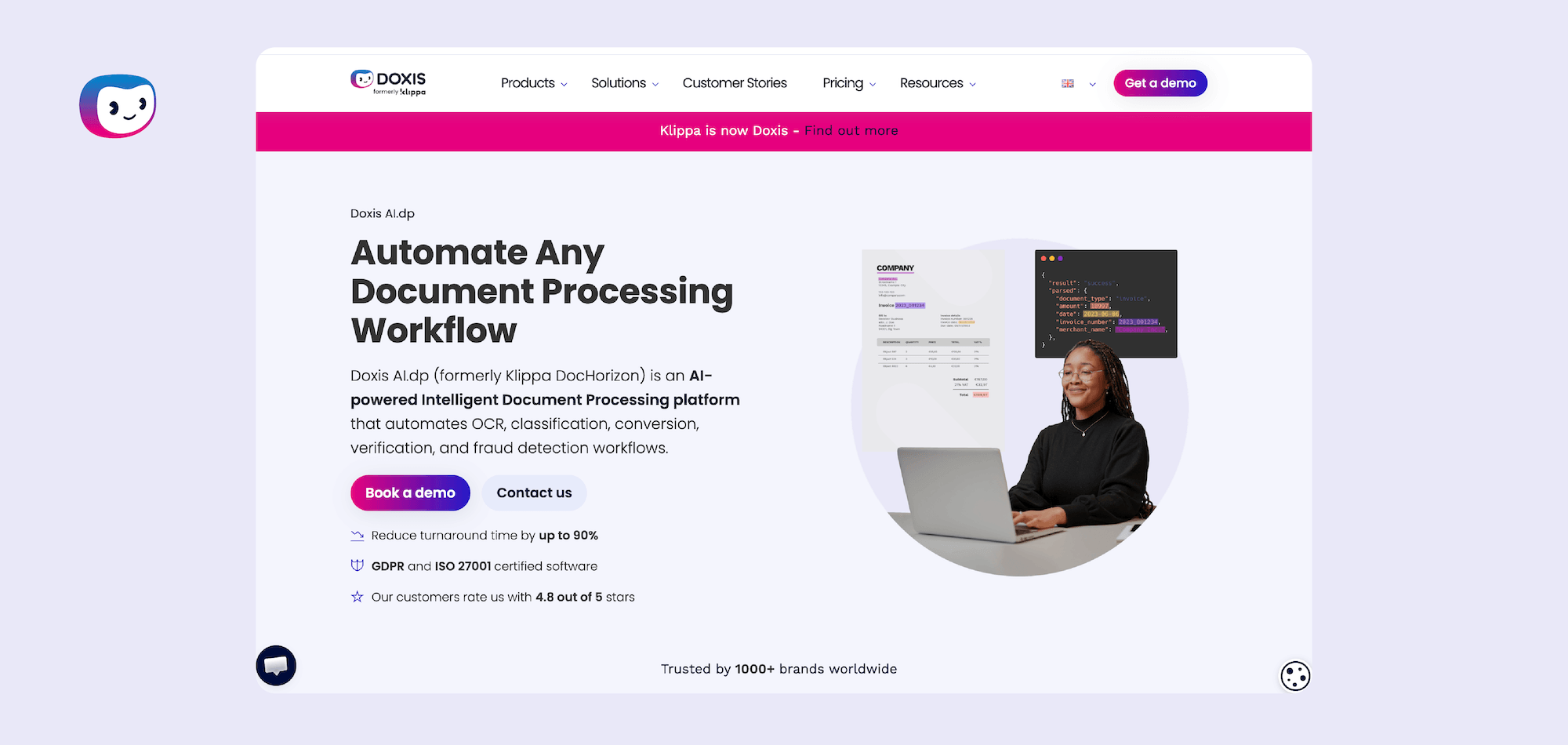
Doxis AI.dp is an advanced IDP software that leverages AI-powered technologies to accurately and efficiently automate the whole document processing workflow, from submitting a document to final integrations.
It combines data extraction, classification, anonymization, verification, and fraud detection in a no-code platform, making it a top choice for businesses that need a scalable and compliant IDP solution.
Pros
- AI-powered OCR, which offers up to 99% accuracy in data extraction
- Intuitive platform with cutting-edge flow customization capabilities
- Global coverage with 150+ supported languages
- Automated document classification and sorting
- Ability to process 50+ document types and 150+ data fields
- Document conversion to formats such as JSON, XML, CSV, and more
- Immediate document fraud detection with AI and cross-validation of documents
- Large variety of integrations, with 50+ available applications
- Data masking and redaction to comply with GDPR and ISO regulations
Cons
- Limited support for non-Latin alphabet
- Limited reporting tools
Pricing
- €25 free credit to try out the platform
- License or usage-based pricing model
- Contact the team for pricing details
Best for: Medium to large enterprises looking for an AI-powered solution to automate document workflows with high accuracy and strong compliance features.
2. Tipalti
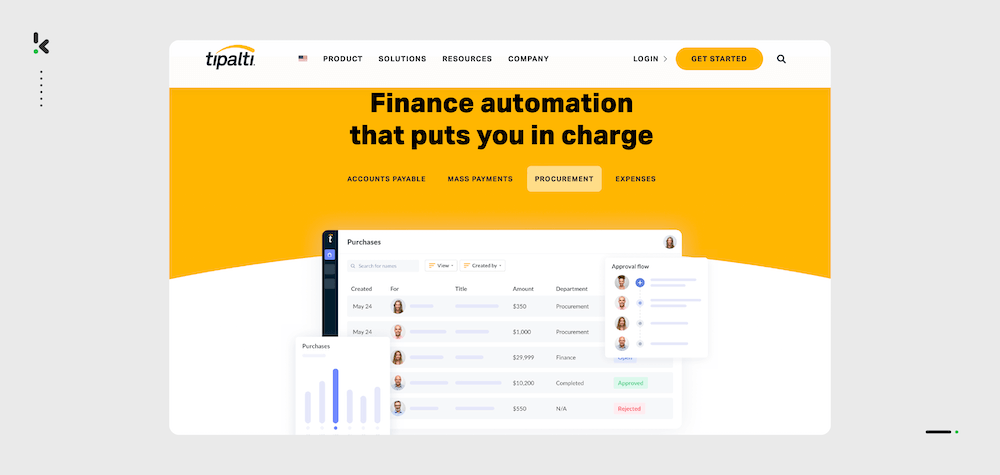
Tipalti is an end-to-end IDP solution for finance professionals that helps automate accounts payable, invoice management, and PO matching.
Pros
- Integrated fraud detection and workflow approvals
- Safe and secure cloud storage, compliant with GDPR
- AI-powered OCR for accurate invoice processing results
- Two-way and three-way matching for effective invoice and supplier management
- Integration possibilities with ERP systems, CRM, and accounting applications
Cons
- Primarily supports invoices and payment documents, with limited support for other document types
- Tipalti’s features are better suited for larger enterprises, making it less ideal for smaller businesses
- Sole focus on financial use cases
Pricing
- Starter – starting at $99/month
- Premium – custom pricing
- Elite – custom pricing
Best for: Finance teams in mid-market to large enterprises that need end-to-end automation for accounts payable, invoice management, and payments.
3. Rossum
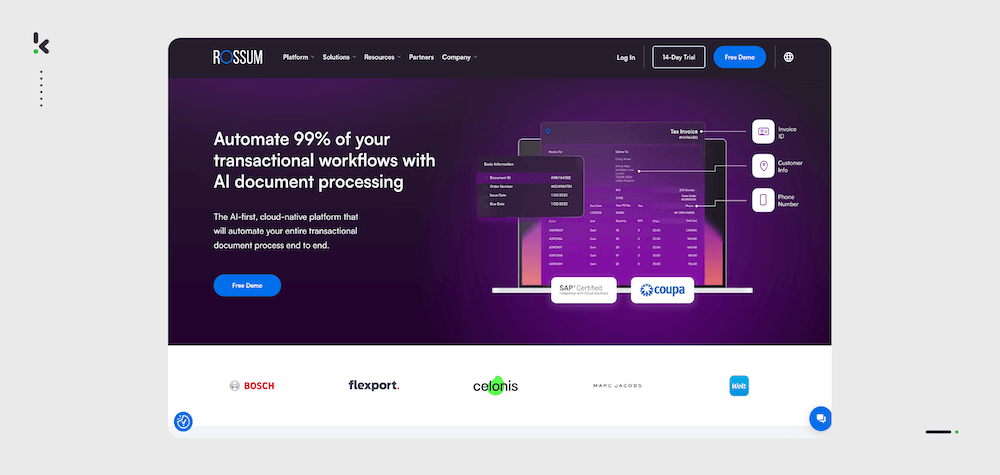
Rossum offers an end-to-end automation solution that helps your business create customized document workflows without having to create templates, thanks to deep learning neural networks.
Pros
- AI-powered data extraction
- Fast and secure approval workflows for financial documents
- Low-code platform with intuitive interface
- Highly accurate reporting tools for better document management
- Large variety of integrations available
Cons
- Lengthy setup process (Capterra)
- Quite costly, especially for small businesses
- Based on user reviews, the software occasionally fails to accurately extract data from specific kinds of documents (Software Advice)
Pricing
- Starter – starting at $18.000 per year (for scale-ups)
- Business – contact to get a quote (for businesses)
- Enterprise – contact to get a quote (for mature businesses)
- Ultimate – contact to get a quote (for global businesses)
Best for: Companies seeking a customizable document workflow automation platform, particularly for financial document processing, with a focus on low-code implementation.
4. Nanonets
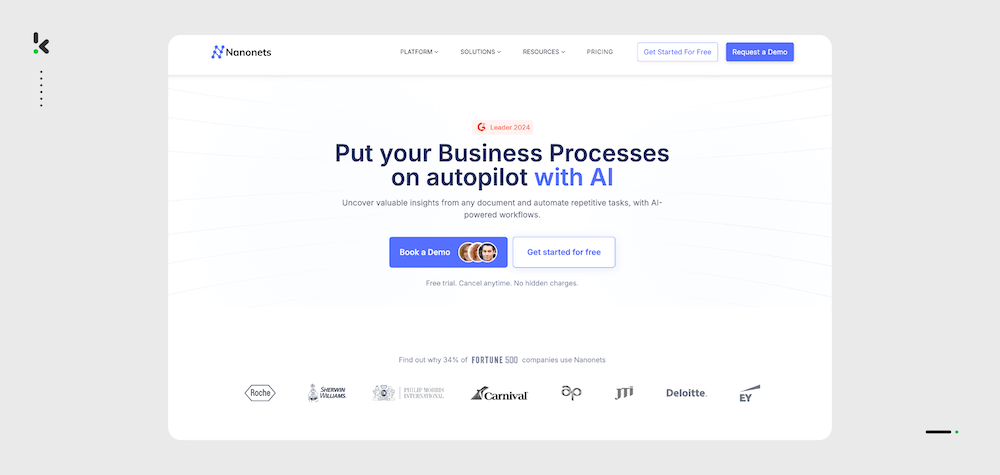
Nanonets is an IDP software that specializes in processing financial documents, such as receipts, invoices, and purchase orders, but also identity documents, such as passports or identity cards. Their OCR accurately extracts data from the documents and prepares it for further processing.
Pros
- AI-powered document workflows for end-to-end automation
- Intuitive platform for accurate document processing
- Smart document management with document classification and sorting
- Variety of document format options, such as JSON, XML, XLSX, and more
- Compliant with GDPR and HIPAA regulations
- More than 50 available integrations, such as SAP, Quickbooks, Excel or Gmail
Cons
- Limited outputs available for the extracted data
- Limited line item extraction options
- Limitations in different languages that can be processed (Digiquation)
- No chat for support (TechRadar)
Pricing
- Starter – pay as you go (first 500 pages free, then $0.3/page)
- Pro – contact for a quote
- Enterprise – contact for a quote
Best for: Organizations that need specialized financial document processing, such as invoices and receipts, with flexibility in document formats and integrations.
5. Docsumo
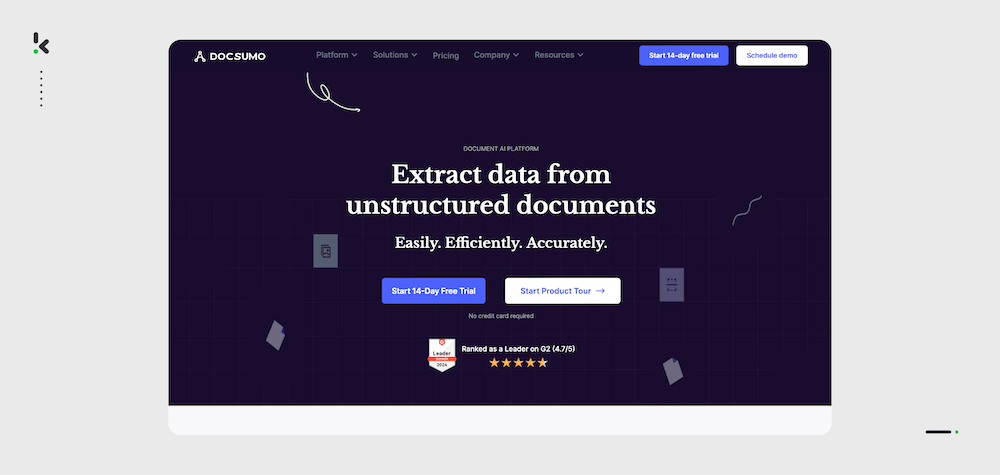
Docsumo is an IDP software that allows for end-to-end automation of various document workflows for both structured and unstructured document types.
Pros
- User-friendly platform interface
- Supports multiple document extensions, like JSON, CSV, TXT, or Email format
- Specialized in financial documents, such as invoices, bank statements, or tax forms
- Custom data field extraction feature
- Smart document classification and sorting
- GDPR and HIPAA-compliant
Cons
- Performance may vary when processing non-standard or complex documents
- According to reviews, the setup can be time-consuming, requiring effort to configure it for specific business needs (G2)
- Data extraction issues might occur when processing documents outside the predefined categories (Software Advice)
Pricing
- Free – 100 pages/month
- Growth – starting at 299$/month (1000 pages/month)
- Enterprise – custom pricing
Best for: Small and medium-sized companies in lending and insurance, offering solid, structured document extraction.
6. Tungsten Automation
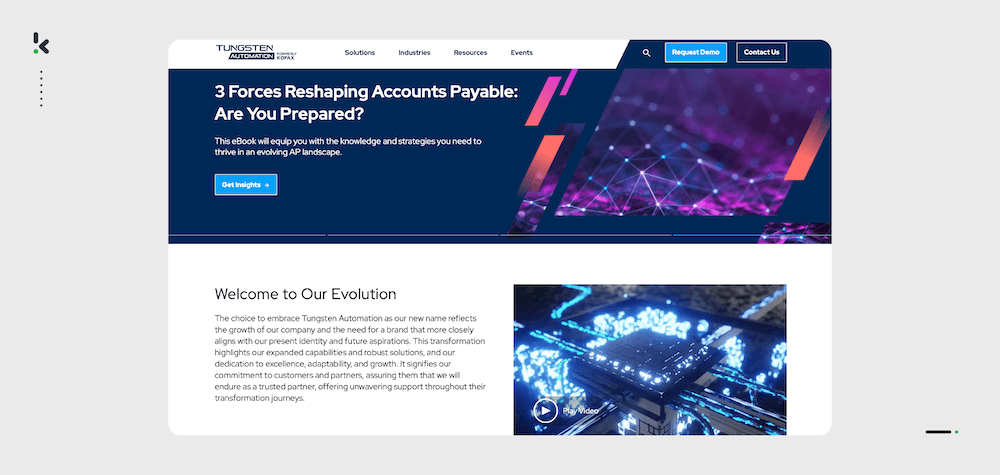
Tungsten Automation (previously Kofax) is an IDP software that employs smart invoice processing and workflow automation for your business operations.
Pros
- Advanced AI technologies for smart data capture
- Custom data field extraction
- Low-code platform for improved user experience
- Offers robust features like automation, document management, and decision-making
- Secure approval workflows
Cons
- Complex implementation (SaaS Worthy)
- Premium pricing may not suit smaller organizations
- Primarily designed for complex, enterprise-level processes, making it less suitable for smaller or simpler workflows (G2)
Pricing
- Contact Tungsten Automation for pricing.
Best for: Large enterprises looking for advanced document processing and workflow automation, especially in complex environments requiring high customization.
7. Docparser
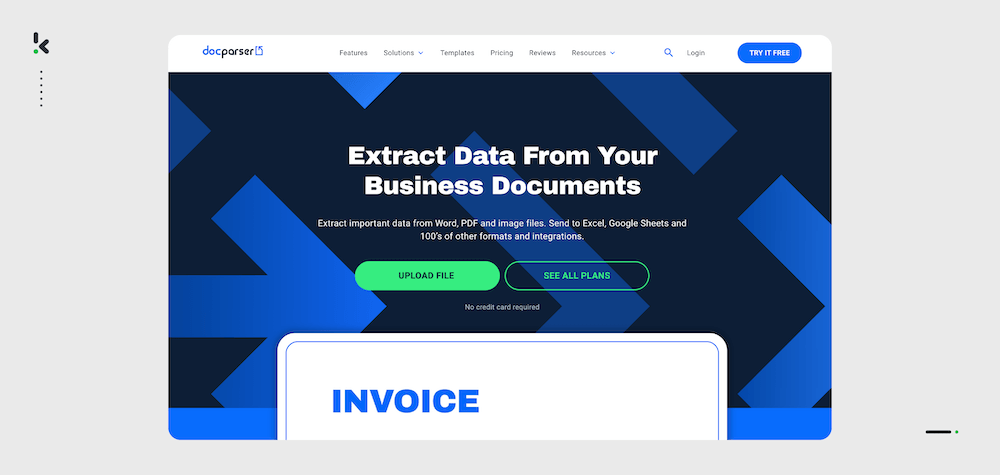
Docparser is an IDP software focused on accurately parsing data from various documents in PDF, Word, or image format.
Pros
- Custom data field extraction
- Predefined templates for custom document types
- High-accuracy image pre-processing capabilities
- Supports PDFs, Word documents, and image files (JPEG, PNG), providing flexibility for various use cases
- No-code platform with an intuitive user interface
Cons
- Lacks advanced classification and sorting features for more complex workflows
- No built-in tools for data masking or anonymization
- Not optimized for handling large document volumes or high-frequency tasks
- Based on user reviews, filtering and division of scanned data can be an issue for the software (Software Advice)
Pricing
- Starter plan: $32.50/month, billed yearly (1200 documents per year with 15 different parsers)
- Professional plan: $61.50/month, billed yearly (3000 documents per year with 50 different parsers)
- Business plan: $133/month, billed yearly (12000 documents per year with 500 different parsers)
- Enterprise plan: custom pricing (custom package built for specific parsing requirements)
Best for: Small to medium-sized businesses that need an easy-to-use IDP solution for document parsing with flexibility across various file formats like PDF, Word, and image files.
Now that we’ve covered some of the best IDP solutions, let’s take a look at what makes them so valuable. From enhanced security to improved efficiency, here are the key benefits of intelligent document processing.
Build vs Buy: Which IDP Approach Fits Your Needs?
Before committing to a vendor, it’s worth asking whether your business should develop its own Intelligent Document Processing solution or adopt an existing one.
Building an IDP solution offers full customization, control over infrastructure, and the ability to tailor workflows exactly to your business processes. However, it requires significant time, investment, technical expertise, and ongoing maintenance, and may delay implementation if rapid deployment is a priority.
Buying an IDP solution delivers faster setup, ongoing vendor support, maintenance, and scalability out of the box. The trade-offs can include less granular customization, dependency on the vendor for updates, and the need to ensure smooth integration into your existing systems.
? Tip: If you value both speed and adaptability, Doxis AI.dp offers flexibility to do either. You can use its plug‑and‑play platform for quick deployment or build tailored workflows within its no‑code/low‑code interface.
Benefits of Employing an IDP Solution
Intelligent document processing solutions improve both your company’s document processing workflow and document management. Here are just some of the benefits that intelligent document processing software brings:
- Better workflow efficiency: Intelligent document processing software streamlines all document processing tasks without involving your team in repetitive tasks. This allows the focus to be on more strategic tasks instead of manual document handling.
- Reduced processing times: Using IDP software means you can digitize documents and manage them in a single place, significantly reducing turnaround times. This automated solution makes your back office operations faster and reduces the workload of your employees.
- Lower operational costs: By automating document processes using IDP software, you will get qualitative output from the get-go. Thus, your business reduces costs associated with draining manual labor or fixing costly mistakes.
- Increased accuracy with fewer human errors: With IDP software, your business reduces human errors in document management, ensuring data is processed correctly the first time and enhancing overall reliability.
- Ensured data security and compliance: Many IDP solutions integrate robust security measures and compliance protocols, ensuring automatic adherence to privacy regulations like GDPR or HIPAA. If a provider is also ISO-certified, you can count on your data to remain safeguarded around the clock.
What To Look for in an IDP Software
Choosing the right IDP software comes down to matching your document workflow needs, from speed and accuracy to compliance and integration, with a platform that can scale and adapt as your business grows.
When assessing vendors, focus on these must-have capabilities:
1. Wide Document Type & Language Support
Select a solution that can process multiple formats (receipts, invoices, bank statements, passports, contracts) all in one workflow. For cross-border operations, strong multi-language is essential.
2. Bulk Processing at Speed
Batch-processing capabilities let you handle thousands of files simultaneously instead of one-by-one. This saves time, reduces bottlenecks, and cuts operational costs.
3. Advanced AI Technologies
Look for AI-driven tools like Human-In-The-Loop and self-learning models to improve extraction accuracy over time, plus no/low-code workflow customization for rapid deployment.
Doxis advantage: Combines OCR, AI, NLP, and Computer Vision with drag-and-drop workflow creation.
4. Seamless Integrations
Your IDP should connect directly to your existing tech stack (from Google Drive, Zoho, and Salesforce, to ERP and accounting software like QuickBooks), plus everyday tools like Gmail or Outlook.
5. Flexible Customization
Ability to define custom extraction fields, anonymize sensitive data, and configure unique steps for industry-specific compliance.
6. True End-to-End Automation
The best IDP solutions handle the entire document lifecycle (upload, classification, extraction, conversion, verification) and route outputs to the right destination without manual input.
Quick Tip: Test Before You Commit
Once you’ve shortlisted vendors, run a Proof of Concept with real documents from your daily workflows. Benchmark performance, integration ease, and compliance fit.
? Doxis offers free demo credits so you can measure speed, accuracy, and flexibility before making your decision.
The Best IDP Software in 2026: Doxis AI.dp
Doxis AI.dp isn’t just another IDP tool – it combines the best of AI-powered OCR, data classification, anonymization, verification, and fraud detection into one complete IDP platform. With support for 50+ document types, 150+ data fields, and integrations with 50+ systems, Doxis helps businesses eliminate manual work, boost accuracy, and ensure full compliance with GDPR and ISO.
What Makes Doxis AI.dp Stand Out?
A recognized Leader in the Gartner® Magic Quadrant™ for Document Management, Doxis brings enterprise-grade IDP capabilities to organizations across industries. Whether you’re in finance, logistics, healthcare, or legal, AI.dp is one of the most flexible and scalable IDP platforms on the market in 2026.
Doxis AI.dp brings its best features to the front so you and your business can enjoy the advantages of intelligent document processing:
- Save up to 90% of document processing times
- Ensure transparency with automated document fraud detection
- Ensure up to 100% accuracy with our human-in-the-loop functionality
- Customize your flows for each use case with the drag-and-drop feature
- Safely process sensitive data with GDPR-approved data anonymization capabilities
- And more.
Treat your business with the utmost care and save both time and money in the process. Contact our experts for more information or book a free demo below!
FAQ
IDP (Intelligent Document Processing) is a technology that uses artificial intelligence (AI), machine learning, and optical character recognition (OCR) to automate the extraction, classification, and management of data from documents. It helps businesses reduce manual labor by efficiently processing various document types, improving accuracy and speeding up workflows.
IDP (Intelligent Document Processing) software automates the entire document processing workflow, from sorting and classification to data extraction and conversion. It uses AI technologies to improve efficiency and accuracy, reducing the time and human effort involved in managing documents.
IDP is a more advanced solution that not only extracts data from documents using OCR but also classifies documents, organizes data, and automates workflows. OCR, on the other hand, is a technology focused purely on converting text from images or scanned documents into machine-readable text.
There are several strong contenders in IDP software, but Doxis AI.dp stands out as a top solution due to its advanced features, including high-accuracy data extraction, AI-powered workflows, and seamless integration capabilities.