


Klippa is now Doxis - Find out more
OCR SDK For iOS and Android
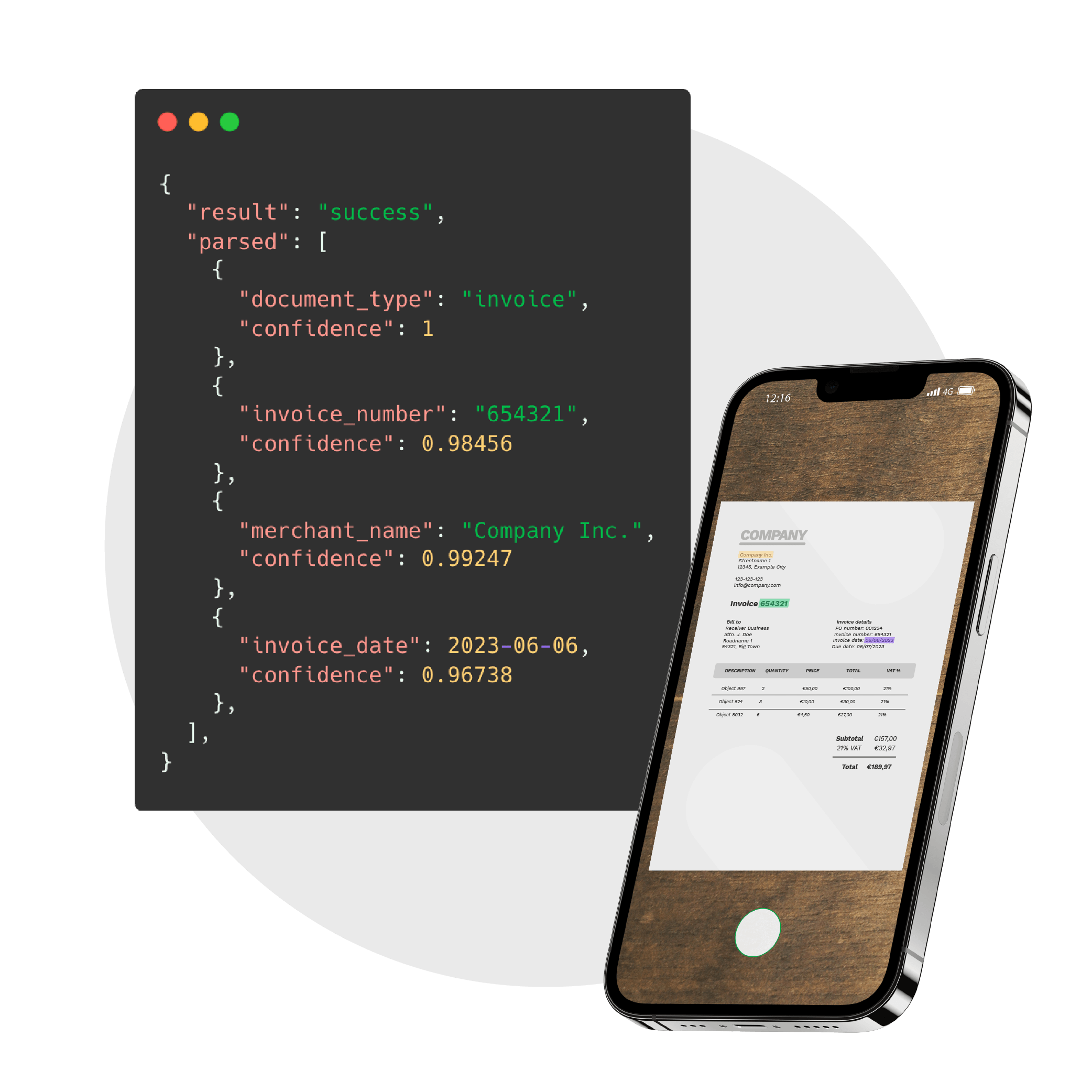
Doxis’ OCR SDK for iOS & Android enables real-time document scanning, AI-powered text extraction, and seamless JSON export, integrating with your CRM, ERP, or custom workflows.
Trusted by 1000+ brands worldwide


Power Your App With Accurate Data using Our OCR SDK
Building custom capture is slow and error-prone, and standard APIs struggle with complex layouts and multiple languages. With the AI-powered OCR SDK from Doxis, you won’t have these issues.
Without Doxis SDK
With Doxis SDK
BRANDS WE HELP
Join 1000+ Other Brands in Automating Your Workflows
Discover how leading brands use Doxis AI.dp to automate, optimize, and scale their document workflows.
Our OCR Supports 100+ Documents
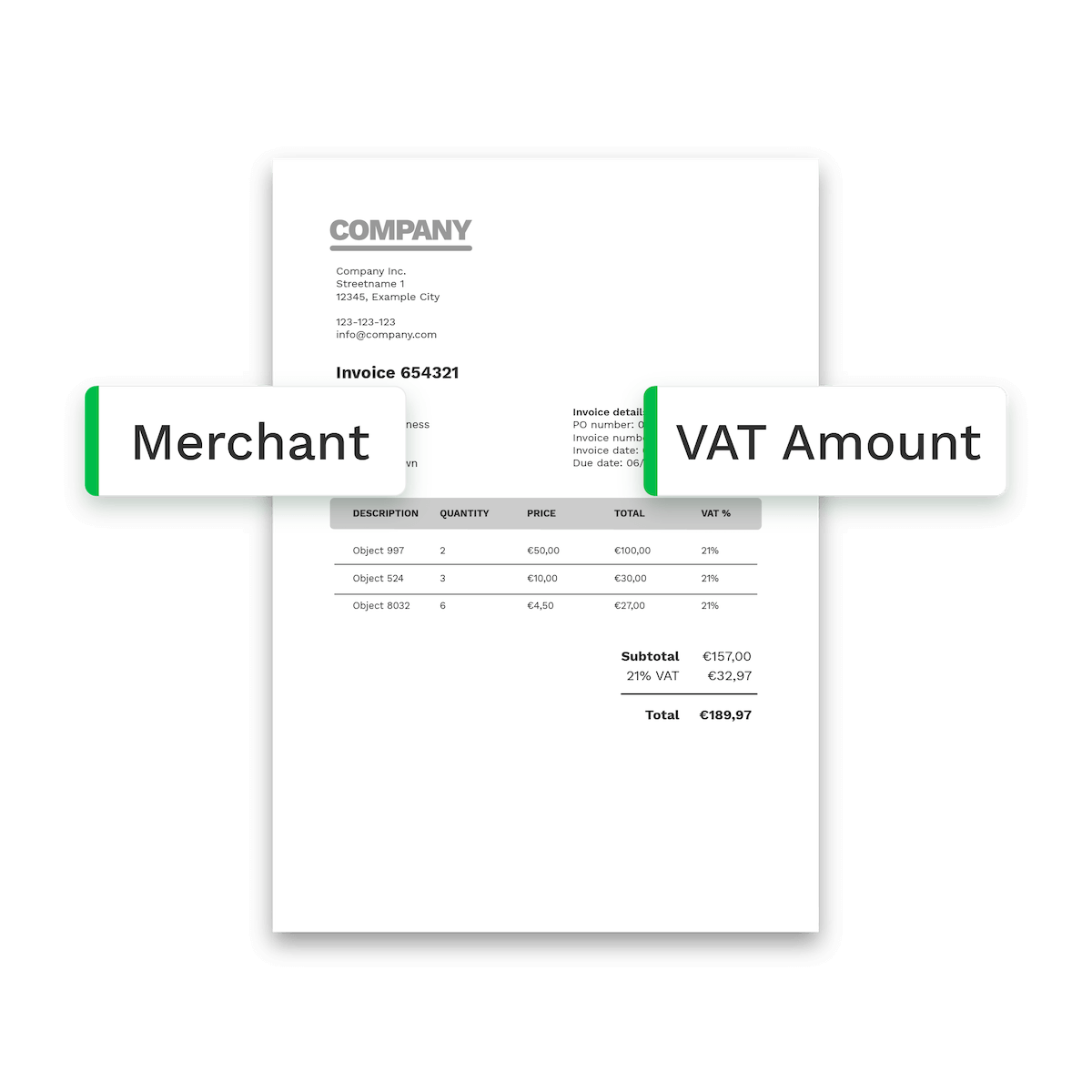
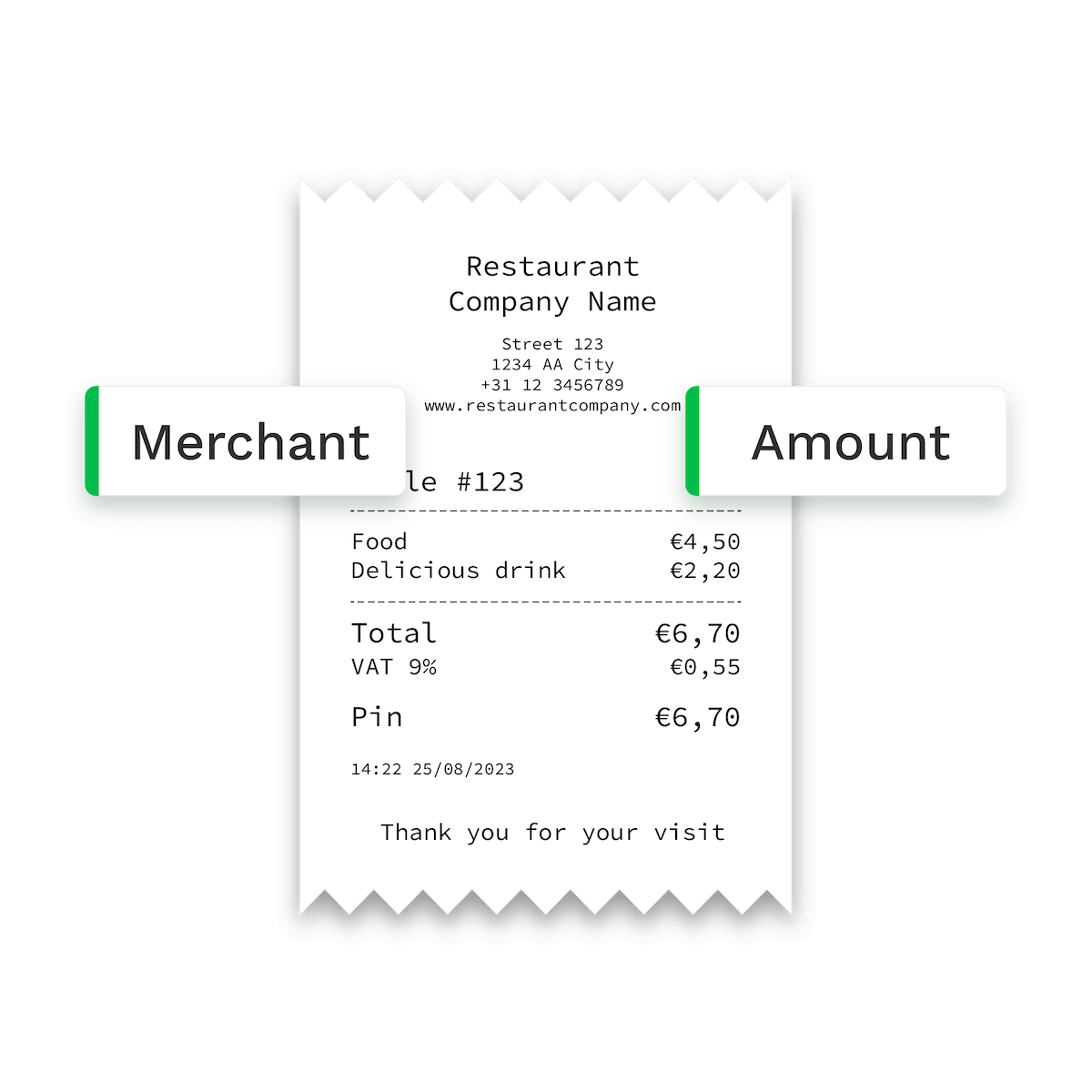
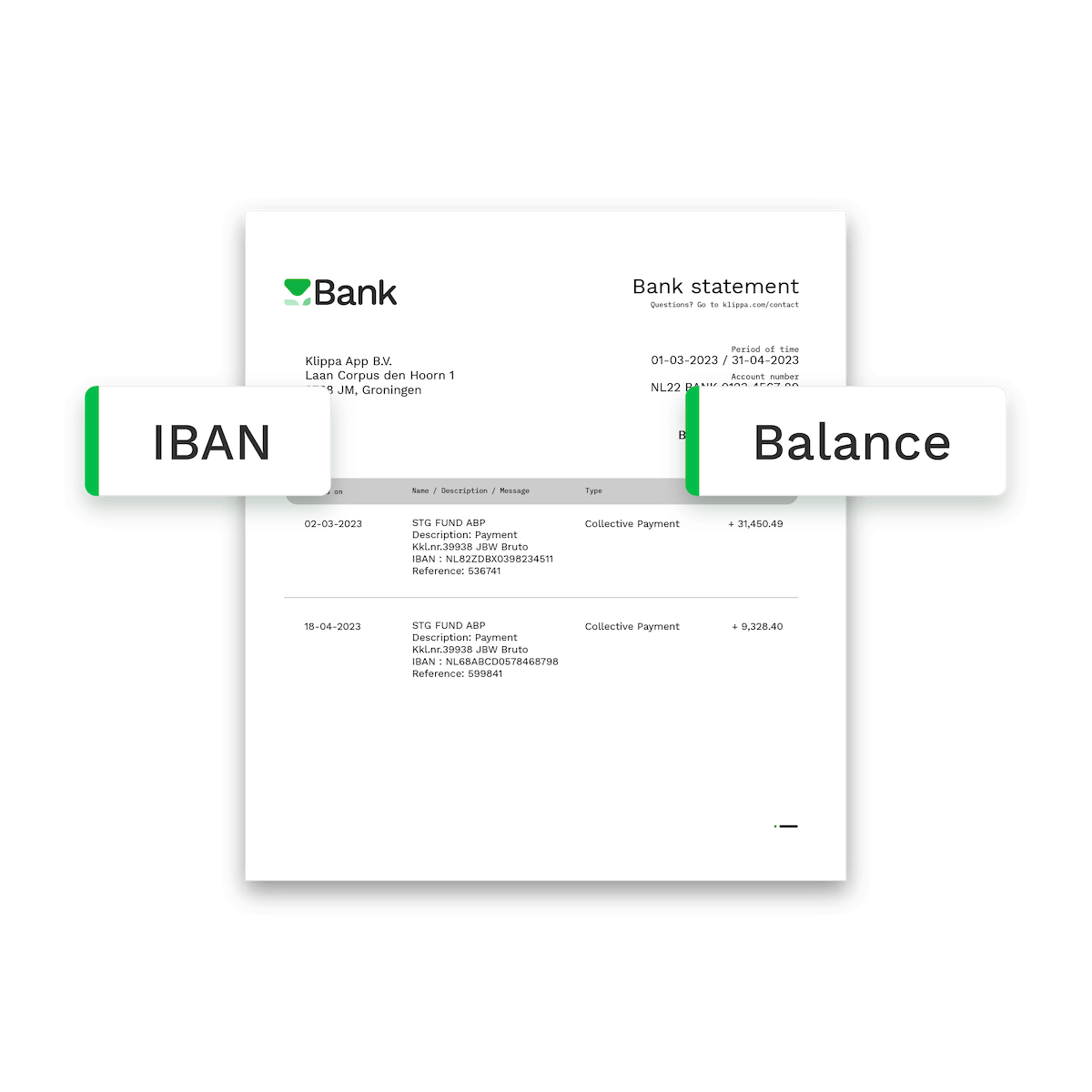
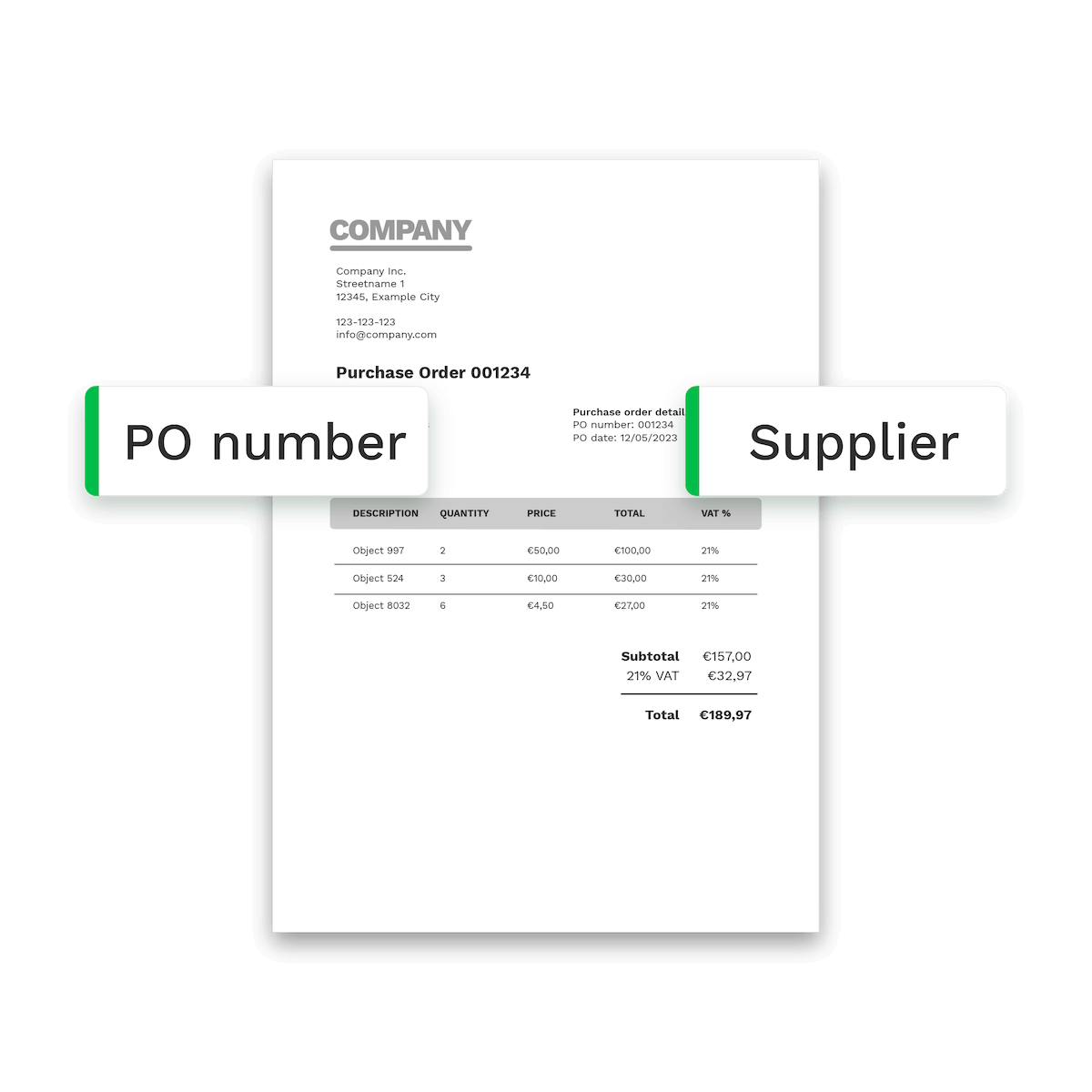
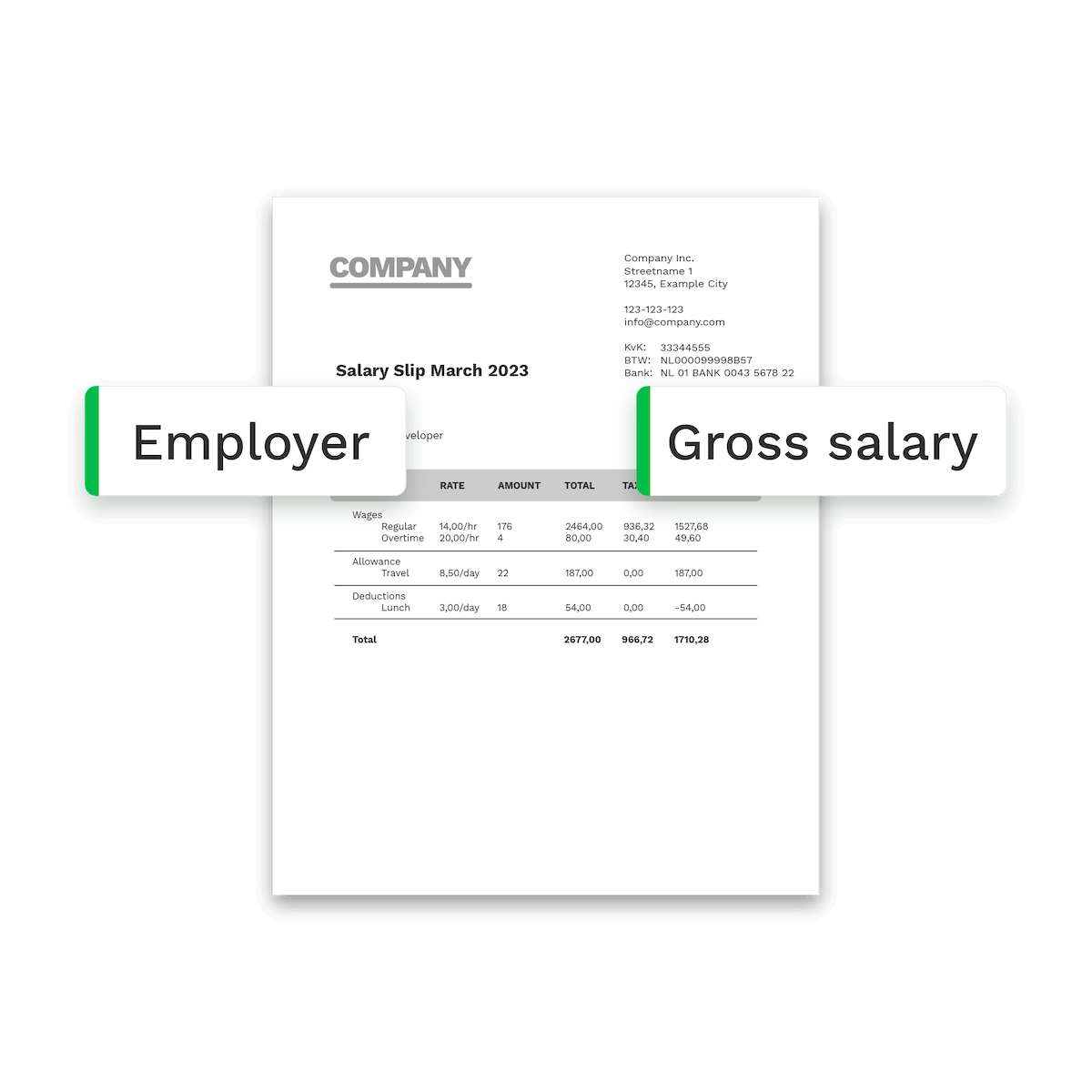
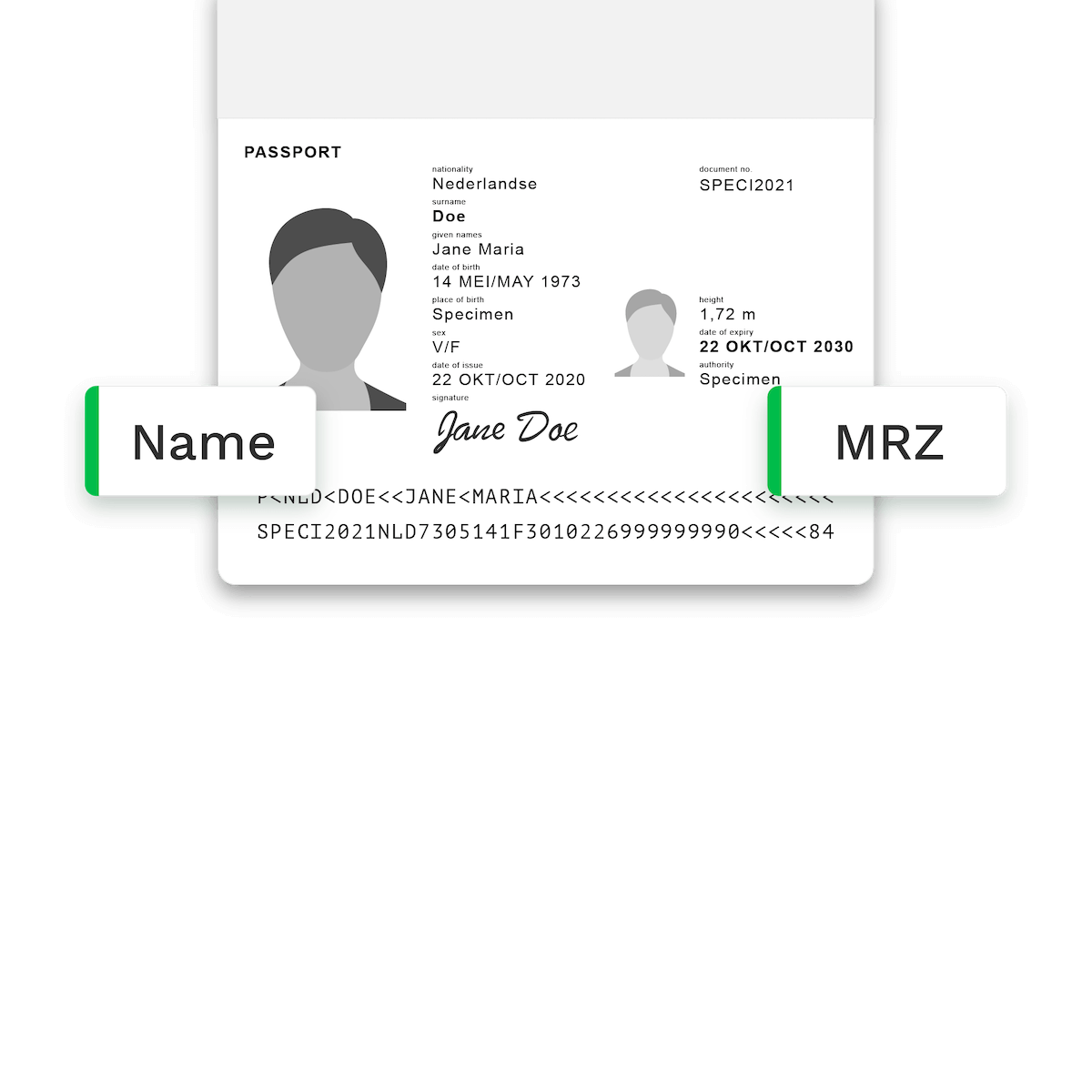
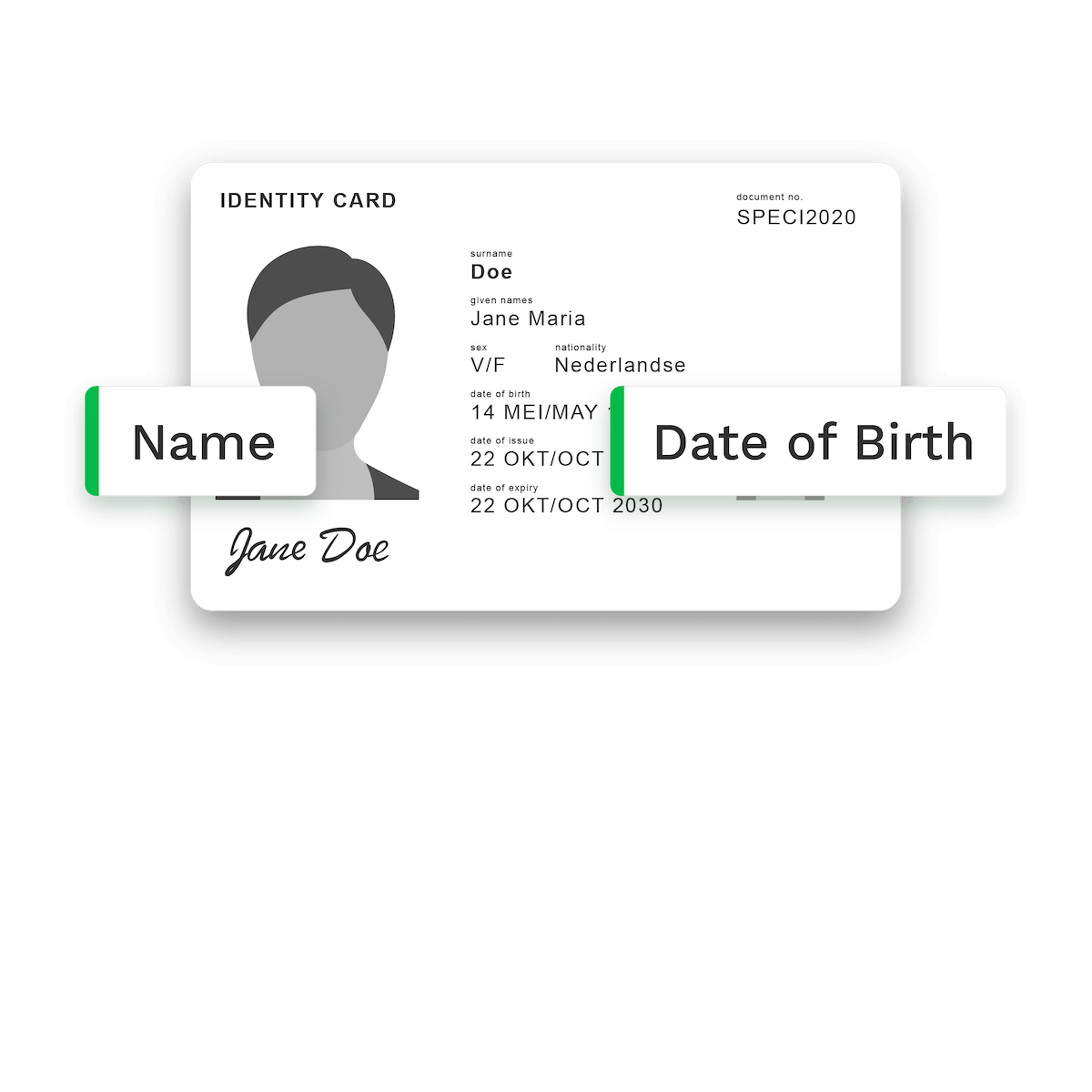
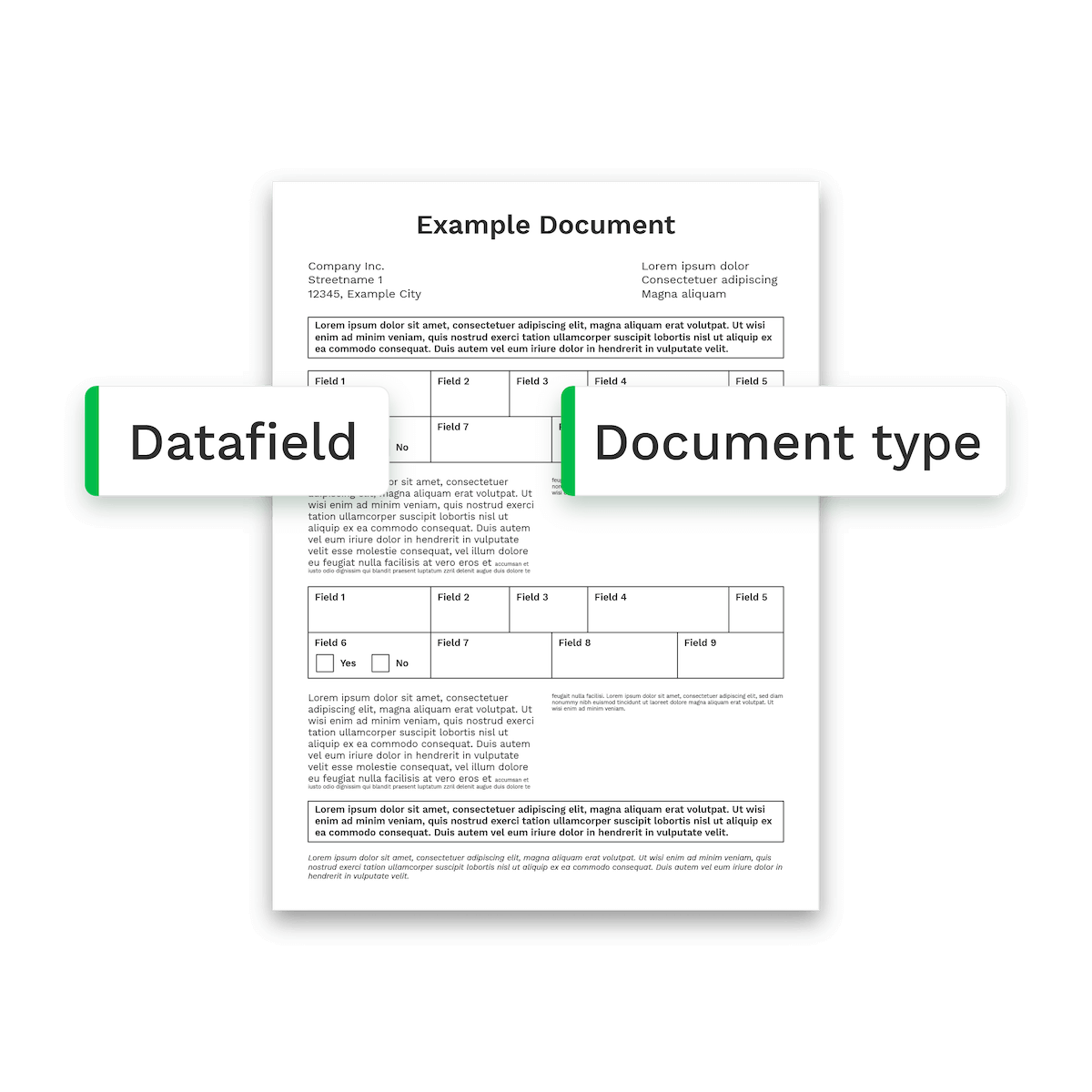
Process various document types including payslips, purchase orders, identity cards, dispatch notes, and more. Our advanced OCR technology extracts precise data for you in 0.5 to 4 seconds.
How it works
How Data Capture With OCR SDK Works in 4 Simple Steps
Scan
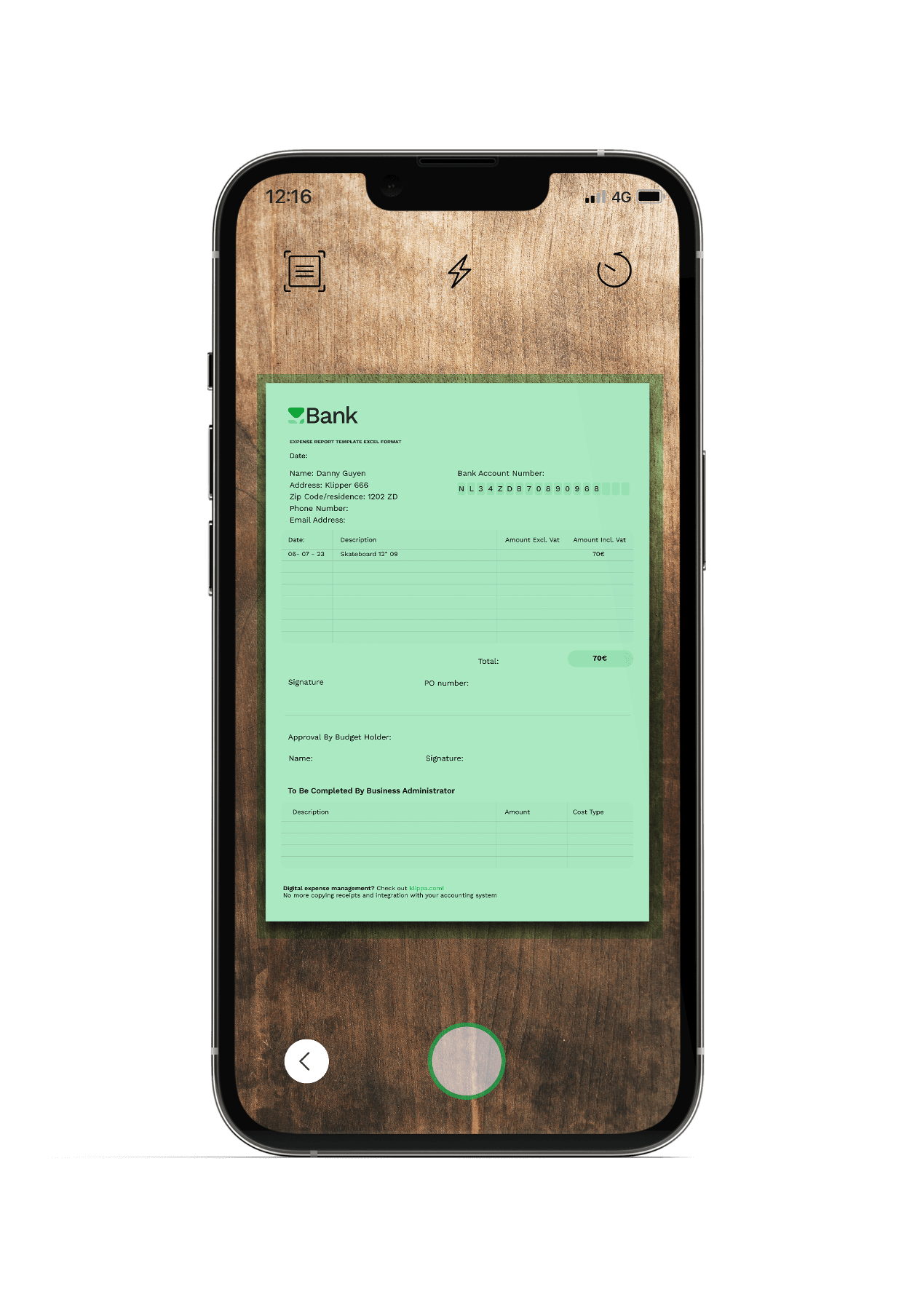
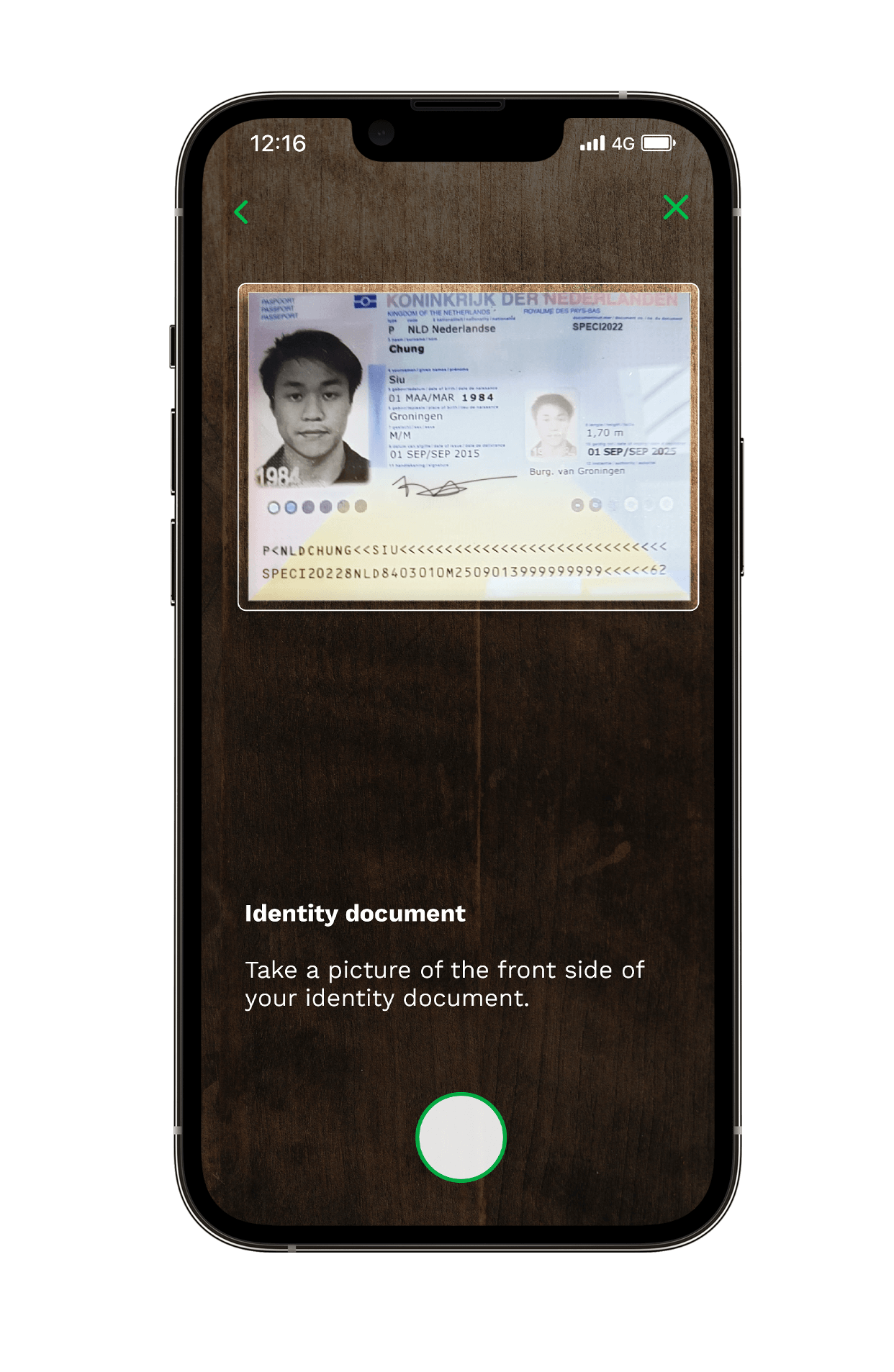
Scan any document and our OCR handles the rest from auto-capture to auto-cropping for optimal results.
Real-time user feedback:
move document closer, condition too dark, hold camera still, and more.Extract
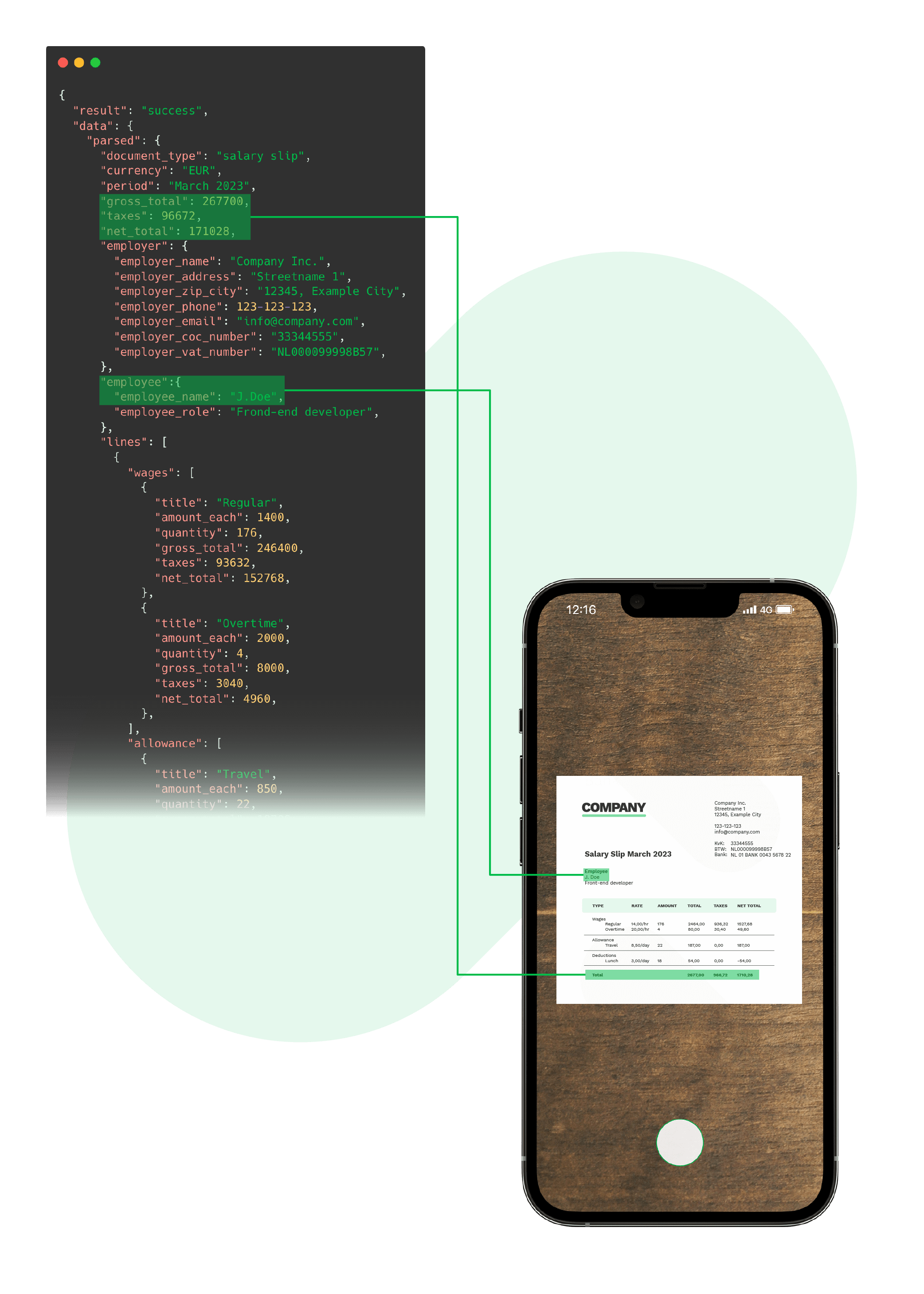
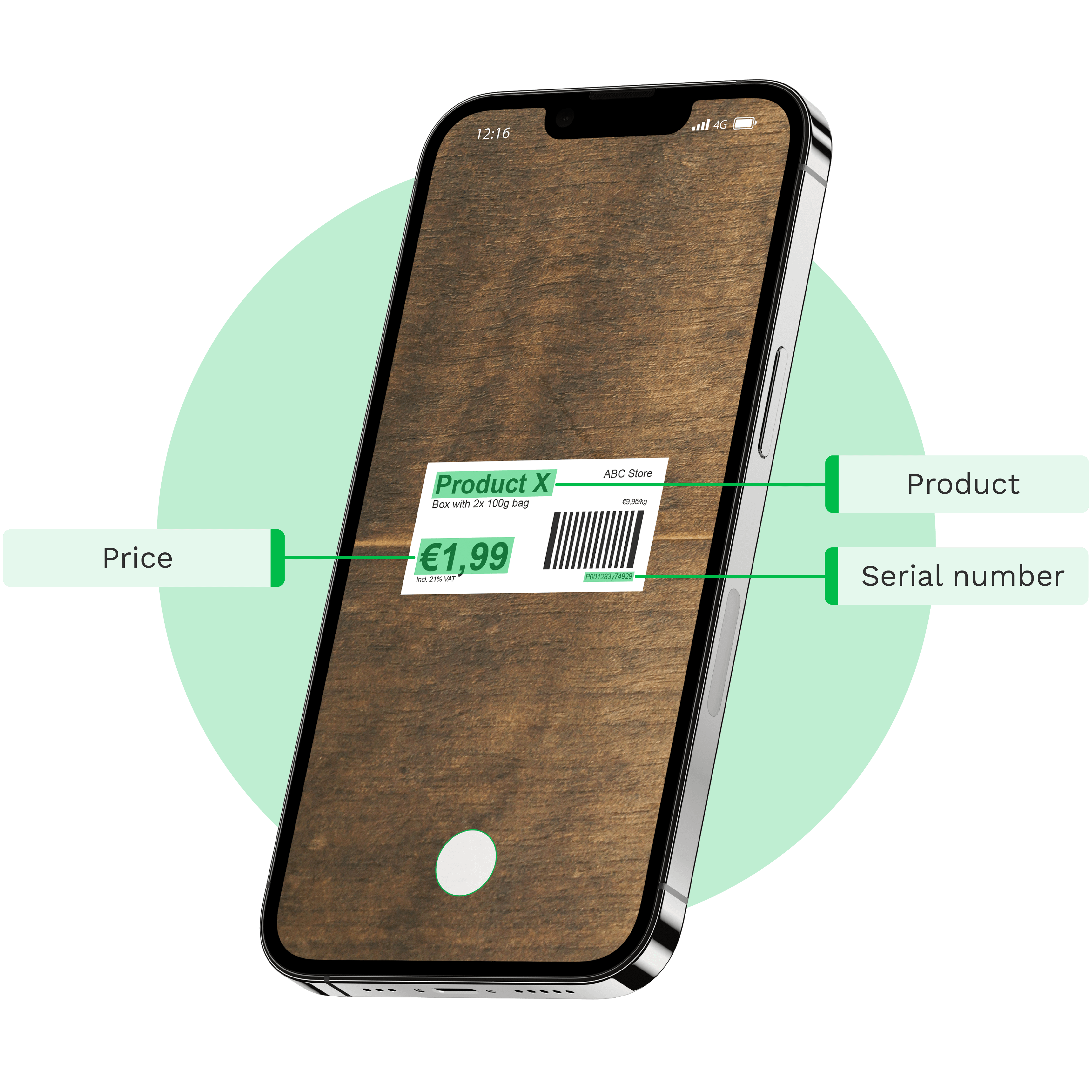
Our advanced AI-powered OCR analyzes and extracts data from documents without relying on templates.
Validate
Our AI-powered engine validates data and flags any missing or potentially fraudulent information, enabling you to enhance data accuracy and authenticity.
Export
Forward structured data to your CRM, ERP, application or database directly with the
.json response.KEY FEATURES
Why Choose the OCR SDK from Doxis
Doxis’ AI-powered OCR simplifies document scanning and processing with advanced features, delivering precise, structured data swiftly.
- Auto capturingOur OCR SDK automatically captures documents when positioned correctly for optimal quality.
- AI-powered OCRWe leverage the power of AI to enhance OCR capabilities, making document processing smarter and faster.
- Image pre-processingOur OCR API automatically enhances image quality for accurate data extraction and analysis.
- Real-time user feedbackReal-time feedback alerts users if a document is too far away or the lighting is too dark.
- Reach 99% accuracyExperience unparalleled accuracy in OCR text conversion, ensuring every word is captured correctly.
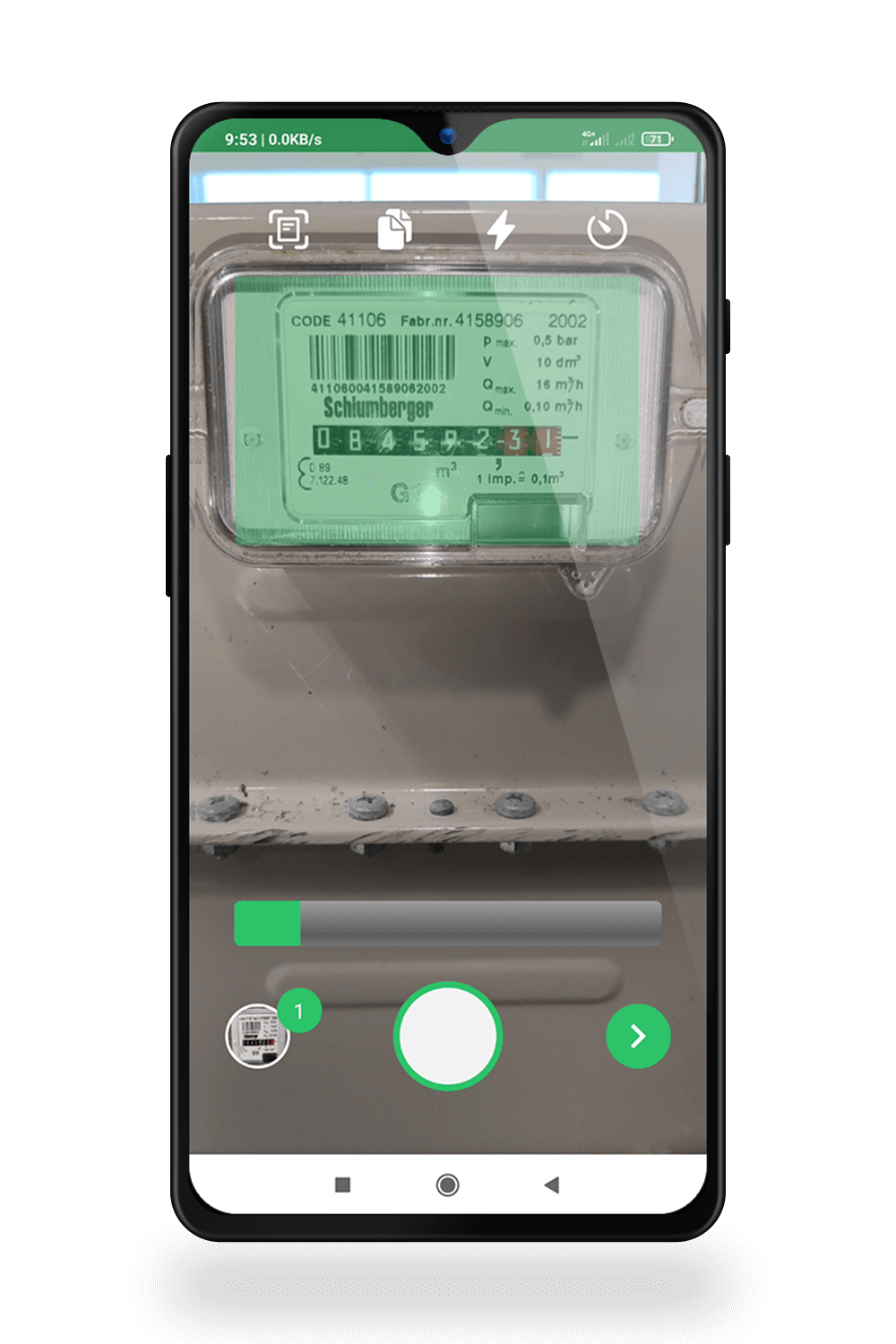
- Multi-document captureAutomatically capture multiple documents in sequence to a single file for efficient processing.
- Wide document supportOur OCR SDK recognizes various documents in 150+ languages ensuring versatility and flexibility.
- Seamless integrationWith a comprehensive documentation you can implement our OCR SDK within 24 hours.
How EF Education First Digitized Student Onboarding
“Doxis’ SDK and NFC technology transformed our onboarding process through a fully digitized, fast, and secure identity verification flow.”
What EF Education First achieves with Doxis:
Leverage Our Advanced OCR SDKs For Every Challenge
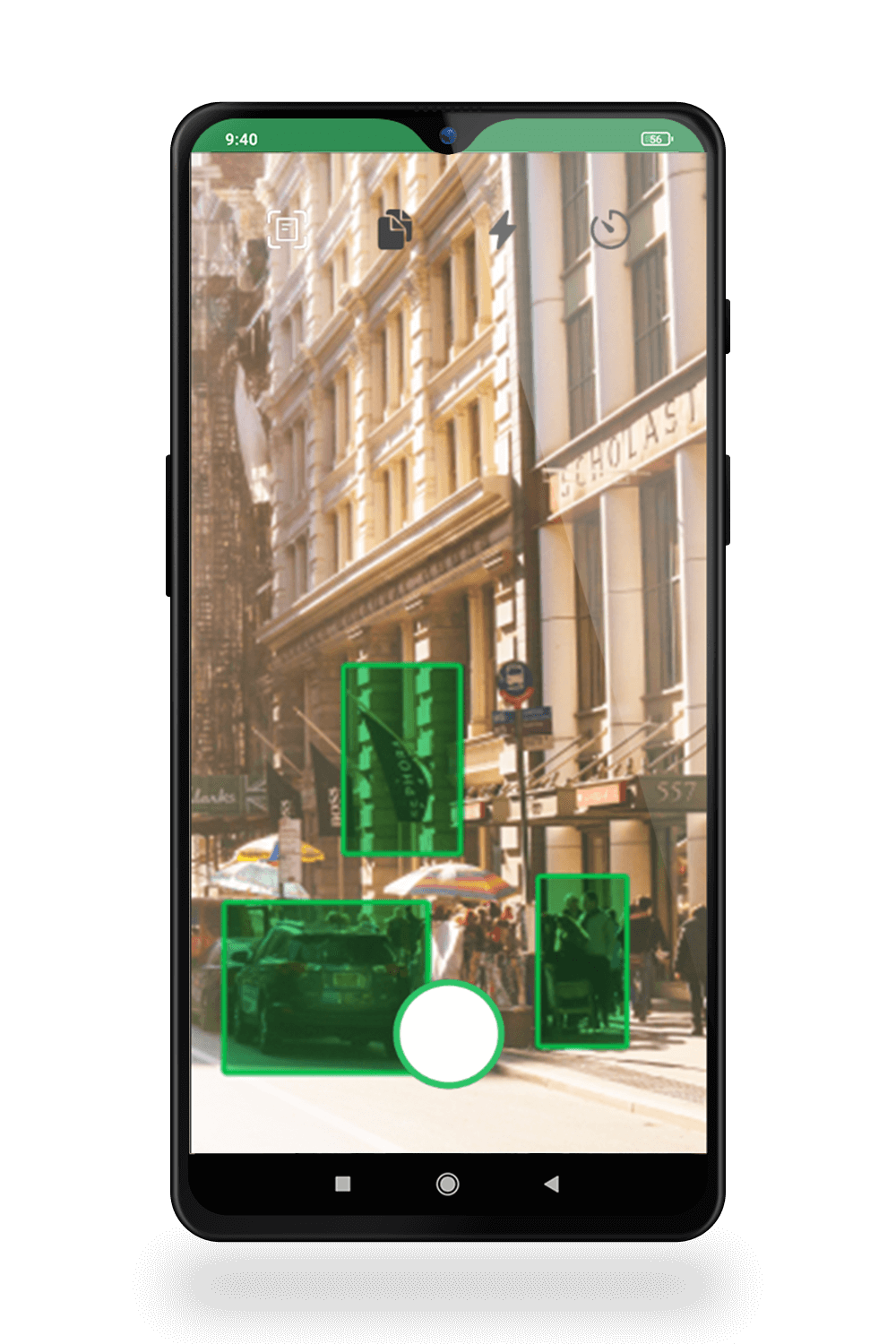
Enhance your workflows with the right OCR SDK for seamless data capture and document processing scalability.
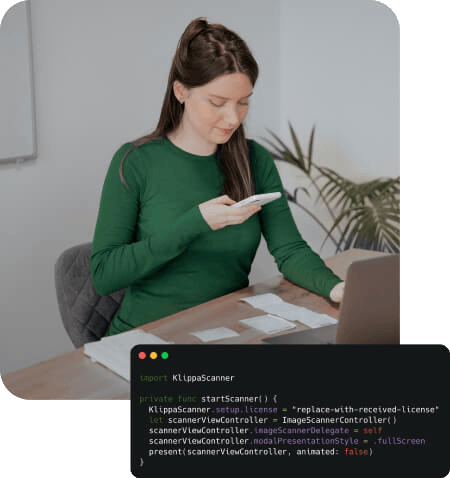
Easy to Integrate For Developers
Our OCR SDK is available across multiple platforms. With developer-made documentation, you can implement it quickly in your application.
Available on all major platforms





Why Developers Prefer Our OCR SDK for Data Capture
It’s simple – our OCR API is designed for simplicity and flexibility, allowing developers to easily integrate powerful text recognition into any application.
Save development time
Get up and running with minimal setup and save tons of development hours.
99% data extraction accuracy
Build applications that deliver precise, reliable results and minimize post-processing corrections.
Reliable performance at scale
We ensure consistent performance and 99.99% uptime, even as your demands grow.
Developer-made documentation
Our documentation is made by developers for developers to ensure clear and easy integration.
- ✓ Secure

- ✓ Compliant
- ✓ Protected
- ✓ Hosted in EU
- ✓ Trusted
Frequently Asked Questions
What is an OCR SDK?
What features does the OCR SDK offer?
Is the OCR SDK from Doxis secure for sensitive documents?
Can the OCR SDK handle high volumes of documents?
Does the OCR SDK support multiple file formats?
Can the OCR SDK extract structured data from documents?
Does the OCR SDK work with multiple languages?
Which industries benefit most from an OCR SDK?
Can the OCR SDK integrate into existing mobile or web apps?
How much does the OCR SDK cost?