

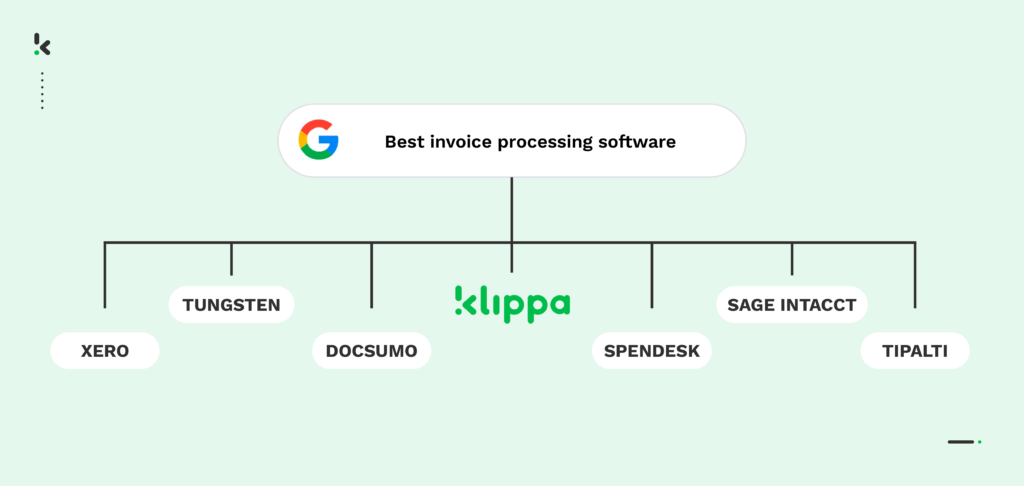
The global fintech market, including finance automation software, is projected to grow at a CAGR of 16.8% from 2024 to 2032 and is expected to reach a value of around $917.17 billion by 2032. With the exponential growth of the automation-as-a-service industry, choosing the best software among the diversity of existing products can become overwhelming.
In this guide, we will introduce you to the top 7 invoice processing automation software available in 2026. We’ll explore their key features, benefits, and potential drawbacks, helping you choose the perfect solution for your invoice management needs.
Key Takeaways – Top 7 at a Glance
- Doxis SpendControl – All-in-one AP platform with invoice, expense, and card management.
- Tipalti – Mid-market firms with global payments & tax compliance needs.
- Tungsten Automation (formerly Kofax) – Large enterprises with multi-entity AP operations.
- Xero – SMBs seeking affordable, cloud-based invoice management.
- Sage Intacct – Enterprises needing custom AP automation & 2/3-way matching.
- Docsumo – Businesses requiring AI-powered extraction from varied document types.
- Spendesk – Medium–large companies with spend management & fraud detection.
Comparison Table: 2026 Invoice Automation Leaders
*Vendor-reported or based on 3rd-party benchmarks.
Prices may vary; contact vendors for current rates.
What is Invoice Automation Software?
Invoice processing software is a digital tool designed to automate and manage the invoice processing workflow, from receipt to payment, by reading, analyzing, and capturing invoice data. The software operates through several steps that automate tasks associated with invoice processing:
- Invoice capture: The invoice scanning software reads invoices and converts them into digital data.
- Data extraction: Extracting and verifying data against purchase orders and delivery receipts.
- Approval workflow: Routing invoices to the appropriate personnel for approval.
- Payment processing: Once approved, the software schedules payments for the purchase invoices.
- Record keeping and reporting: Updating records with invoice details and payment statuses.
Top 7 Invoice Processing Automation Software
Using an invoice automation solution is among the best practices for accounts payable. However, navigating the options for the best software for your business can be a bit overwhelming.
To help you, we’ve selected some of the most popular tools in 2026, looked into their features, and explored real user feedback from trusted review platforms. The result is a clear overview of what each app does well and where it might fall short based on what actual users are saying.
1. Doxis SpendControl
Doxis SpendControl is an all-in-one digital pre-accounting software that combines invoice processing, expense management, and corporate credit card modules.
Our software utilizes Optical Character Recognition (OCR) technology to ensure accurate data capture and enable invoice scanning, approval, archiving, and booking directly to your financial administration.
Pros
- Manage your vendor invoices, employee expenses, and corporate credit cards in one platform
- Submit, process, and approve invoices via web or mobile app
- Achieve 99% invoice data extraction accuracy with Doxis’ OCR
- Regain control over your accounts payable with intuitive dashboards
- Customize your approval management with multi-level authorization flows
- Never fail to comply with tax and data privacy regulations with our ISO27001-certified and GDPR-compliant solution
- Rely on automatic multi-currency support for international payments
- Prevent invoice fraud with built-in duplicate and fraud detection
- Integrate SpendControl with your accounting and ERP software, like QuickBooks, NetSuite, or SAP
Cons
- No direct travel or inventory system integration
- Currently, no 3-way matching (coming soon)
Pricing
- Effective plan: $95/month – 4.000 invoices/year + expense management and a credit card module.
- Premium plan: $275/month – 12.000 invoices/year + advanced compliance and customization.
- Custom plan: Custom – Tailored to enterprise requirements. Contact us to learn more.
Ideal business type and size: Doxis SpendControl is best suited for SMEs to mid-market companies looking for a single solution to manage all business expenses.
2. Tipalti
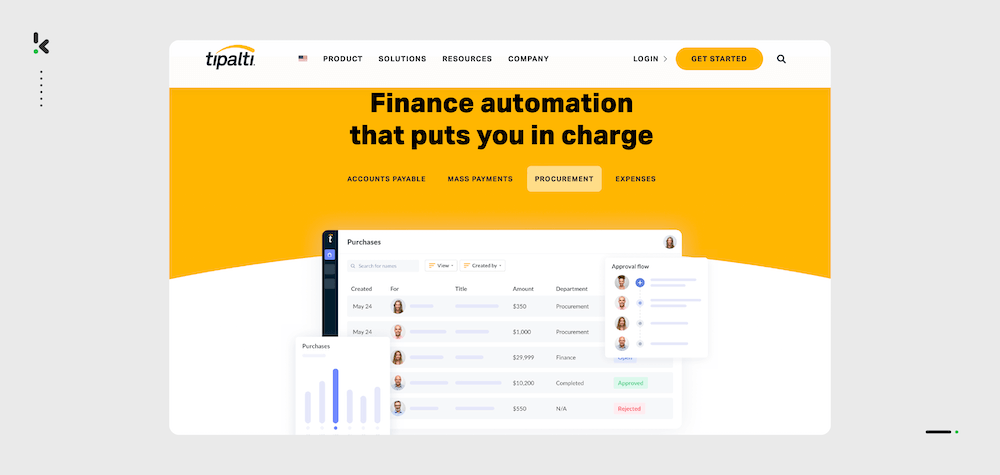
Tipalti is an accounting software designed to streamline the entire payment process, making it easier for finance departments to manage global payables operations.
Pros
- Proprietary OCR for automated data extraction
- Supplier and invoice management modules
- Multi-entity management capability
- Multi-currency and international tax compliance
- Scheduling of invoice batches for payment
Cons
- Limited advanced customization options for financial reporting
- Based on customer reviews, the implementation process can be cumbersome, with delays in getting support responses and resolving issues (G2)
- Unsatisfactory reviews on the user interface (UI) in navigation and task management (Capterra)
- Relatively high cost for a basic platform with additional costs for any advanced features (Capterra)
Pricing
- Starter plan: $99/month – Supplier portal, approvals, multi-entity support, and ERP integrations.
- Premium plan: Custom – PO matching, multi-currency support, and optional Mass Payments.
- Elite plan: Custom – Advanced procurement features.
For the most accurate and up-to-date details, please check Tipalti’s official pricing page.
Ideal business type and size: Tipalti is most suitable for medium-sized businesses with complex international payables needs.
3. Tungsten Automation (formerly Kofax)
Tungsten Automation is an intelligent automation software provider. One of their products – Tungsten AP Essentials™- is a cloud-based invoice processing solution designed to automate accounts payable functions.
Pros
- Capture and validation of invoices from paper, email attachments, and electronic formats
- Visibility into invoice status with real-time dashboards
- Automated approval workflows
- 24/7 cloud-based support and constant performance monitoring
- Integrates with popular ERP and accounting systems, such as Microsoft D365 and Oracle
Cons
- Based on platform reviews, the software displays occasional issues with data extraction accuracy
- Based on user reviews, the software lacks customization options, particularly for reporting and workflow adjustments (Gartner)
Pricing
- Information on pricing models is not available on the official website
Ideal business type and size: Tungsten Automation is best suited for medium to large-sized enterprises with high invoice volumes and multi-entity operations.
4. Xero
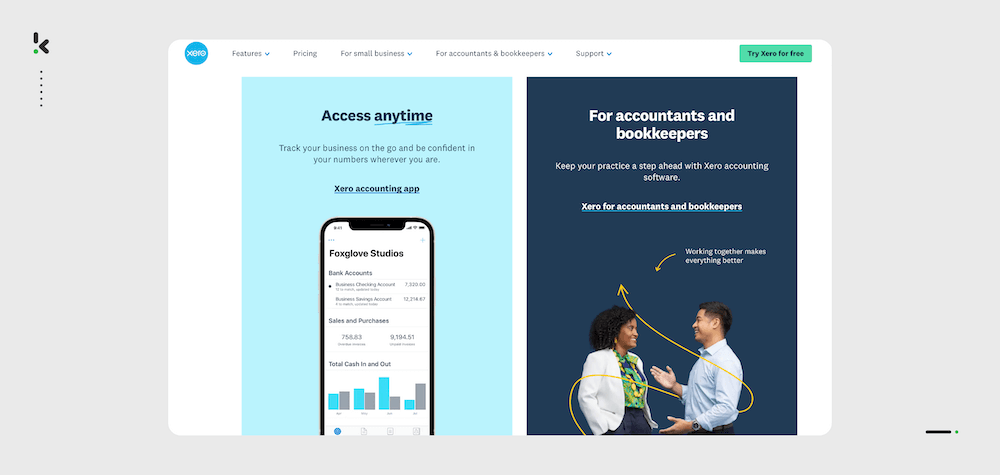
Xero is an accounting software that lets companies keep track of unpaid and overdue invoices without manual input. The software helps companies facilitate transactions and create smooth communication between businesses and vendors.
Pros
- Detailed financial reports,
- Automated approval workflows
- Automated bank feeds with real-time financial updates
- Multi-currency support for international payments
- Integration with over 800 third-party applications
Cons
- Does not detect fraudulent or duplicate invoices
- Does not perform two or three-way matching
- Based on user reviews, Xero’s inventory management will struggle to suit businesses with complex inventory requirements (Trustpilot)
- The entry-level plan limits the number of invoices and bills that can be processed
Pricing
- Starter plan: $29/month – Upload of 5 invoices + reconciliation of bank transactions.
- Standard plan: $46/month – Reconciliation of bank transactions in bulk.
- Premium plan: $62/month – Multi-currency support.
For the most accurate and up-to-date details, please check Xero’s official pricing page.
Ideal business type and size: Xero is best suited for small to medium-sized businesses with small receiving invoice volumes.
5. Sage Intacct
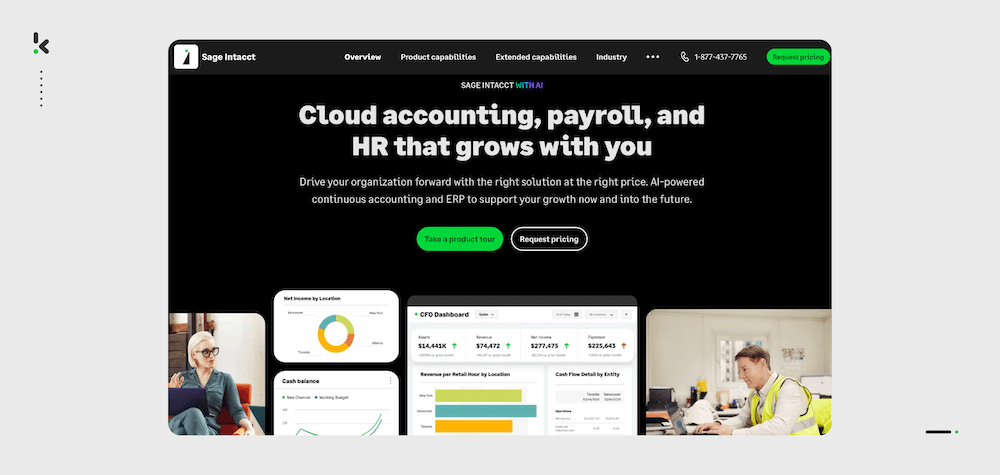
Sage Intacct is a cloud-based accounting software designed to enhance the efficiency of financial operations, particularly in accounts payable (AP) automation.
Pros
- Two and three-way matching for purchase orders, invoices, and receipts
- Real-time financial reporting
- Customizable approval workflows
- Flagging of duplicate and potentially fraudulent invoices
- Integrated collaboration tools for communication between team members
Cons
- It may be costly for small businesses with additional modules and third-party integrations
- Inventory and order management limitations
- Based on client reviews, initial setup and configuration can be complex, requiring significant time and resources to tailor the system to specific business needs (GetApp)
Pricing
- Information on pricing models is not available on the official website. Approximate prices often fall in the range of $10,000 to $30,000 annually
Ideal business type and size: Sage Intacct is best suited for medium to large-sized businesses with complex AP processes and extensive customization requirements.
6. Docsumo
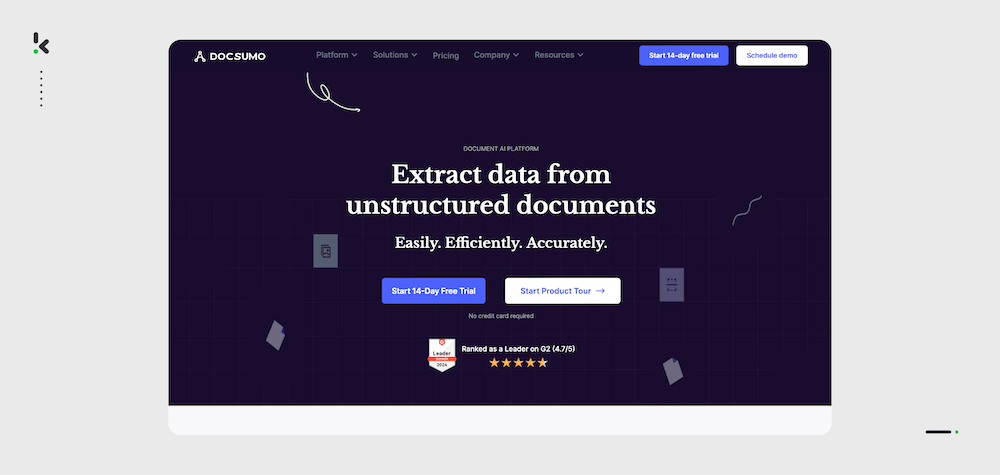
Docsumo is an intelligent document workflow automation platform with an invoice processing automation module, designed to automate data extraction, validation & review from unstructured documents.
Pros
- AI-powered data extraction from structured and unstructured documents
- Over 30 pre-built AI models for various document types and an option to get a custom model trained on a company’s document samples
- Secure cloud-based document storage
- Auto-splitting of combined documents
- Direct integration with many CRM, ERP, HCM, accounting, and payroll software
Cons
- Relatively high cost for a basic module, with custom pricing for any additional features
- Does not provide fraud or duplicate detection
- Does not feature automated two or three-way matching
Pricing
- Free plan: $0/month – One user with 100 free credits.
- Growth plan: $299/month – 1,000 pages per month + 3 pre-trained models and API access.
- Enterprise plan: Custom – Custom pre-trained models, unlimited users, and custom integrations.
For the most accurate and up-to-date details, please check Docsumo’s official pricing page.
Ideal business type and size: Docsumo is best suited for small to medium-sized businesses that handle many document types.
7. Spendesk
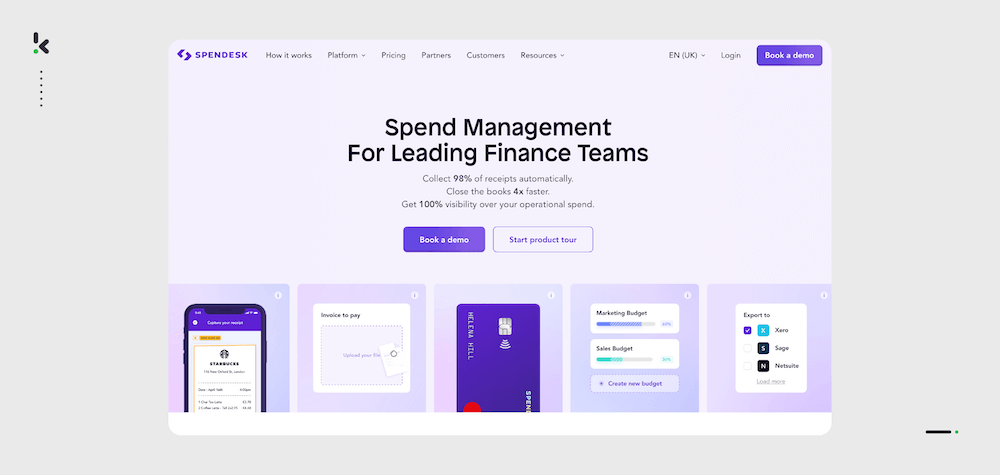
Spendesk is a spend management platform designed to automate invoice processing along with other financial workflows, delivering more control and visibility to finance teams.
Pros
- Automation of the invoice management process, from submission to approval and payment
- Three-way matching of purchase orders, invoices, and delivery receipts
- Real-time updates to budgets with every new invoice
- Cloud-based document storage
- Detection of fraudulent and duplicate invoices
Cons
- Based on user reviews, Spendesk lacks in-depth analytics and detailed spending category breakdowns (GetApp)
- The platform can be relatively expensive for smaller businesses
- Based on user reviews, Spendesk is limited in customization options, particularly for specific business needs and workflows (Capterra)
Pricing
- Information on pricing models is not available on the official website.
Ideal business type and size: Spendesk is best suited for medium to large businesses that anticipate increasing complexity in their financial operations.
Must-Have Software Features
When selecting invoice automation software for your business, assessing the features that will best support your financial operations is crucial. Here are the key features you should look for:
Data Scanning with OCR Technology
Optical Character Recognition (OCR) technology is essential for automating the data capture from vendor invoices. Features to consider include:
- High accuracy rates: Look for OCR solutions that boast high accuracy in data extraction to minimize manual corrections
- Multi-language support: If your business deals with international vendors, ensure the OCR can handle multiple languages
Automated Approval Workflows
Efficient workflow automation features streamline the invoice approval process, enhancing productivity. Important aspects include:
- Customizable approval workflows: Ability to create and modify document authorization flows to match your specific business rules
- Role-based access control: Ensures only authorized personnel can approve invoices, enhancing security
Automatic Invoice Matching
Automated two-way or three-way matching ensures that invoice automation software automatically compares invoices against purchase orders and receiving reports. Look for:
- Two-way matching: Comparison of the vendor’s invoice to the purchase order to ensure item descriptions, quantities, and prices match, preventing overpayments and unauthorized purchases
- Three-way matching: An additional level of data validation. Comparison of the invoice to the purchase order and the receiving report (also known as delivery notes)
Fraud Detection
Protect your company from financial fraud by choosing software equipped with advanced fraud detection mechanisms. Key technologies to look for include:
- AI and machine learning: These technologies can analyze patterns and flag anomalies that could indicate fraudulent behavior
- Duplicate invoice detection: Automatic identification and alerting of duplicate invoices
- Vendor validation: Ensures that the invoices are coming from legitimate vendors through cross-referencing with approved lists to prevent vendor fraud
Compliance and Security
Ensure the software complies with industry standards and local regulations to safeguard your data. Look for:
- Data encryption: End-to-end encryption to protect sensitive financial information
- Compliance certifications: Adherence to regulations such as GDPR, CCPA, and industry or region-specific standards
- Audit trails: Comprehensive logging of all actions within the software for accountability and compliance audits
Multi-Currency and Multi-Entity Support
For businesses operating globally, multi-currency and multi-entity accounting support is vital. Important features include:
- Currency conversion: Real-time currency conversion rates and automated conversion for invoices in different currencies
- Entity-specific workflows: Separate workflows and approval processes for different business entities or subsidiaries within your organization
Accounting and ERP Integration Capabilities
Your invoice automation software should seamlessly integrate with your existing accounting and ERP systems. Look for software that supports:
- Popular ERP systems: Integration with widely used ERP systems like SAP, Oracle, Microsoft Dynamics, and NetSuite
- API availability: Robust APIs that facilitate custom integrations with other business systems
- Real-time data sync: Real-time synchronization of invoice data to ensure your financial records are always up-to-date
Reporting and Analytics
Robust reporting and analytics capabilities are essential for gaining insights into invoice processing operations. Look for software that offers:
- Customizable reports: Ability to generate reports tailored to your business needs
- Dashboards: Real-time dashboards with key metrics such as processing times, bottlenecks, and payment statuses
- Data export options: Look for software that allows data export in Excel, CSV, PDF, and XML formats, in addition to direct API integrations
Scalability
Ensure the software can grow with your business. Key aspects include:
- Cloud-based solutions: Cloud-based platforms offer scalability and flexibility without significant infrastructure investments
- Modular features: Ability to add or upgrade features as your business needs evolve without disrupting existing processes
By focusing on these features, you can choose invoice automation software that meets your current business needs and scales with your future growth. Make sure to evaluate each feature carefully and consider how it integrates with your overall financial processes.
Benefits of Using Invoice Automation Software
Implementing invoice processing automation offers numerous advantages that can significantly enhance your financial operations. Here are the most important benefits:
Time Savings
According to Gartner, the average amount of avoidable rework in accounting departments can take up to 30% of a full-time employee’s overall time, which equates to savings of 25,000 hours per year for an organization with 40 full-time accounting staff. Automating the invoice processing workflow reduces the time spent on manual data entry and verification.
Cost Reduction
By minimizing manual intervention and errors, invoice automation software helps reduce processing costs by 49%. It also enables timely payments, which can help you take advantage of early payment discounts from vendors.
Improved Accuracy
Automation reduces human errors in data entry and processing. Advanced technologies like OCR and machine learning exceed 90% accuracy rates in capturing and validating invoice data.
Scalability
As your business grows, invoice automation software can effectively scale to handle increased volumes of invoices without a proportional increase in processing time or staff.
Regulatory Compliance
Automated systems help to maintain compliance with industry regulations by providing accurate record-keeping and audit trails, ensuring adherence to payment and reporting standards applicable to industry or country requirements.
Enhanced Security
Invoice automation software that includes robust security features such as data encryption, user access controls, and fraud detection mechanisms protects sensitive financial information.
Better Cash Flow Management
With real-time visibility into invoice statuses and improved processing efficiency, you can manage cash flow more effectively, ensuring timely payments and better financial planning.
Vendor Relationship Management
Faster and more accurate invoice processing leads to timely payments, which can improve your relationships with vendors and potentially lead to more favorable terms and conditions.
By leveraging the benefits of employing invoice automation software, you can transform your company’s financial operations, leading to greater efficiency, cost savings, and improved overall financial health.
What Makes Doxis a Top Choice for Invoice Automation?
Doxis SpendControl isn’t just another tool – it’s a fully AI-powered receipt scanning and processing platform. Doxis combines AI-powered pre-processing, smart automation, and fraud detection to deliver the fastest, most accurate, and secure invoice automation workflows in 2026.
What makes Doxis stand out from the rest?
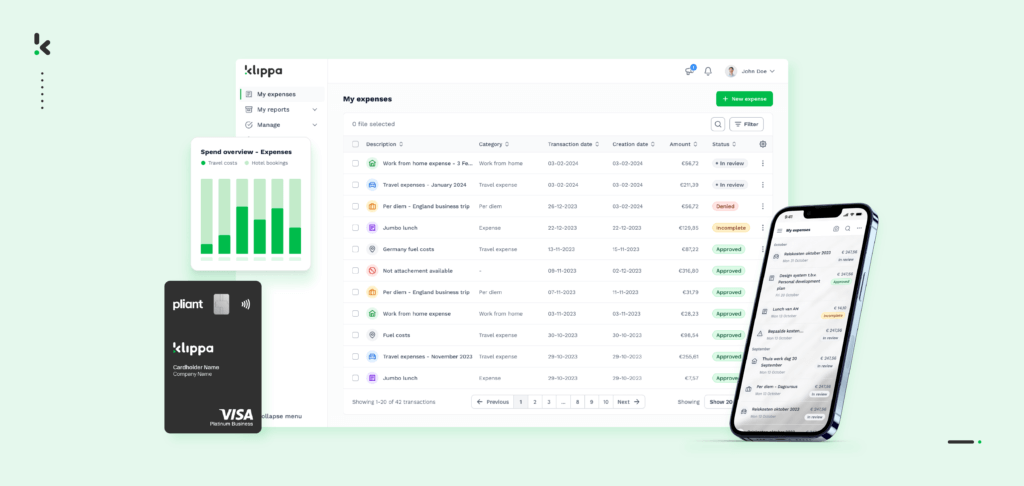
Doxis SpendControl leads the way in invoice automation with its all-in-one platform that integrates invoice processing, expense management, and corporate credit card modules. It uses AI-powered OCR to ensure fast, accurate, and automated data extraction.
For businesses needing a comprehensive solution, it offers the perfect combination of invoice approval workflows, fraud prevention, and seamless integration with popular accounting software like QuickBooks and NetSuite.
Recognized as a Leader in the Gartner® Magic Quadrant™ for Document Management, Doxis offers enterprise‑grade AI document automation backed by decades of expertise.
Conclusion
Choosing the right invoice automation software depends on prioritizing features that align with your business needs. While we featured some of the best invoice processing software in 2026, we believe that Doxis SpendControl offers everything you need to take complete control of all your business expenses while saving precious time and costs on invoice processing.
Are you ready to leave behind the hassle of manual invoice processing? Book a free demo to see our product in action, or contact our SpendControl specialists for more information. Start investing your time in things that really matter!
FAQ
Invoice automation software streamlines the accounts payable process by automating the capture, validation, and processing of invoice data, reducing manual effort and errors.
Implementing invoice automation can lead to significant time savings, improved accuracy, enhanced compliance, and better cash flow management.
For a comprehensive, all-in-one solution to manage invoices, expenses, and approval workflows, Doxis SpendControl stands out with its AI-powered OCR, fraud detection, and customizable workflows tailored for businesses handling high volumes of invoices and receipts.
Key features include Optical Character Recognition (OCR) for data extraction, automated approval workflows, fraud detection capabilities, multi-currency and multi-entity support, and seamless integration with accounting systems.
Many invoice automation solutions offer integration capabilities with popular accounting and ERP systems, ensuring a smooth transition and data consistency.