

Paper and PDF documents are still at the heart of everyday business in the US. Invoices from suppliers, contracts from legal teams, ID documents from HR – every department handles paperwork that needs to be read, processed, and routed. Doing that manually wastes time, causes data errors, and ultimately slows down your business.
Optical Character Recognition (OCR) software is capable of converting scanned documents, images, and PDFs into structured, machine-readable text. Be it a variety of formats, multi-language documents, or complex layouts, modern OCR can handle the processing and routing of data to your business systems.
In this guide, we compare the best OCR software available in the US for 2026, covering accuracy, pricing, and enterprise features. Whether you’re looking for an affordable desktop tool, a scalable cloud API, or a full-suite Intelligent Document Processing platform, you’ll find the right solution here.
Key Takeaways
- Doxis AI.dp – Best overall for enterprise Intelligent Document Processing. 99%+ OCR accuracy, built-in fraud detection, powerful workflow automation, and deep integration with ERP, CRM, and DMS platforms.
- ABBYY FineReader PDF – For multilingual and complex documents. Supports 190+ languages with layout preservation, suitable for legal and international organizations.
- Adobe Acrobat Pro / Adobe Scan – Best for everyday PDF OCR with Microsoft 365 and Adobe Creative Cloud, plus mobile capture with Adobe Scan.
- Readiris 17 – Reliable OCR in 138 languages with a one-time purchase model, no recurring fees.
- Tesseract OCR – Best free and open-source tool for developers. Highly customizable OCR engine for building self-hosted solutions.
- Google Document AI – API-driven OCR for scalable, structured data extraction. Strong for invoices, forms, and document automation in Google Cloud environments.
- Amazon Textract – Best AWS-native OCR. Automatically extracts text, tables, and form data at scale, with HIPAA and FedRAMP compliance.
What is OCR Software?
Optical Character Recognition (OCR) software is a technology that converts images of text, such as scanned documents, photos of paper, or PDFs, into machine-readable, searchable, and editable data.
When you scan an invoice, contract, or receipt, OCR analyzes the shapes and patterns in the text, matches them against known character sets, and outputs structured text that can be stored, searched, or processed by your business systems.
Best OCR Software in the US (2026)
1. Doxis AI.dp (formerly Klippa DocHorizon)
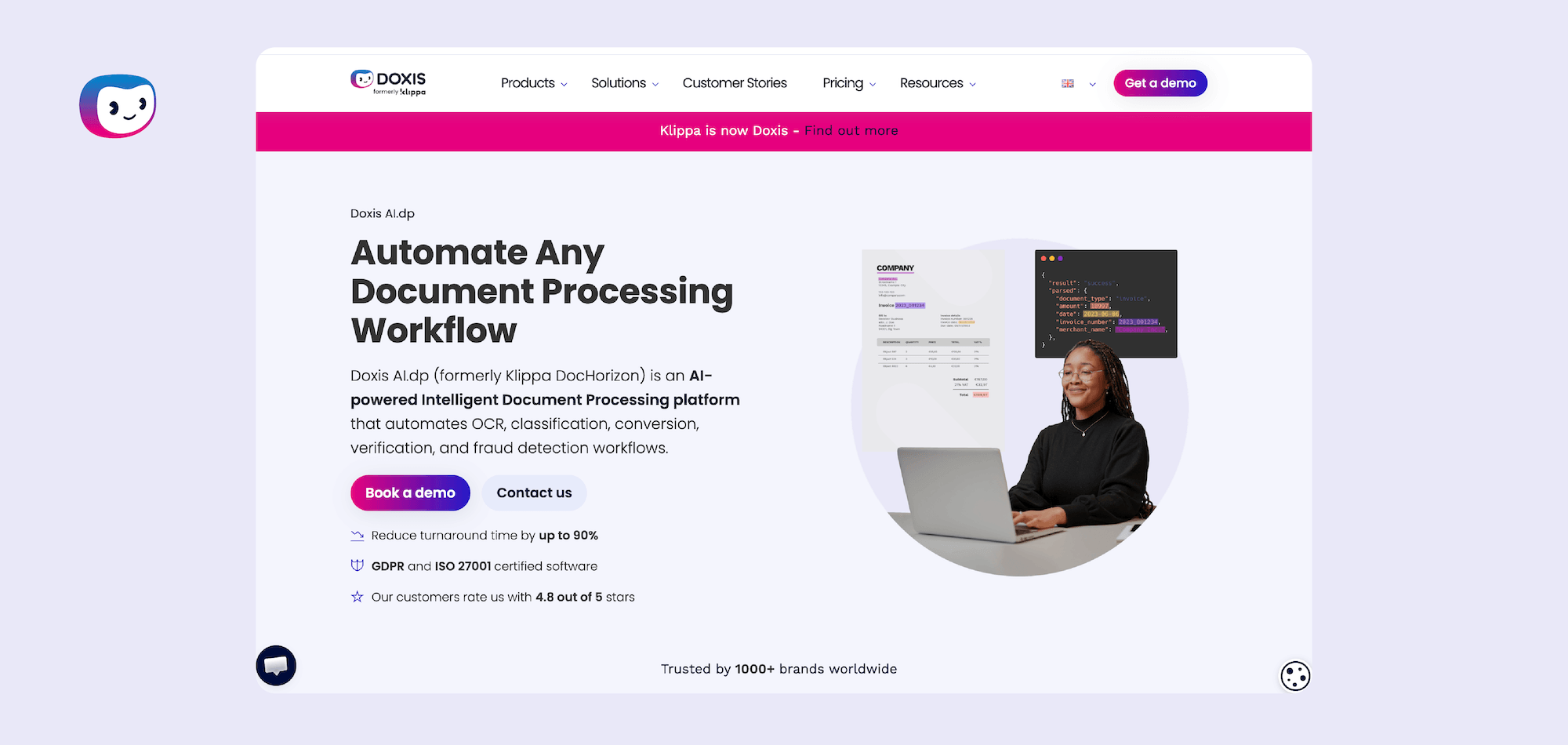
Doxis AI.dp is an advanced Intelligent Document Processing solution built for enterprises that need OCR as part of a wider automation ecosystem. It delivers 99%+ field-level accuracy across over 100 document types, including invoices, receipts, bank statements, identity documents, and more – processing documents in under five seconds and routing them to your desired system.
What makes Doxis AI.dp stand out from most OCR platforms is its built-in document fraud detection features. The software analyzes incoming documents for generative AI, EXIF anomalies, font inconsistencies, duplicate content, and pixel-level manipulation.
Doxis AI.dp is available as a standalone software or as an IDP engine within Doxis, a recognized Leader in the Gartner® Magic Quadrant™ for Document Management. Doxis delivers advanced OCR and intelligent document processing capabilities to teams across industries, making it the top OCR platform choice in the US for 2026.
Key Advantages:
- AI-powered OCR across 100+ document types without manual template setup
- Built-in fraud detection: international and domestic bank account number validation, copy-move analysis, EXIF anomaly checks, and more
- Includes automated document conversion and classification
- Securely processes and routes sensitive information with automated data anonymization
- No-code workflow builder for department-specific document pipelines
- API & SDK integrations with SAP, Microsoft Dynamics, Salesforce, SharePoint, and 200+ other systems
- GDPR, HIPAA and SOC I & II -compliant processing on 27001 ISO-certified servers
- Human-in-the-loop validation for 100% verified accuracy in sensitive workflows
Limitations:
- No native support for non-Latin scripts (e.g., Arabic, Chinese, Cyrillic) without custom configuration
- Broader setup scope may require IT resources for smaller teams
Best fit: Mid-market to enterprise logistics, financial, manufacturing, and healthcare organizations in the US with complex document workflows and diverse formats.
2. ABBYY FineReader PDF
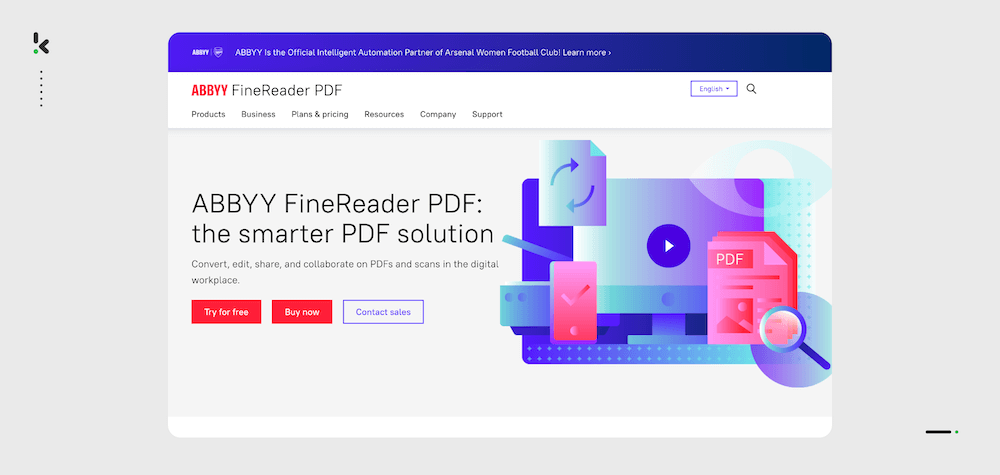
ABBYY FineReader PDF is an OCR platform that combines text recognition with PDF editing in a single desktop application. It supports over 190 languages and can process scanned documents, image-based PDFs, and mixed-content files. FineReader PDF is available in both Windows and macOS editions, with an enterprise deployment option for larger organizations.
Key Advantages:
- OCR across 190+ languages, including Arabic, Chinese, and Cyrillic
- Preserves document structure (headers, footnotes, tables) across multi-page documents
- PDF editor with annotation, redaction, form filling, and digital signature support
- Available as a cloud or on-premise solution
- Table recognition that exports to Excel with preserved formatting
Limitations:
- Desktop-first architecture means no native real-time API access for developers building custom integrations
- Higher per-seat pricing compared to cloud-based alternatives – licensing can be complex for large teams
Best Fit: Legal organizations in the US that need OCR on complex, multilingual documents and prefer a self-contained desktop or on-premise solution without cloud dependency.
3. Adobe Acrobat Pro / Adobe Scan
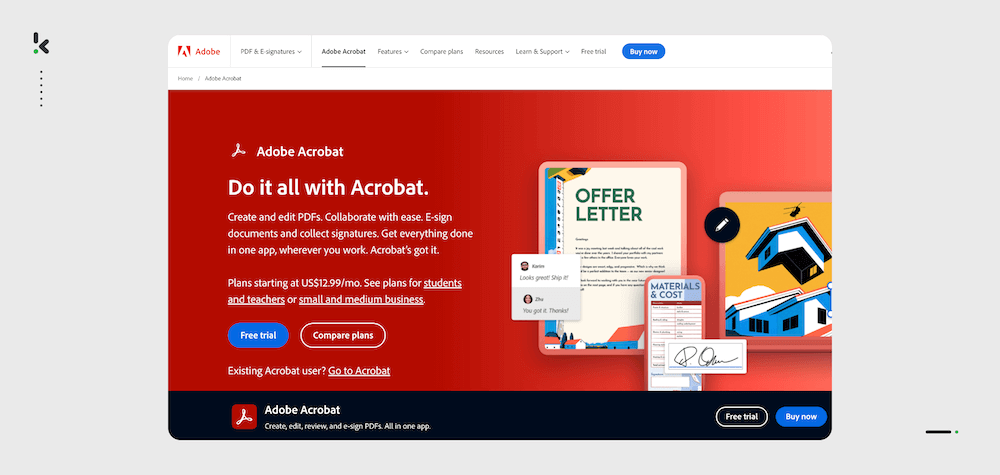
Adobe Acrobat Pro is a PDF tool with built-in OCR (called “Make Searchable PDF”), offering tight integration across the Adobe ecosystem. Adobe Scan, its mobile companion app, lets users capture documents with a smartphone camera and instantly convert them into searchable PDFs.
Key Advantages:
- Universal format compatibility: virtually every PDF produced anywhere can be opened, edited, and scanned in Acrobat
- Adobe Scan offers mobile capture with automatic edge detection and perspective correction
- Integrations with Microsoft 365, SharePoint, Google Drive, and Adobe Creative Cloud
- E-signature workflows built natively via Adobe Acrobat Sign
- Acrobat AI Assistant allows users to query document content using natural language
Limitations:
- Subscription pricing via Adobe Creative Cloud can be expensive for organizations needing only OCR functionality
- OCR accuracy on low-quality scans or non-standard document layouts lags behind dedicated OCR platforms
Best Fit: Organizations already using Adobe Creative Cloud or Microsoft 365 that need basic PDF OCR without introducing a new vendor.
4. Readiris 17
Readiris 17 is a dedicated OCR and PDF management application from IRIS Group (a Canon company), positioned as an accessible, one-time-purchase alternative to subscription-based tools. It covers core OCR functionality across 138 languages, PDF creation and editing, and basic document conversion.
Key Advantages:
- One-time purchase model with no recurring subscription fees
- Supports 138 recognition languages with accuracy on clean, well-structured documents
- Includes AI-powered document summarization for quick content extraction
- Converts scanned documents to editable Word, Excel, and searchable PDF formats
- Lightweight installation with minimal system requirements compared to enterprise OCR platforms
Limitations:
- Recognition accuracy on low-resolution scans, handwriting, or complex table layouts is noticeably weaker than dedicated cloud OCR APIs
- Limited API or automation capabilities, not suited for integration into custom developer workflows or high-volume batch processing pipelines
Best Fit: Freelancers, small businesses, and individual professionals in the US who need reliable OCR for standard office documents and prefer a one-time purchase over a SaaS subscription.
5. Tesseract OCR
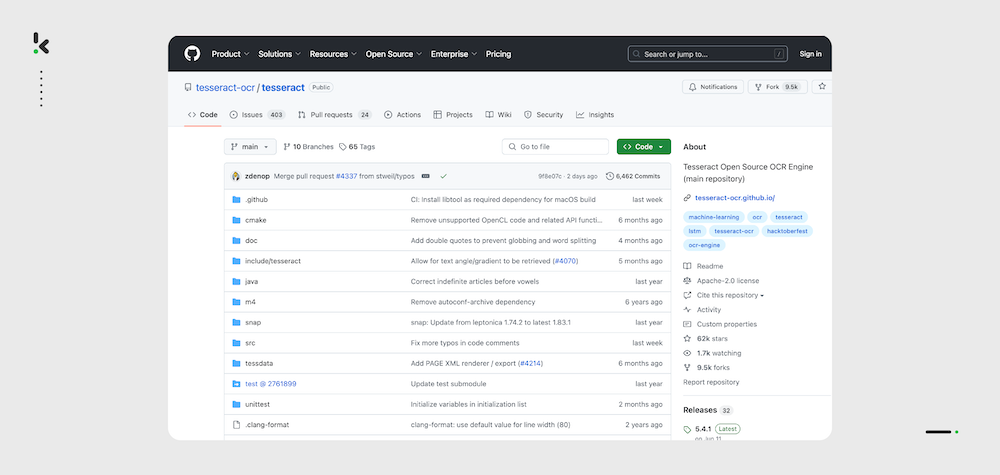
Tesseract is an open-source OCR engine originally developed by HP and now maintained by Google. It is the foundation layer for a large share of OCR tooling in the developer ecosystem, used directly or embedded within commercial products, cloud platforms, and custom-built document processing pipelines. Tesseract supports over 100 languages and is freely available under the Apache 2.0 license. Its primary audience is developers and data engineers.
Key Advantages:
- Completely free and open source under Apache 2.0, no licensing costs or usage caps
- Supports 100+ languages with an LSTM-based neural network recognition engine
- Highly customizable: can be fine-tuned with custom training data for domain-specific fonts or document types
- Integrates into virtually any tech stack via Python (pytesseract), Java, C++, and other wrappers
- Ideal for building self-hosted, air-gapped document processing pipelines with full data control
Limitations:
- Requires developer expertise to deploy effectively: image preprocessing, DPI normalization, and output post-processing are often necessary to achieve production-grade accuracy
- No built-in support for structured data extraction (e.g., invoice line items, form fields) without additional custom logic or third-party frameworks
Best Fit: Development teams, data engineers, and organizations building custom OCR pipelines who need a cost-free, self-hosted engine with full control over data and infrastructure.
6. Google Cloud Vision / Google Document AI
Google offers two complementary OCR products: Cloud Vision API (for general image analysis and text detection) and Document AI. Document AI parses invoices, tax forms, contracts, identity documents, and custom document types into structured, machine-readable output using pre-trained and custom processors.
Key Advantages:
- Document AI delivers structured output (key-value pairs, line items, entity extraction)
- Pre-built processors for invoices, receipts, W-2 forms, driver’s licenses, bank statements, and more
- Can handle low-quality scans, handwriting, and multilingual documents
- Native integration with Google Cloud ecosystem: BigQuery, Vertex AI, and Cloud Storage
- Pay-per-page pricing model with a free tier
Limitations:
- Cloud-only deployment means all documents are processed on Google’s infrastructure – a potential blocker for organizations with strict data residency or on-premise requirements
- Complex or non-standard document types may require building and training custom processors, which demands ML expertise and labeled training data
Best Fit: Tech companies, fintechs, and large enterprises in the US already on Google Cloud that need scalable, API-driven document understanding with structured data extraction.
7. Amazon Textract
Amazon Textract is AWS’s managed OCR and document analysis service, designed to extract text, tables, forms, and structured data from scanned documents and images.
Textract integrates natively with the AWS ecosystem: S3 for document storage, Lambda for event-driven processing, and Amazon Comprehend or Bedrock for downstream NLP and AI enrichment. Like Google Document AI, it operates on a pay-per-page model and scales automatically.
Key Advantages:
- Native AWS integration with S3, Lambda, SNS, and Step Functions
- Detects and extracts tables and form fields as structured data
- Queries API allows users to ask natural language questions about a document (e.g., ‘What is the invoice total?’) and receive direct extracted answers
- HIPAA-eligible and supports AWS compliance frameworks (SOC, PCI DSS, FedRAMP) for regulated industries
- Pay-per-page pricing with no upfront costs; integrates with AWS Cost Explorer for spend visibility
Limitations:
- Performance on handwritten content, non-English languages, and visually complex layouts can be inconsistent compared to specialized alternatives
- AWS-native design means meaningful migration effort for organizations not already on AWS infrastructure
Best Fit: Enterprises and ISVs already building on AWS that need automated document processing with structured data extraction.
How to Choose the Right OCR Software in the USA
The best OCR software for your business depends on more than just accuracy ratings. Regulations, existing IT infrastructure, and the specific types of documents you process all play a role in making the right choice. When evaluating OCR platforms, focus on these key buying factors:
1. Accuracy on Your Document Types
OCR accuracy can vary dramatically depending on the quality and format of your documents.
If you process multi-language contracts, handwritten forms, or low-resolution scans, test the platform on your actual files, not just vendor demos.
For US healthcare, legal, or finance sectors, even a small error rate can cause compliance or operational issues. Prioritize 99%+ field-level accuracy with human-in-the-loop verification.
2. Workflow Integration
The most powerful OCR is wasted if it doesn’t connect with your existing business systems.
Confirm there are direct integrations or an API to connect to your ERP (SAP, NetSuite, Microsoft Dynamics), CRM (Salesforce, HubSpot), document management system, or data warehouse.
If your business already runs heavily on a cloud provider like AWS, Google Cloud, or Azure, consider OCR that’s native to that environment.
3. Regulatory Compliance & Security
In the US, industries such as healthcare, banking, and government must comply with frameworks like HIPAA, SOC 2, PCI DSS, or FedRAMP.
Your OCR platform should process and transmit data securely, with options for data anonymization and encryption in transit and at rest.
For sensitive workflows, look at providers with region-specific compliance certifications.
4. Pricing Model That Matches Your Usage
Frequent, high-volume scanning? A subscription or pay-per-page consumption model may be cheaper than investing in perpetual licenses.
Occasional or seasonal demand? Look for platforms offering tiered usage plans or one-time licenses.
Factor in the total cost of ownership, including training, custom integration, and infrastructure.
5. Advanced Features for Competitive Advantage
Decide if features like fraud detection, handwriting recognition, automated classification, or multilingual support are nice additions or actual must-haves.
For finance and procurement teams, fraud detection (e.g., bank account number validation, pixel-level tamper analysis) can protect against payment fraud.
For legal teams, advanced search, redaction, and annotation may rank higher on the priority list.
6. Scalability & Automation
If your business is growing, choose an OCR that supports batch processing, real-time API calls, and workflow automation, so you don’t hit scaling limits later.
Intelligent Document Processing (IDP) platforms go beyond OCR, integrating classification, validation, and routing into one automated pipeline.
Always run a proof of concept (PoC) with your own documents before committing. Measure not just accuracy, but speed, ease of integration, and how the tool fits into your day-to-day operations.
Why Enterprises Choose Doxis AI.dp
For many US organizations, OCR is only the first step in a much larger document lifecycle. The real efficiency gains happen when data from scanned documents flows automatically into ERP systems, triggers downstream processes, and undergoes validation.
Doxis AI.dp delivers exactly that. A single platform that combines:
- 99%+ accuracy OCR, intelligent classification
- Structured data extraction
- Built-in fraud detection
- End-to-end workflow automation
From AP invoices and contracts to bank statements, delivery notes, customs forms, and identity documents – all can be processed within one platform. This reduces the cost and complexity of running separate software for different departments.
In short, more than 1000 companies worldwide choose Doxis AI.dp because it combines gold-standard OCR accuracy with the automation, compliance, and fraud prevention features that large US organizations require. Because Doxis AI.dp doesn’t stop at reading documents, it makes them instantly useful, trustworthy, and fully integrated into business operations.
Contact our experts for more insight into our OCR software capabilities or book a free demo down below!
FAQ
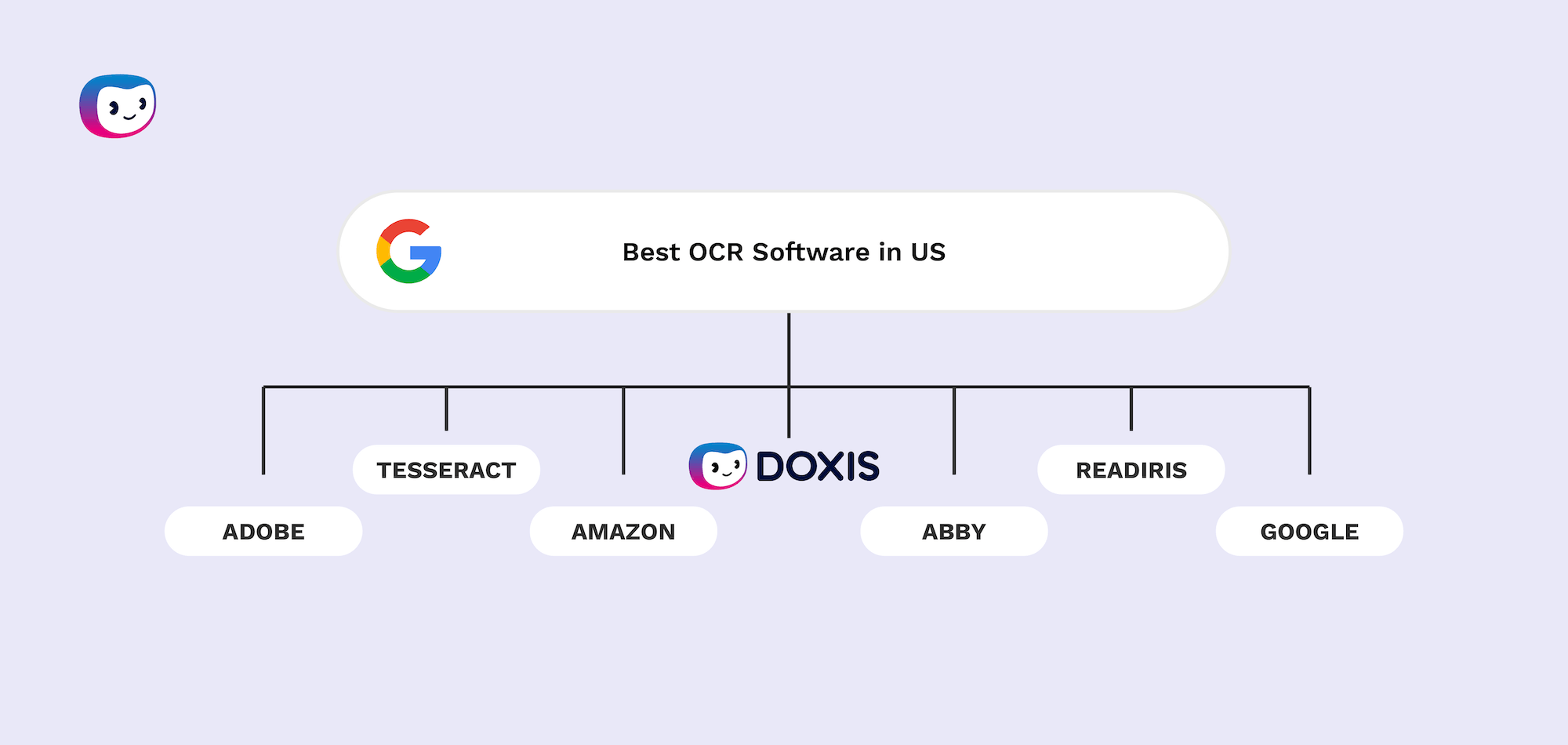
The top OCR software in the US for 2026 are: Doxis AI.dp (best overall), ABBYY FineReader PDF, Adobe Acrobat Pro / Adobe Scan, Readiris 17, Tesseract OCR, Google Document AI, and Amazon Textract.
For general documents, Doxis AI.dp consistently deliver field-level accuracy above 99% on high-quality scans. For structured business documents like invoices or ID cards, Doxis AI.dp also offers human-in-the-loop verification for 100% validated output.
For everyday OCR needs, Tesseract OCR is a good free open-source engine – but, unlike platforms like Doxis AI.dp, it requires significant technical know-how to configure and deploy.
Software like Doxis AI.dp offers built-in fraud detection, including bank account validation, duplicate detection, EXIF anomaly checks, Photoshop and generative AI detection, and pixel-level tamper analysis.
Enterprises in regulated US industries (healthcare, finance, government) should look for HIPAA, SOC 2, and ISO 27001 certifications. Doxis AI.dp, Amazon Textract (AWS compliance), and ABBYY FineReader (with on-premise option) meet these standards.
For invoice-heavy workflows, choose OCR with structured data extraction (key fields, line items) and ERP integration. Doxis AI.dp offers invoice-specific processing modules.
Handwriting recognition (ICR) accuracy is lower than for printed text, but AI-enhanced platforms like Doxis AI.dp can process many forms of legible handwriting.
OCR converts images of text into machine-readable characters. IDP goes further, adding classification, structured data extraction, validation against business rules, and workflow automation. Doxis AI.dp is an example of a full IDP platform.
Cloud-based SaaS or API OCR (like Doxis AI.dp) can be live in days for standard use cases. Enterprise deployments with complex workflows or on-premise installs (ABBYY FineReader server) may take from several weeks to months.