


Automated Document & Image Redaction Software
Doxis AI.dp uses AI to swiftly redact PII, faces, signatures, and sensitive text from documents and images at scale.
Trusted by 1000+ brands worldwide






BENEFITS
Why Companies Choose Our Redaction Software
99%
correct image & document recognition
100%
control over your data redaction
90%
of time saved on manual redaction
100%
GDPR-compliant with ISO certified servers
OUR SOLUTION
Document & Image Redaction Powered By AI
Manual redaction risks costly compliance breaches. Doxis AI.dp uses AI to detect and mask sensitive data automatically – faster, safer, and always GDPR/ISO compliant.
Guaranteed High Data Quality
Doxis’ AI achieves up to 99% detection accuracy, ensuring precise redaction and extraction every time – even at scale.Human-in-the-Loop Assurance
Expert review is available to refine AI outputs, eliminating false positives/negatives for maximum reliability.Any Data Type, Any Format
Automatically redact images, documents, videos, and more – supporting PDF, Word, Excel, PNG, JPEG, and beyond.Strict No-Storage Policy
Once processed, your files are securely deleted from Doxis’ servers – no data is ever retained.Compliance You Can Trust
Fully aligned with GDPR, CCPA and SOC-2. Certified ISO 9001 & ISO 27001 for industry-leading security.Effortless Integration
Connect Doxis to your ERP, CRM, or custom workflow in minutes via our documented API and SDK.
HOW IT WORKS
Document & Image Redaction in 5 Simple Steps
Doxis AI.dp uses AI to quickly remove sensitive data from documents and images, ensuring GDPR/ISO compliance while keeping layouts intact. Integrate via API, SDK, or platform.
Define What To Redact
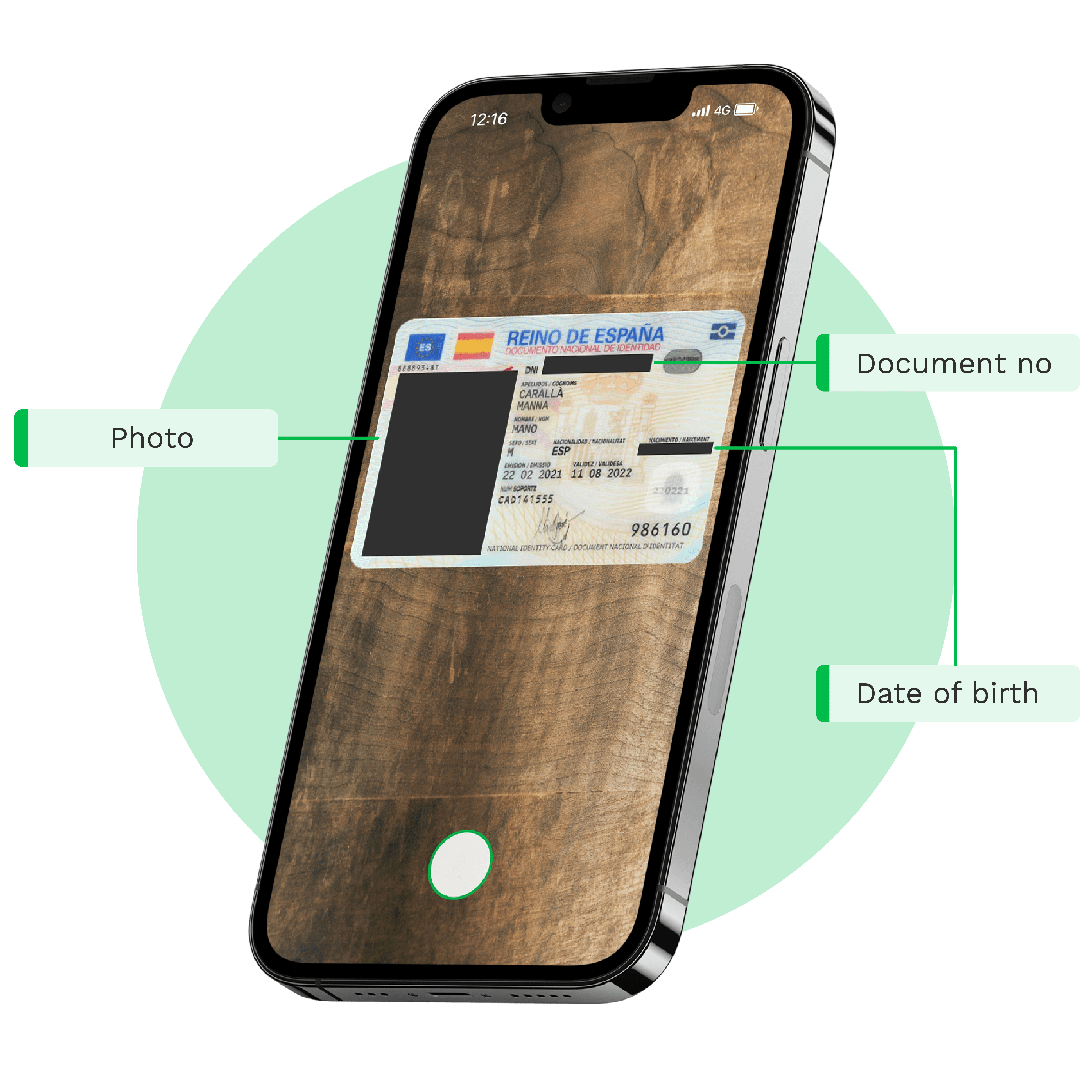
Configure what you want to redact (data fields, PII, signatures, photos, and more).
Upload Documents Or Images
Send documents or images to our AI-powered engine via email, FTP, web, or mobile application.
AI-Powered Redaction
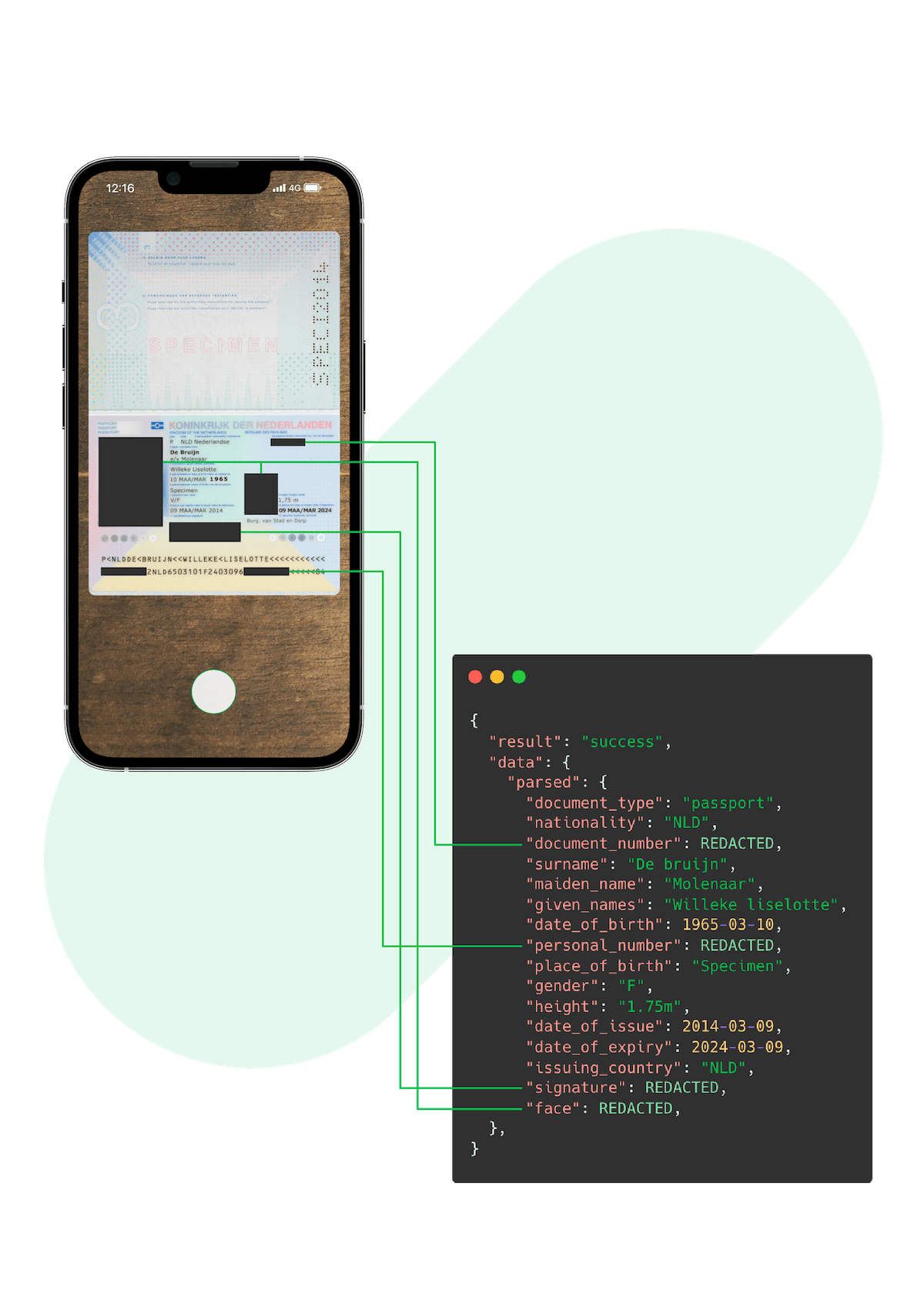
Doxis AI.dp redacts sensitive information from a document or image based on the configurations.
Data Extraction
After the redaction, the engine extracts all the other data and converts it into your desired file format.
Final Output
The final output can then be downloaded or forwarded to your desired business system.
- ✓ Secure

- ✓ Compliant
- ✓ Protected
- ✓ Hosted in EU
- ✓ Trusted
USE CASES
You Can Use Doxis’ Redaction Software In Various Ways
Doxis’ AI-powered tools can automatically redact sensitive information from documents and images, ensuring compliance and privacy in any industry.
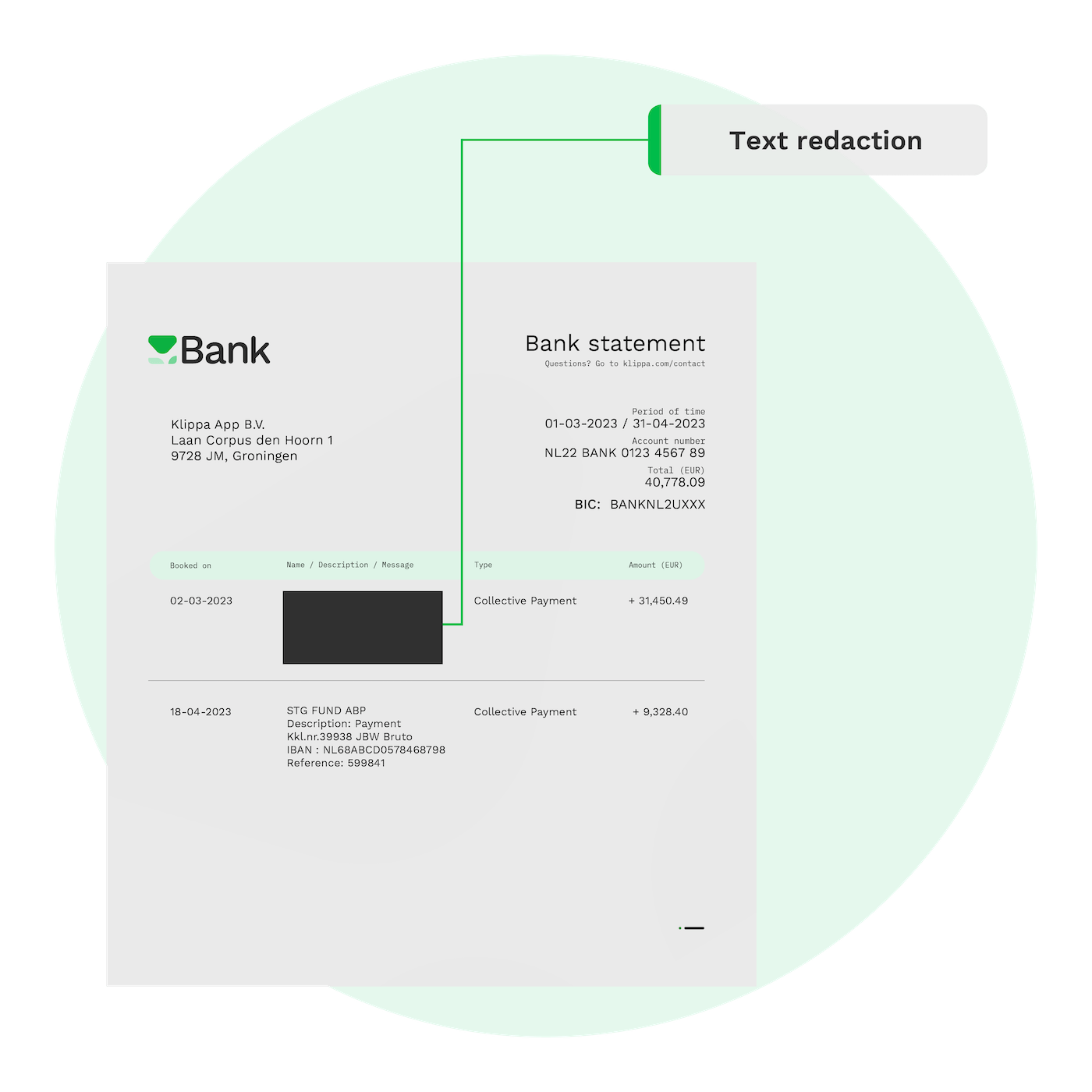
Text Redaction
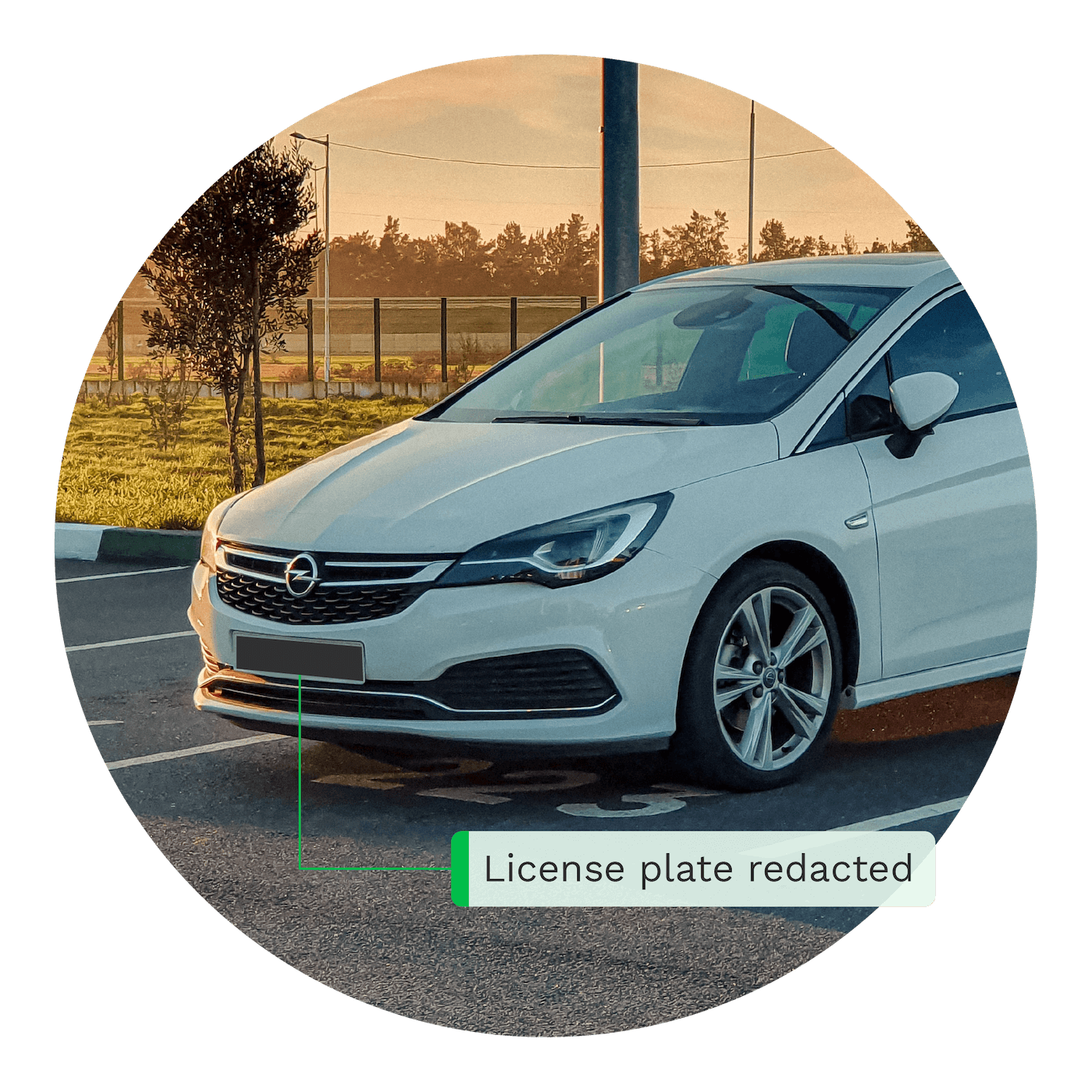
License Plate Redaction
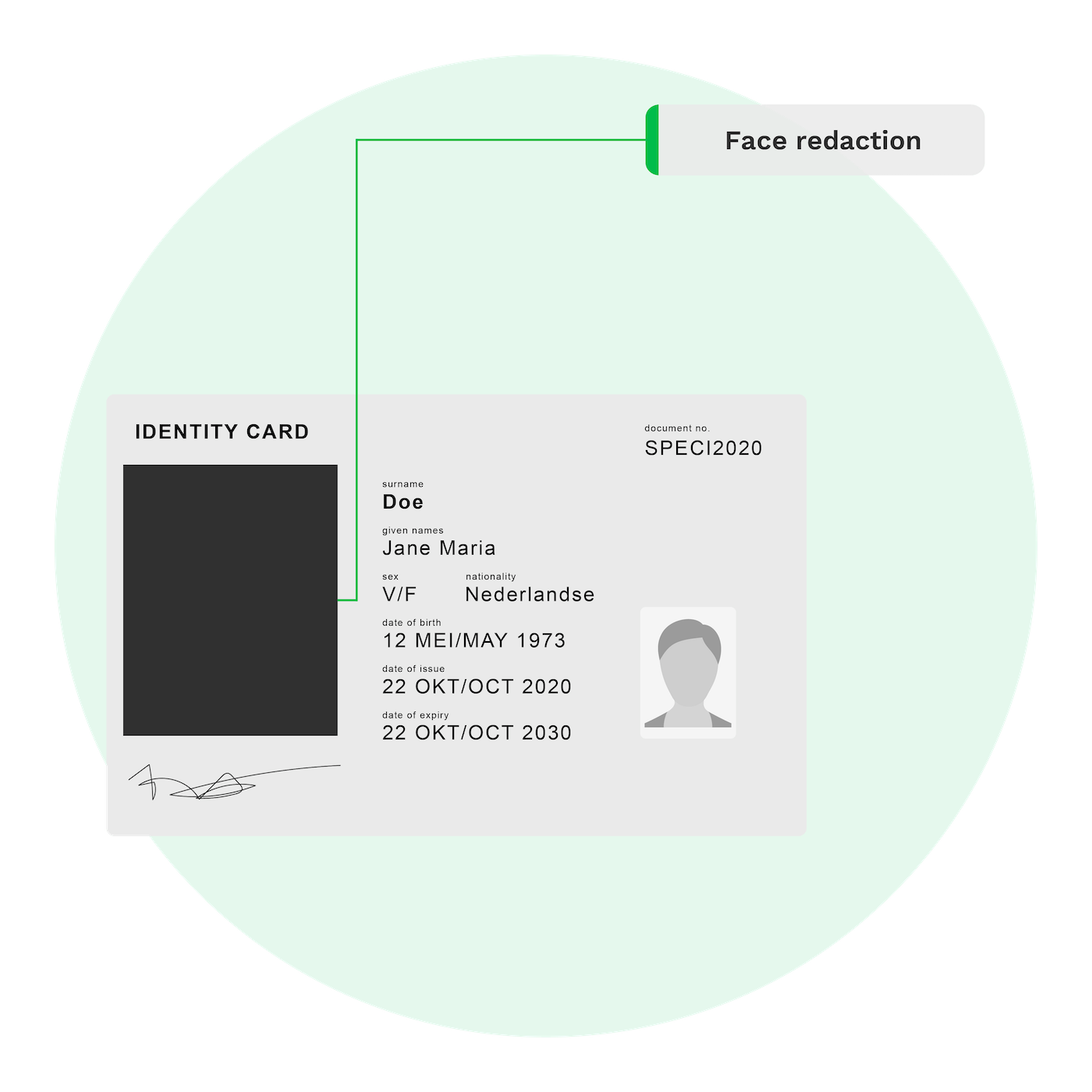
Face Redaction
Curious How We Can Help You? Get in Touch With Us Today.

CASE STUDIES
Read Our Data Redaction Success Stories
DOCUMENT TYPES
Redact Various Documents With Doxis AI.dp
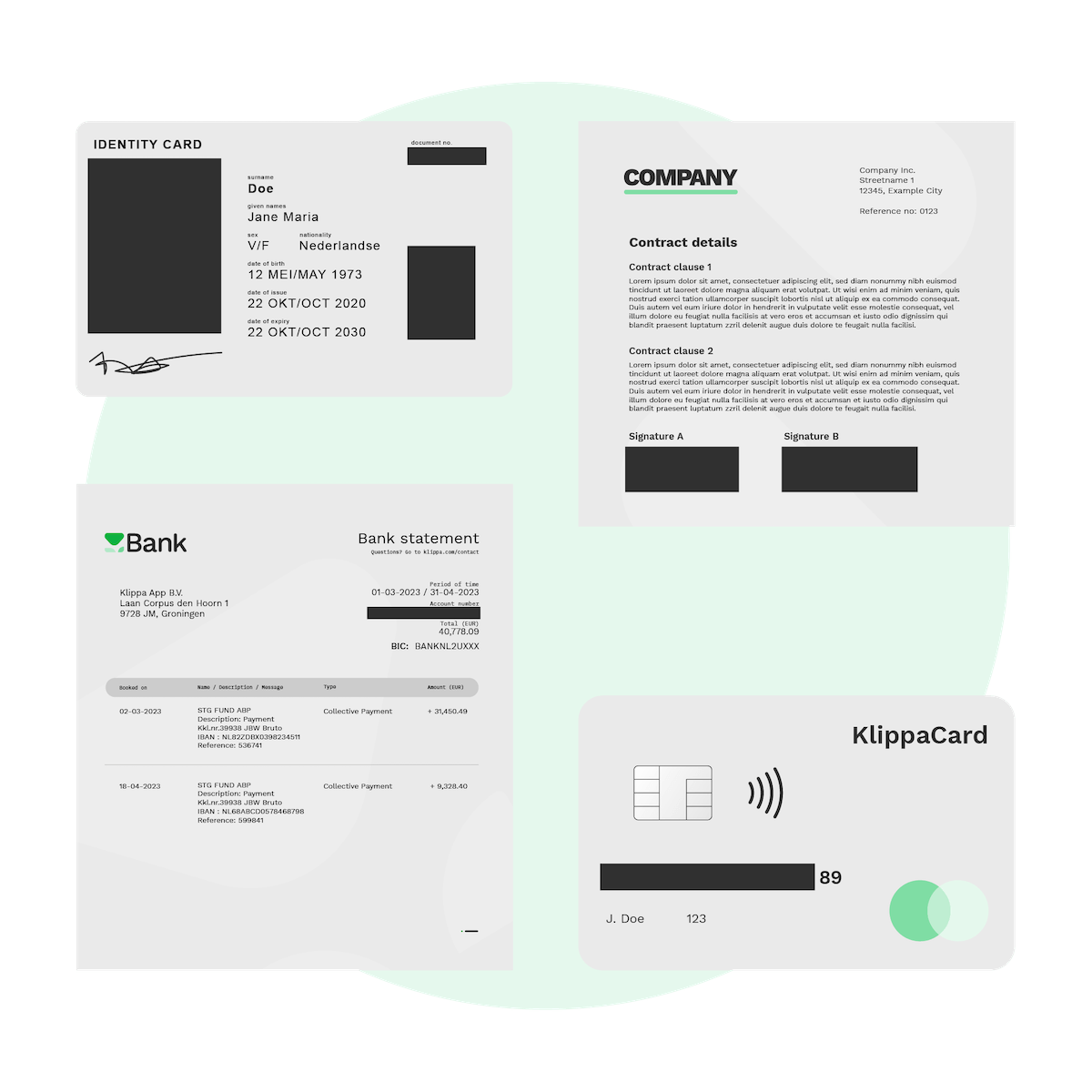
Doxis AI.dp supports 50+ document types and 150+ languages, from IDs and contracts to invoices and medical records. Custom formats available on request. Contact us to get started.
HOW TO IMPLEMENT
Implement Smart Redaction in Your Workflow
Doxis provides easy integration via our platform, API, or SDK, and broad compatibility with major platforms and tools. Our well-documented solutions guarantee a hassle-free and smooth experience.
Low-Code Platform
Easily create & automate your entire document workflow on one IDP platform.
API Integration
Connect our IDP modules to your own application(s) via API.
Mobile Scanning SDK
Employ our SDKs to empower your mobile applications with smart scanning.
CUSTOMER REVIEWS
What They Say About Us
Doxis AI.dp earns a 4.8/5 rating from verified users on Capterra.
FAQ
Frequently Asked Questions
What is AI-powered document image redaction?
Which file formats are supported for image redaction?
Does Doxis support multiple languages for redaction?
Is image redaction with Doxis GDPR-compliant?
Can I redact specific document types like IDs or CVs?
Can redacted documents be exported in different formats?
Can Doxis’ redaction tool integrate into other software?
How scalable is Doxis’ image redaction solution?
How secure is Doxis’ AI-powered redaction?
How much does document image redaction cost?
OUR BLOG
Discover Our Insightful Articles
Explore our step‑by‑step blogs on streamlining document redaction with the AI.dp Platform.