


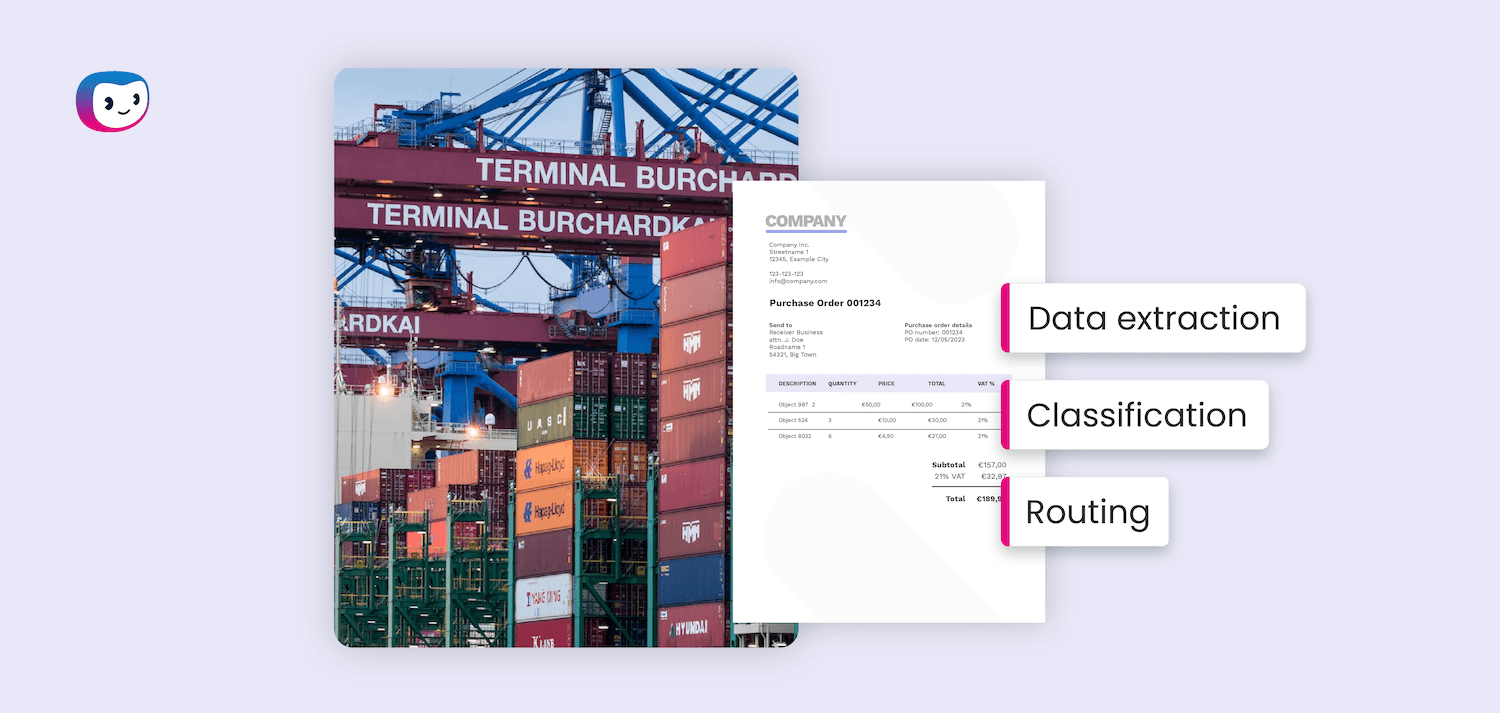
Every day, your logistics teams wade through stacks of bills of lading, customs declarations, delivery receipts, and freight invoices.
The documents keep coming, the deadlines don’t move, and the margin for error is zero. One miskeyed HS code, one missing signature on a packing list, and a container sits at port while costs mount by the hour.
According to McKinsey, processing trade documentation can consume up to 20% of total transportation costs. That is not an administrative inconvenience. It is a direct hit to your margins, and it is largely avoidable.
This guide walks you through exactly how to automate logistics documents: which documents to target, which steps to follow, and what real enterprises have achieved by making the switch.
Key Takeaways
- Manual logistics document processing can consume up to 20% of total transportation costs, according to McKinsey
- Intelligent Document Processing (IDP) uses AI, OCR, and NLP to extract, validate, and route logistics documents automatically
- Bills of lading, freight invoices, customs declarations, packing lists, and delivery receipts are all strong candidates for automation
- A successful rollout follows six steps: audit, prioritize, select software, integrate, test, and scale
- Enterprises that automate document workflows report faster customs clearance, fewer compliance penalties, and significant reductions in manual processing time
What Is Logistics Documents Automation?
Logistics documents automation is the use of software, powered by AI, OCR, and natural language processing, to capture, extract, validate, and route the documents that move through your supply chain without human data entry.
Instead of staff manually reading a bill of lading and re-keying data into a TMS or ERP, the software reads the document, extracts the relevant fields, checks them against your business rules, and pushes the data directly into your systems.
Why Logistics Document Automation Software Matters for Your Business
The scale of the problem is easy to underestimate until you put numbers to it.
A typical cross-border shipment involves dozens of documents and interactions with multiple parties: shippers, carriers, customs agencies, and inspection bodies. Each handoff is a new opportunity for delay, error, or compliance failure.
The financial consequences are direct. Document errors at the port can cause a container to be “rolled” to the next vessel departure, which is days away.
For exporters depending on timely cash flow, that means working capital trapped in transit while demurrage fees and bank charges pile up.
Beyond individual shipments, the cumulative drag is significant:
- Manual data entry error rates average around 1%, which translates to hundreds of mistakes per month at high document volumes
- Enterprises that digitize documentation processes report up to 50% faster customs clearance and a 70% reduction in compliance-related penalties
- Scaling manual document handling requires adding headcount, meaning costs rise faster than revenue as your business grows
Automation breaks that equation. Your document capacity scales with your shipment volumes, without scaling your team at the same rate.
Which Logistics Documents Can You Automate?
Most structured and semi-structured logistics documents are strong candidates for automation. Below is a breakdown of the most common types and what automation handles for each.
Bill of Lading (BOL): The foundational shipping contract between shipper and carrier. Automation extracts shipper and consignee details, cargo descriptions, container numbers, and terms, then validates them against booking data.
Freight Invoice: One of the highest-volume documents in logistics. Automation matches invoices against purchase orders and rate cards, flags discrepancies, and routes approved invoices for payment, eliminating manual three-way matching.
Customs Declaration / Import-Export Forms: Automation extracts HS codes, declared values, country of origin, and other customs-critical fields, then checks them against compliance rules before submission, reducing the risk of clearance delays.
Packing List: Automation cross-references line items against the BOL and purchase order, flagging mismatches before a shipment leaves the warehouse.
Delivery Receipt / Proof of Delivery (POD): Automation captures delivery confirmation data, timestamps, and signatures from paper or digital receipts and updates your TMS in real time.
Dangerous Goods Declaration: Automation validates that hazmat classifications, UN numbers, and packaging codes comply with IATA, IMDG, or ADR regulations depending on the transport mode.
Certificate of Origin: Automation reads and classifies origin declarations, flags documents that don’t meet trade agreement requirements, and archives them for audit readiness.
The common thread across all of these is that they contain predictable fields in semi-predictable layouts: exactly the conditions where AI-powered document software excels.
Missing a document in this list? Get in contact with one of our experts to see if we can help you automate the processing of these documents.
How to Automate Logistics Documents: Step by Step
Automation does not start with software selection. It starts with a clear picture of where your document pain is concentrated and what success looks like before you spend a euro.
Step 1: Audit Your Current Document Workflows
Map every document type that flows through your logistics operation: where it originates, who touches it, what system it needs to reach, and how long each step takes. Identify where errors occur most frequently and where bottlenecks slow down shipments or payments.
This audit does not need to be exhaustive on day one. Focus on the document types with the highest volume, the most manual touchpoints, or the clearest cost impact. A focused audit produces more actionable results than a sprawling one.
Step 2: Identify the Right Documents to Automate First
Not every document is equal. Prioritize based on three criteria: volume (how many do you process per month?), cost of errors (what happens when one goes wrong?), and structural consistency (how predictable is the document layout?).
Freight invoices and bills of lading score high on all three and make strong starting points. They are high-volume, errors carry real financial and operational consequences, and their layouts, while varied, follow recognizable patterns that modern IDP software handles well.
Step 3: Choose the Right IDP Software
Look for software that handles both structured and unstructured documents, integrates with your existing TMS and ERP systems, and includes a human-in-the-loop validation layer for exceptions. Key capabilities to evaluate:
- OCR accuracy across document formats (PDF, scanned paper, image files)
- NLP-driven field extraction for semi-structured documents
- Configurable validation rules tied to your business logic
- Audit trail and compliance logging
- Out-of-the-box connectors for SAP, Oracle, or your specific systems
Avoid software that requires every document to be perfectly formatted to function. In logistics, document quality varies significantly, and your software needs to handle that reality. For a detailed comparison of leading platforms, see our guide to the best IDP software options.
Step 4: Integrate with Your Existing Systems
Automation only delivers value if extracted data flows directly into the systems your teams already use. Map your integration requirements before implementation: which fields from which documents need to land in which systems, in what format, and on what trigger.
Work with your IT team and software vendor to build or configure these integrations early. Integration delays are the most common cause of slow automation rollouts, and addressing them upfront keeps your project on schedule.
Step 5: Train, Test, and Go Live
Run a structured pilot with a defined document type and a defined volume before going live across your full document portfolio. Use the pilot period to train the model on your specific document variants, test validation rules against real data, and identify any edge cases your configuration does not yet handle.
Set clear accuracy benchmarks before moving to production, for example a minimum straight-through processing rate of 85%, before expanding to additional document types. Measure against those benchmarks, not against gut feel.
Step 6: Monitor Performance and Scale
Once live, track straight-through processing rates, exception volumes, processing time per document, and error rates. Review these metrics regularly and use them to retrain your model, tighten validation rules, and identify the next document type ready for automation.
Logistics document automation is not a one-time project. It is an ongoing capability that improves as your software processes more of your documents and your team builds more confidence in the outputs.
Real-World Use Cases: Logistics Document Automation in Action
Freight Invoice Reconciliation at Scale
A large third-party logistics provider processing tens of thousands of freight invoices per month automated its three-way matching process, comparing invoices against purchase orders and rate agreements. Processing time per invoice dropped from 15 minutes to under 90 seconds, and the finance team shifted from data entry to exception management.
Customs Clearance Acceleration
An international manufacturer exporting to multiple markets automated the extraction and validation of customs declarations and certificates of origin. By catching HS code mismatches and missing fields before document submission, the company reduced customs-related holds significantly and cut average clearance time by roughly half.
Bill of Lading Straight-Through Processing
A shipping line handling high volumes of BOL documents automated field extraction and cross-referencing against booking confirmations. Exceptions requiring human review fell to under 10% of total volume, freeing operations staff to focus on complex or high-value shipments rather than routine data entry.
Proof of Delivery Digitization
A distribution company replaced paper POD collection with automated capture from driver mobile apps and scanned documents. Real-time delivery confirmation data fed directly into their ERP, reducing invoice disputes and accelerating payment cycles.
How Doxis Helps You Automate Logistics Documents
Manual document handling in logistics is not just inefficient. It actively limits how fast your business can grow. Every hour your team spends rekeying bills of lading or chasing down missing customs forms is an hour not spent on higher-value work.
Doxis AI.dp gives enterprise logistics teams the software to process their documents at scale: accurately, automatically, and in full compliance with their existing systems and workflows. With Doxis, you can:
- Automatically extract and validate data from bills of lading, freight invoices, customs declarations, packing lists, and more
- Integrate document data directly into your TMS, ERP, or WMS without manual re-entry
- Apply configurable validation rules to catch errors before they reach customs or your finance team
- Maintain a complete audit trail for compliance and dispute resolution
- Scale document processing as your shipment volumes grow, without scaling headcount at the same rate
Ready to see what logistics document automation looks like in your environment? Request a free demo from Doxis below or get in contact with one of our experts and find out how quickly your team can move from manual processing to straight-through automation.
FAQ
Logistics document automation is the use of AI-powered software to capture, extract, validate, and route shipping and trade documents, such as bills of lading, freight invoices, and customs declarations, without manual data entry. It replaces repetitive, error-prone human processing with automated workflows that connect directly to your existing business systems.
Which logistics documents can be automated?
Most structured and semi-structured logistics documents are suitable for automation. The most commonly automated include bills of lading, freight invoices, packing lists, customs declarations, delivery receipts, dangerous goods declarations, and certificates of origin. The best candidates are high-volume documents with predictable fields and clear downstream system requirements.
How long does it take to implement logistics document automation?
Implementation timelines vary based on the number of document types, the complexity of your system integrations, and the quality of your existing data. A focused pilot covering one or two document types can go live within 6 to 12 weeks. Full enterprise rollouts covering multiple document types and system integrations take 3 to 6 months.
What technology powers logistics document automation?
Modern logistics document automation relies on a combination of Optical Character Recognition (OCR) to read documents, Natural Language Processing (NLP) to understand content and context, and machine learning to improve extraction accuracy over time. Together, these technologies form what is known as Intelligent Document Processing (IDP).
How accurate is automated document processing?
Accuracy depends on document quality, layout consistency, and how well the software has been configured for your specific document types. Well-implemented IDP software achieves straight-through processing rates of 85% to 95% for high-volume, consistent document types. The remaining exceptions are flagged for human review rather than passed through with errors.
Will logistics document automation work with our existing TMS or ERP?
Yes, provided your software vendor supports integration with your systems. Most enterprise-grade IDP platforms offer pre-built connectors for major TMS and ERP systems including SAP, Oracle, and Microsoft Dynamics, as well as API-based integration options for custom environments. Integration requirements should be assessed and scoped before software selection.
What happens to documents the software cannot process automatically?
Documents that fall below your configured confidence threshold are flagged as exceptions and routed to a human reviewer. This human-in-the-loop approach ensures that automation does not introduce new errors. It removes the routine processing burden so your team focuses only on the cases that genuinely need their judgment.
How does logistics document automation support compliance?
Automated document processing enforces validation rules consistently on every document, checking fields like HS codes, declared values, and packaging classifications against regulatory requirements before submission. It also creates a complete, searchable audit trail of every document processed, which is valuable during customs audits, disputes, or regulatory reviews.