


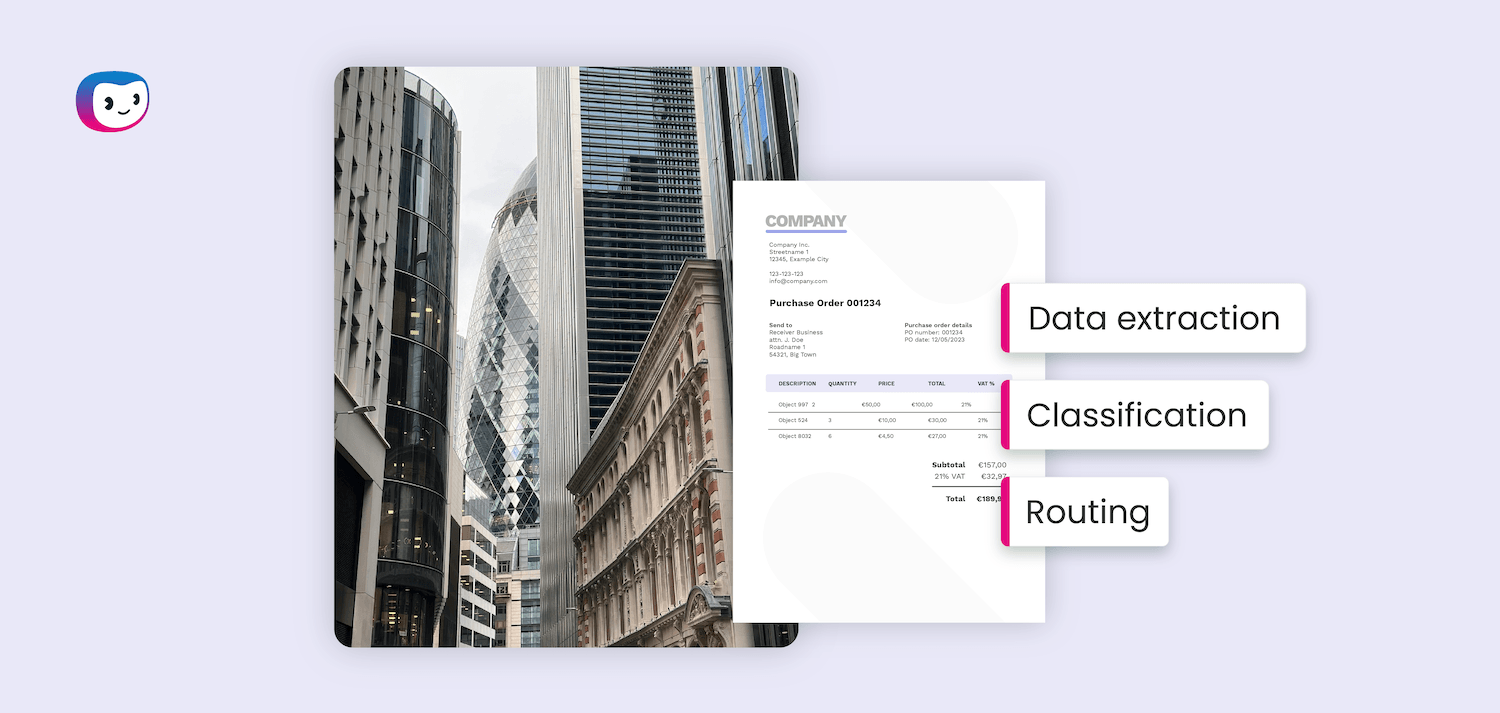
Documents are the lifeblood of financial services. Every loan approval, every new client, every regulatory submission starts with a document, often dozens of them.
The problem is that in most banks, insurers, and lending firms, those documents still move the same way they did twenty years ago: someone receives them, opens them, reads them, re-keys the data somewhere else, and passes them along.
That process doesn’t just slow your team down. It introduces errors, creates compliance blind spots, and makes scaling your operations a headcount problem instead of a technology one.
According to Gartner (2024), 58% of finance functions are now using AI. Yet only 44% have adopted intelligent process automation. That gap represents a significant number of teams still processing documents by hand, leaving speed, accuracy, and cost savings on the table.
Document automation for financial services closes that gap. This guide explains what it is, which document types it addresses, how it works in practice, and where to start if your team is ready to make the move.
Key Takeaways
- Document automation uses AI, OCR, and machine learning to capture, classify, extract, and route data from financial documents without manual re-keying
- The highest-impact use cases in financial services are KYC onboarding, loan processing, accounts payable, compliance reporting, and trade finance
- Automation works in four steps: capture and classify, extract and validate, route and approve, integrate and archive
- Starting with one high-volume, compliance-heavy process delivers faster ROI than attempting a full-scale rollout
- A well-implemented document automation platform reduces processing time, cuts error rates, and creates the audit trails regulators expect
What is Document Automation for Financial Services?
Document automation for financial services is the use of software to handle the capture, classification, extraction, validation, and routing of documents that flow through banking, insurance, lending, and investment operations without manual data entry.
The software reads documents the way a human expert would, understanding structure, context, and variation, then integrates the extracted data directly into your core systems.
Modern document automation goes well beyond basic OCR. It combines Optical Character Recognition (OCR) with Natural Language Processing (NLP) and machine learning to handle both structured forms and unstructured documents, from scanned PDFs and photographed contracts to digital KYC packets and emailed invoices.
The Document Types Slowing Your Team Down
Financial services organizations handle a wider variety of documents than almost any other industry. The challenge is not just volume. It is variety: formats differ by client, by counterparty, by jurisdiction.
No two loan applications look the same. No two supplier invoices share an identical layout. Manual processing forces your team to adapt to every variation. Automation handles that variation automatically.
KYC and client onboarding packets
Know Your Customer onboarding is among the most document-intensive processes in financial services.
Each new client requires identity documents, proof of address, financial disclosures, AML screening forms, and in many cases multiple rounds of follow-up. Processed manually, this takes days.
KYC automation software extracts and validates data from passports, driver’s licenses, utility bills, and financial statements. It cross-references extracted data against watchlists and AML databases in real time and flags exceptions immediately.
This replaces a multi-day manual process with one that completes in minutes.
Loan and credit applications
Mortgage and credit workflows involve some of the highest document volumes in the industry.
A single residential mortgage can involve 500 to 1,500 pages of documentation: application forms, income statements, tax returns, bank statements, credit reports, appraisals, and title documents.
Document-related delays account for approximately 30% of total mortgage cycle time, according to Presedence Research.
Automation extracts the key data fields from each document type, validates them against underwriting criteria, and routes complete application packages to the right reviewer, without anyone hunting for missing attachments or re-keying figures from a payslip into a spreadsheet.
Built-in document fraud detection also flags manipulated or falsified loan documents before they reach the approval stage.
Invoices and accounts payable
Banks, insurers, and asset managers all process supplier invoices at scale. The average AP department takes 9.2 days to process a single invoice from receipt to payment, at a cost of around $9.40 per invoice, according to Ardent Partners (2025). Multiply that across thousands of monthly invoices and the inefficiency compounds fast.
Automated invoice processing captures invoices from email, portals, and scanned PDFs, extracts header and line-item data, matches invoices against purchase orders and contracts, and routes exceptions for human review. The result is faster payment cycles, fewer errors, and better visibility into outstanding liabilities.
Compliance reports and audit files
Regulatory reporting is non-negotiable in financial services, and the document burden it creates is substantial. Risk assessments, CAPA reports, audit files, and periodic regulatory submissions all require data to be pulled from multiple source documents and assembled accurately under time pressure.
Automation standardizes how compliance data is extracted and compiled, ensuring every report draws from the same validated source records. It also creates a complete, timestamped audit trail for every document that enters the system.
That is the kind of traceability regulators expect and that manual processes struggle to provide consistently.
Trade finance documents
Trade finance involves some of the most complex document sets in financial services: letters of credit, bills of lading, certificates of origin, customs declarations, and commercial invoices, often arriving across multiple jurisdictions in different languages and formats.
Errors in any one of them can delay settlements and expose the institution to compliance risk.
Intelligent document processing software processes trade finance document sets as a whole, extracting data from each component, cross-validating it against the terms of the underlying contract or letter of credit, and flagging discrepancies before they reach the approval stage.
How Document Automation Works: Step by Step
Document automation is not a single technology. It is a pipeline: each step handles a distinct part of the process, and together they replace the manual work that currently sits across your team’s inboxes and spreadsheets.
Step 1: Capture and classify
Every document that enters your organization, whether it arrives by email, through a client portal, via API, or as a scanned physical file, is captured and routed into the automation platform.
The software immediately classifies it: is this an invoice, a passport, a bank statement, a loan application?
Classification uses machine learning models trained on financial document types, so it handles new layouts and formats without requiring manual configuration each time.
Step 2: Extract and validate
Once classified, the platform extracts the relevant data fields. For an invoice, that means vendor name, invoice number, line items, amounts, and payment terms.
For a KYC document, it means name, date of birth, document number, and expiry date. OCR for financial documents uses a combination of optical character recognition, NLP, and AI models that understand context. This means they find the right field even when document layouts vary widely.
Validation runs immediately after extraction. The platform checks extracted data against business rules, cross-references it against connected systems, and flags any values that look incorrect or incomplete.
Only clean, validated data moves forward. Exceptions are routed for human review, with the extracted data and the source document presented side by side so reviewers can resolve them quickly.
Step 3: Route and approve
Validated documents and their extracted data are routed through your approval workflows automatically. A loan application with complete documentation goes directly to the underwriter.
An invoice that matches its purchase order is approved for payment without anyone touching it. An onboarding packet with a flagged sanctions match is escalated to your compliance team immediately.
Routing rules are configured to reflect your existing workflows, so automation works within your processes rather than requiring you to rebuild them.
Step 4: Integrate and archive
Approved data flows directly into your downstream systems: your core banking platform, ERP, CRM, or document management system, via API. No re-keying. No copy-paste. The data arrives in the right field, in the right format, on the first attempt.
Every document processed is archived with a complete audit trail: who submitted it, when it was received, what data was extracted, what validation checks ran, and who approved it.
That trail is searchable and exportable, making regulatory audits and internal reviews significantly faster.
Key Benefits for Financial Services Organizations
The business case for document automation in financial services rests on four measurable outcomes.
Speed
Processes that take days manually complete in minutes. Intelligent document processing eliminates the queues, the chasing, and the re-keying that slow down client-facing workflows like onboarding and loan approvals. The faster your team moves, the better the experience for the client on the other end.
Accuracy
Manual data entry introduces errors at every step. Automated extraction, validated against business rules and connected systems, produces consistent results regardless of volume or time pressure: fewer exceptions, fewer corrections, fewer compliance incidents.
Compliance and auditability
Every document processed leaves a complete, timestamped trail. Document verification software confirms authenticity at intake, and regulators can see exactly what checks ran and who approved each decision, without your team reconstructing the record after the fact.
Cost reduction
Lower processing times and fewer errors translate directly into lower operating costs. For teams processing large document volumes, the savings compound quickly: less manual labor, fewer corrections, and faster payment cycles all contribute to a leaner, more efficient operation.
Where to Start: Choosing Your First Use Case
The most common mistake in document automation projects is trying to automate everything at once. A better approach is to identify one process where the pain is acute, the document volume is high, and the compliance stakes are clear. Then prove the value before expanding.
KYC onboarding
KYC onboarding is often the right starting point for banks and wealth managers. It is document-heavy, compliance-critical, and highly repetitive. The inefficiency is visible: clients wait, staff chase missing documents. The regulatory risk of getting it wrong is significant.
Learn more about how to automate your KYC processes to see where automation delivers the fastest impact.
Invoice processing
Invoice processing is the natural entry point for insurance carriers and asset managers with large supplier bases. The process is well-defined, the document types are relatively standardized, and the savings per invoice processed are easy to calculate and present to leadership.
Invoice OCR is a good starting point for understanding what extraction accuracy looks like in practice.
Loan document processing
Loan document processing makes sense for lenders where application cycle time is a competitive differentiator.
Borrowers increasingly choose lenders based on speed of decision, and document automation is one of the most direct levers available for reducing that cycle time.
Detecting fake loan documents is an additional benefit that pays for itself quickly in high-volume lending environments.
Whichever process you start with, the implementation follows the same pattern: map the current workflow, identify the document types involved, configure extraction and validation rules, connect the platform to your downstream systems, and run a pilot with a subset of real documents before going live at scale.
How Doxis Supports Financial Services Document Automation
Financial services teams processing documents manually face a compounding problem: as document volumes grow, so does the headcount required to keep up. Doxis AI.dp is designed to break that equation.
A recognized Leader in the Gartner® Magic Quadrant™ for Document Management, Doxis delivers advanced OCR and intelligent document processing capabilities to teams across industries, making it the top choice for document automation.
With Doxis software, your team can:
- Automatically capture and classify financial documents from any source: email, portal, API, or scanned file
- Extract and validate data from KYC packets, loan applications, invoices, compliance reports, and trade finance documents with high accuracy
- Route documents and their extracted data through your existing approval workflows without rebuilding your processes
- Integrate directly with your core banking platform, ERP, or CRM via API. Data arrives where it needs to be without manual transfer
- Maintain a complete, searchable audit trail for every document processed, ready for regulatory review at any time
- Scale processing capacity without adding headcount. This includes peak volumes during reporting periods or onboarding surges
Ready to see how Doxis works with your document workflows? Request a free demo below or get in touch with Doxis.
FAQ
Document automation for financial services uses software to capture, classify, extract, validate, and route data from financial documents without manual data entry. Extracted data flows directly into your core banking, ERP, or CRM system, reducing processing time and error rates.
Which financial documents can be automated?
KYC and onboarding packets, loan and mortgage applications, bank statements, invoices, purchase orders, compliance reports, trade finance documents, insurance claims, and tax filings. Modern platforms handle both digital and scanned documents across variable formats.
How does document automation handle compliance and data security?
The platform applies role-based access controls and generates a timestamped audit trail from capture to approval. Most platforms support GDPR and AML/KYC frameworks through configurable retention and anonymization rules.
How long does a document automation implementation take?
A focused single-process rollout, such as invoice processing or KYC onboarding, takes six to twelve weeks from configuration to go-live. Broader deployments take longer, which is why starting with one use case is the recommended approach.
What is the ROI of document automation in financial services?
The main drivers are lower cost per document, faster cycle times, fewer errors, and reduced compliance risk. Organizations with high document volumes and manual-heavy workflows see the fastest returns.
Do we need to replace our existing systems to implement document automation?
No. The automation layer integrates with your existing core banking system, ERP, and CRM via API, so your infrastructure stays in place. Integration with common platforms including SAP and Oracle is standard.
How does document automation differ from basic OCR?
Basic OCR converts images to text. Document automation goes further: it classifies documents, extracts specific fields, validates data against business rules, routes documents for approval, and integrates results into downstream systems.
Can document automation handle handwritten or low-quality scanned documents?
AI-powered OCR handles handwritten text and low-resolution scans with reasonable accuracy. Any low-confidence extractions are flagged for human review rather than passed through unchecked.