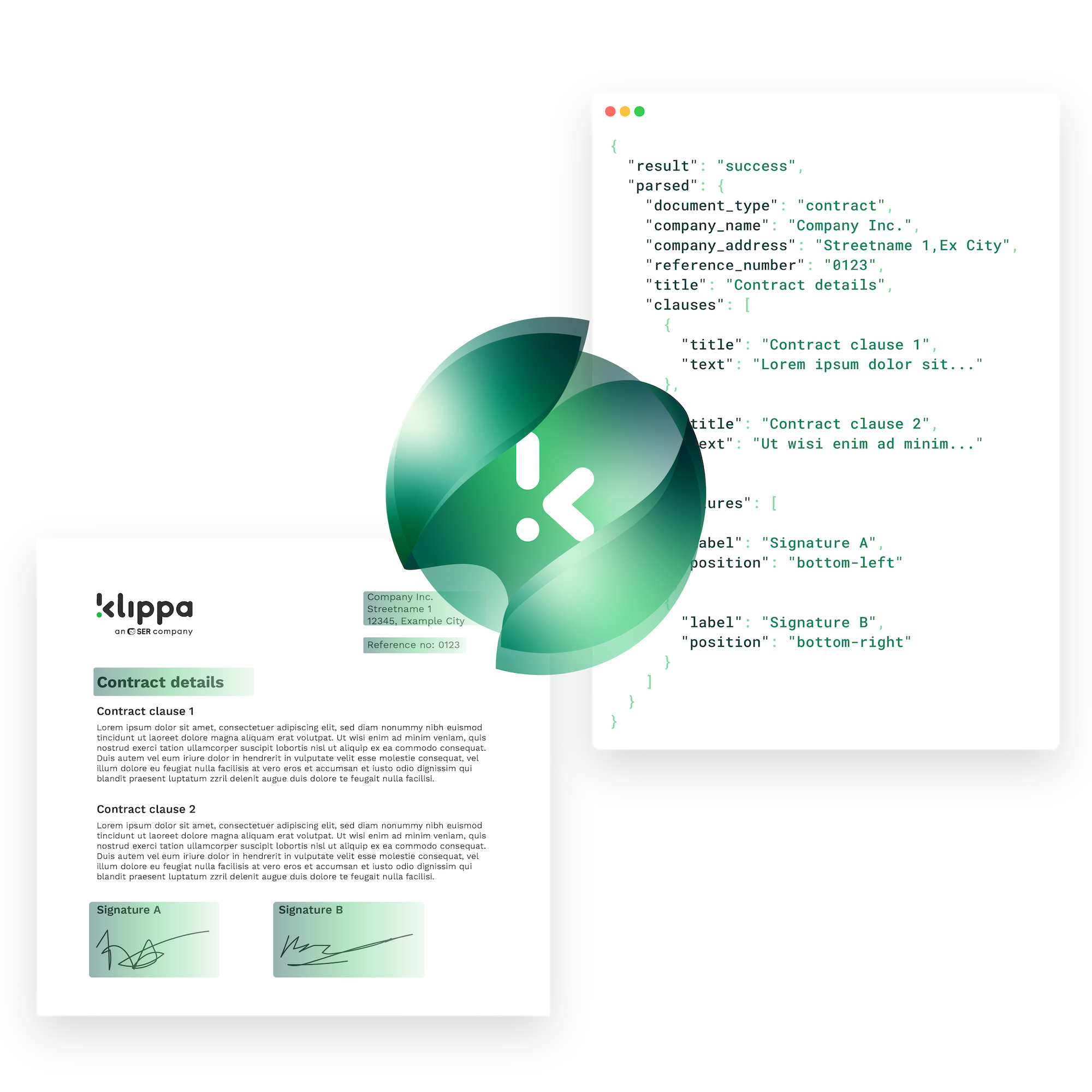
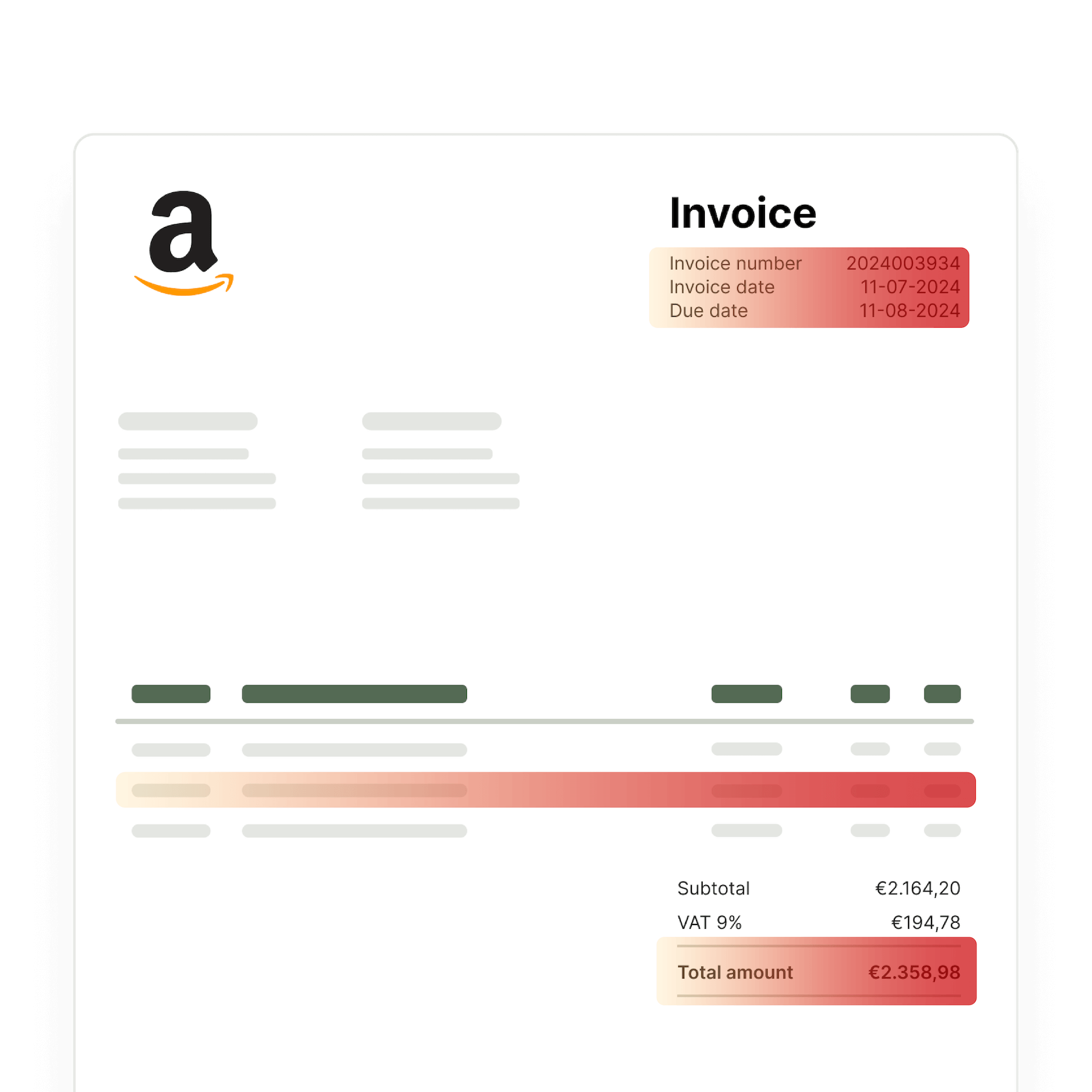
From file intake to structured contract data – Doxis’ AI agents automate every step of your contract workflows. They extract key terms, validate critical fields, detect tampering, and send the results to your contract or document management system.
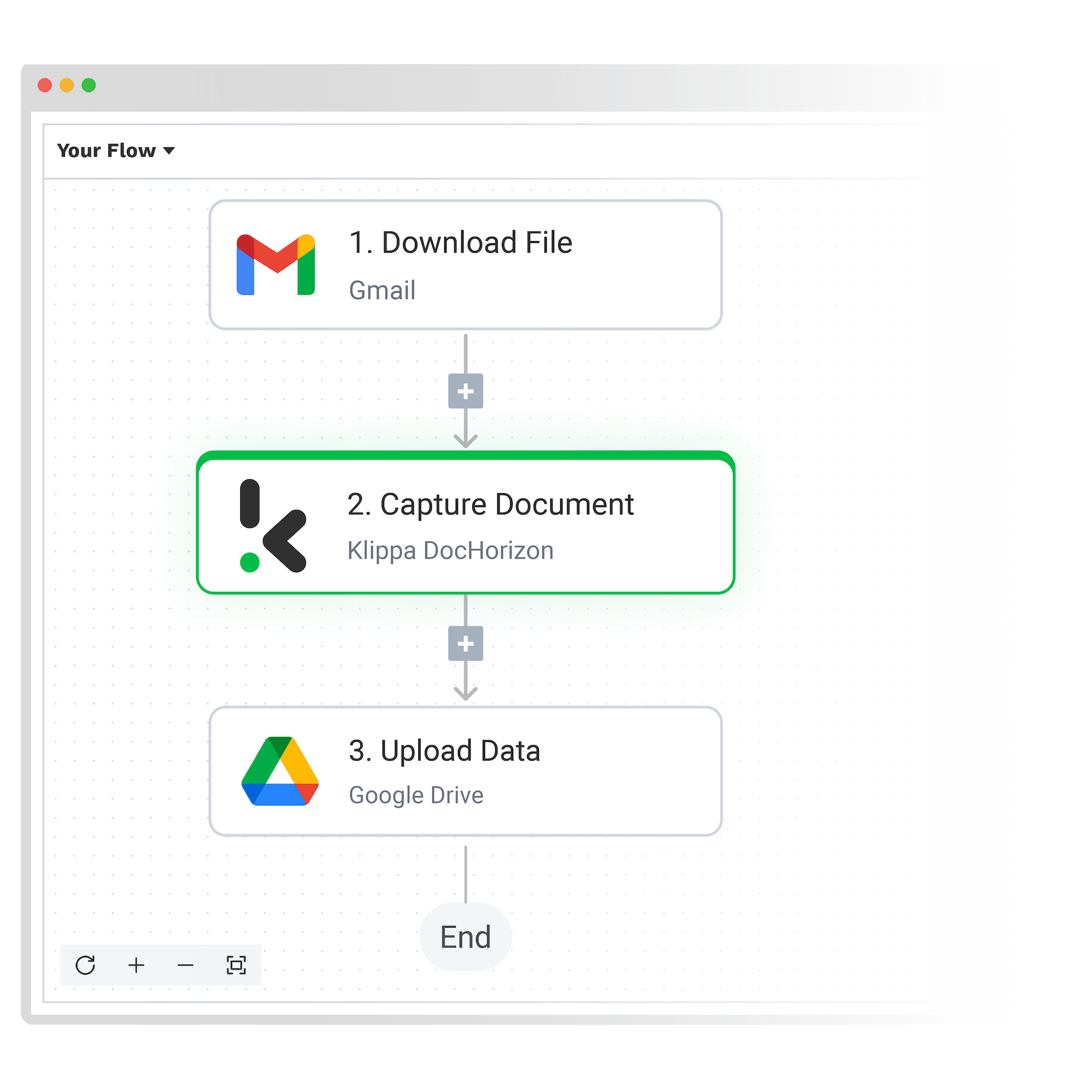
1. Upload Your Documents
Send contracts via email, scanner, mobile SDK, API, or integration. Upload single files or process large volumes—PDFs, scans, photos, or Office formats.
2. Extract and Validate Key Data
Doxis’ AI agents extract parties, dates, clauses, and financial terms. They validate content, flag fraud risks, and redact sensitive fields automatically – guided by your prompts or internal policies.
3. Deliver Data Where You Need It
Choose your output format (JSON, XML, CSV, PDF, etc.) and route the structured data to your contract management tool, CRM, cloud storage, or internal system.
Why Companies Choose Our Contract Management AI Agents
90%
Reduce Turnaround Time Up To 90%
150M
More Than 150 Million Documents Processed
99%
Up to 99% Data Extraction Accuracy
150+
Over 150 Different Countries Supported
What Doxis’ AI Agents Can Do
Doxis’ AI agents do more than just extract data. From verifying contracts to detecting fraud, they make decisions based on your prompts and use your policy documents as a knowledge base for accurate, context-aware checks.
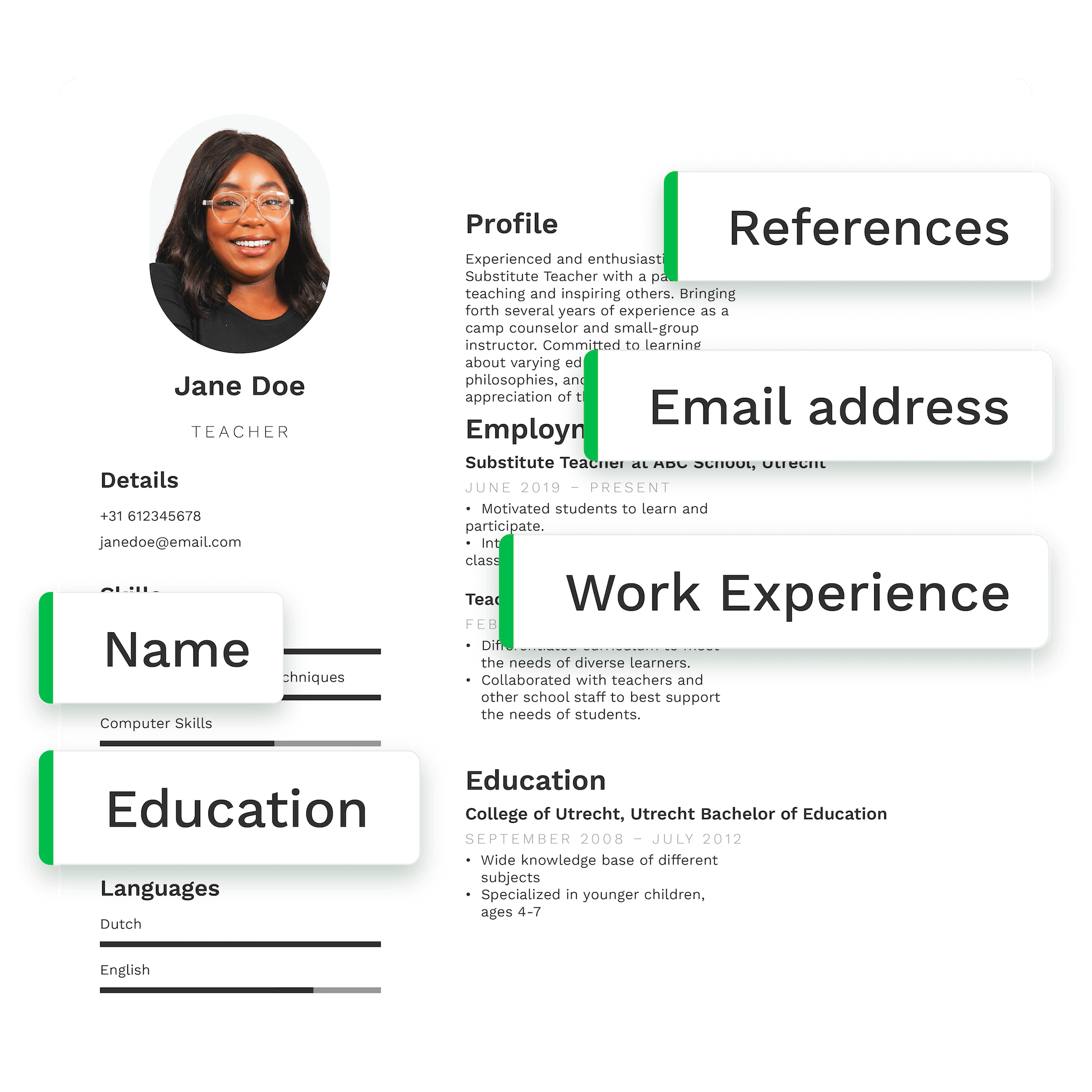
Doxis’ AI agents extract and validate data from over 100 document types, including IDs, tax statements, and utility bills. Need support for additional documents? Contact us for special requests.
Doxis’ AI agents are a part of the Doxis AI.dp – an intelligent document processing platform that automates workflows for capturing, sorting, extracting, and verifying data from various documents. Here’s how it works:
2. Data Extraction: The platform extracts relevant data from the captured documents, such as names, amounts, dates, and other key details. It uses machine learning to improve accuracy over time.
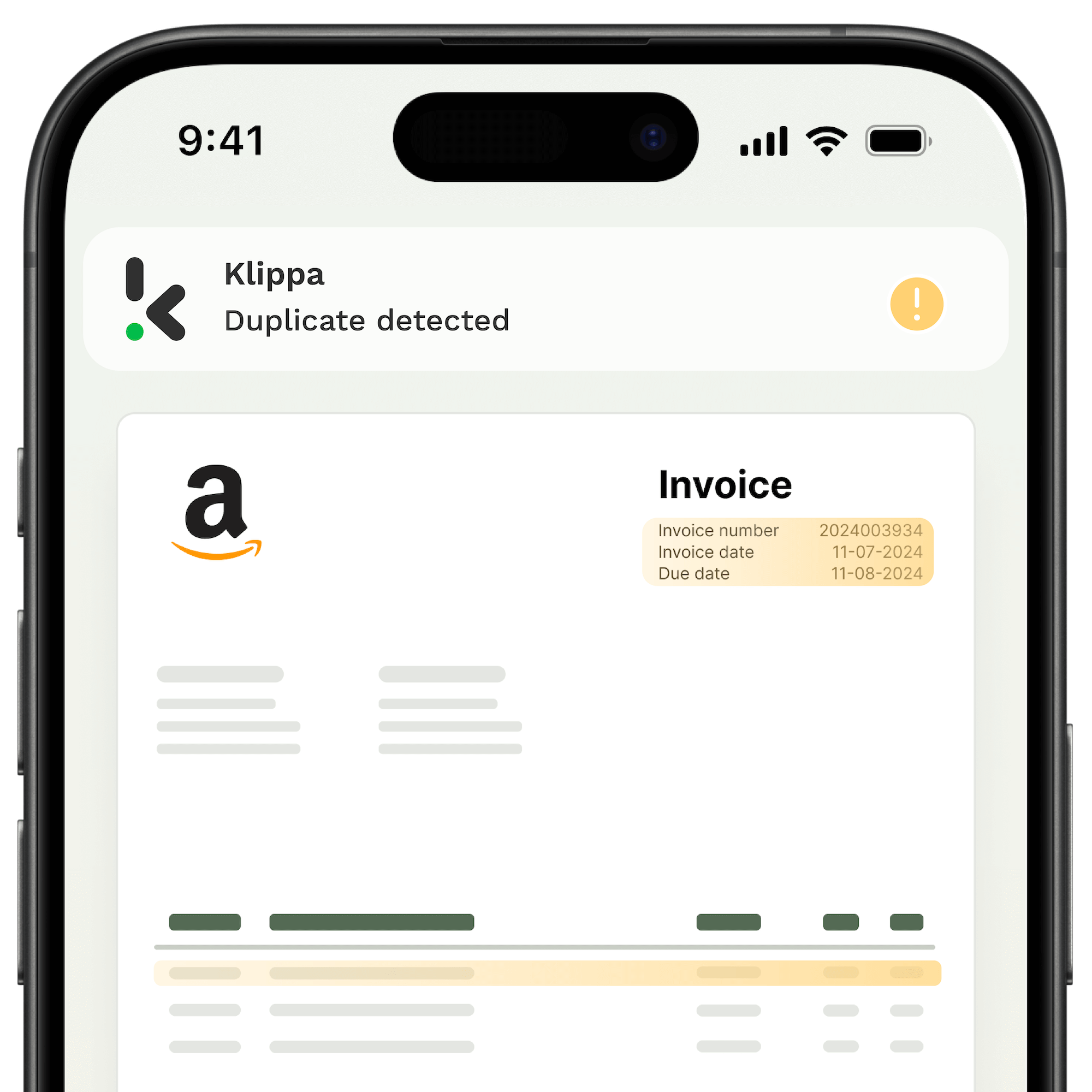
3. Data Verification: Doxis verifies the extracted data, ensuring it matches the correct format and business rules. It can flag any discrepancies for review.
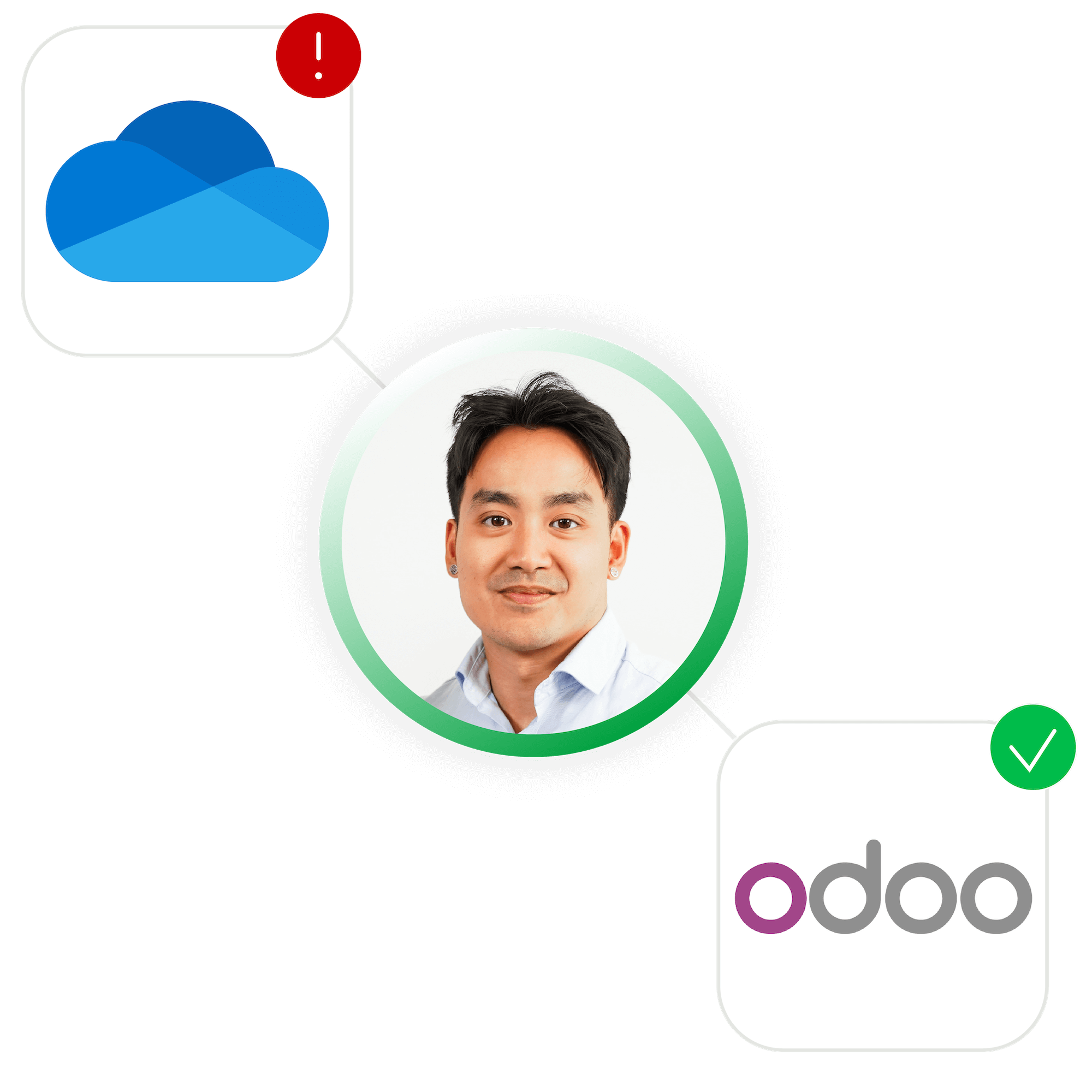
4. Workflow Automation: Users can create customized workflows to automate the processing of documents, reducing manual tasks. This includes integration with other business tools (e.g., ERPs, CRMs, and accounting software).
5. Human-in-the-Loop (HITL): In cases where ultimate precision is required, Doxis uses a human-in-the-loop approach, where human oversight ensures 100% accuracy, especially for complex or non-standard documents.
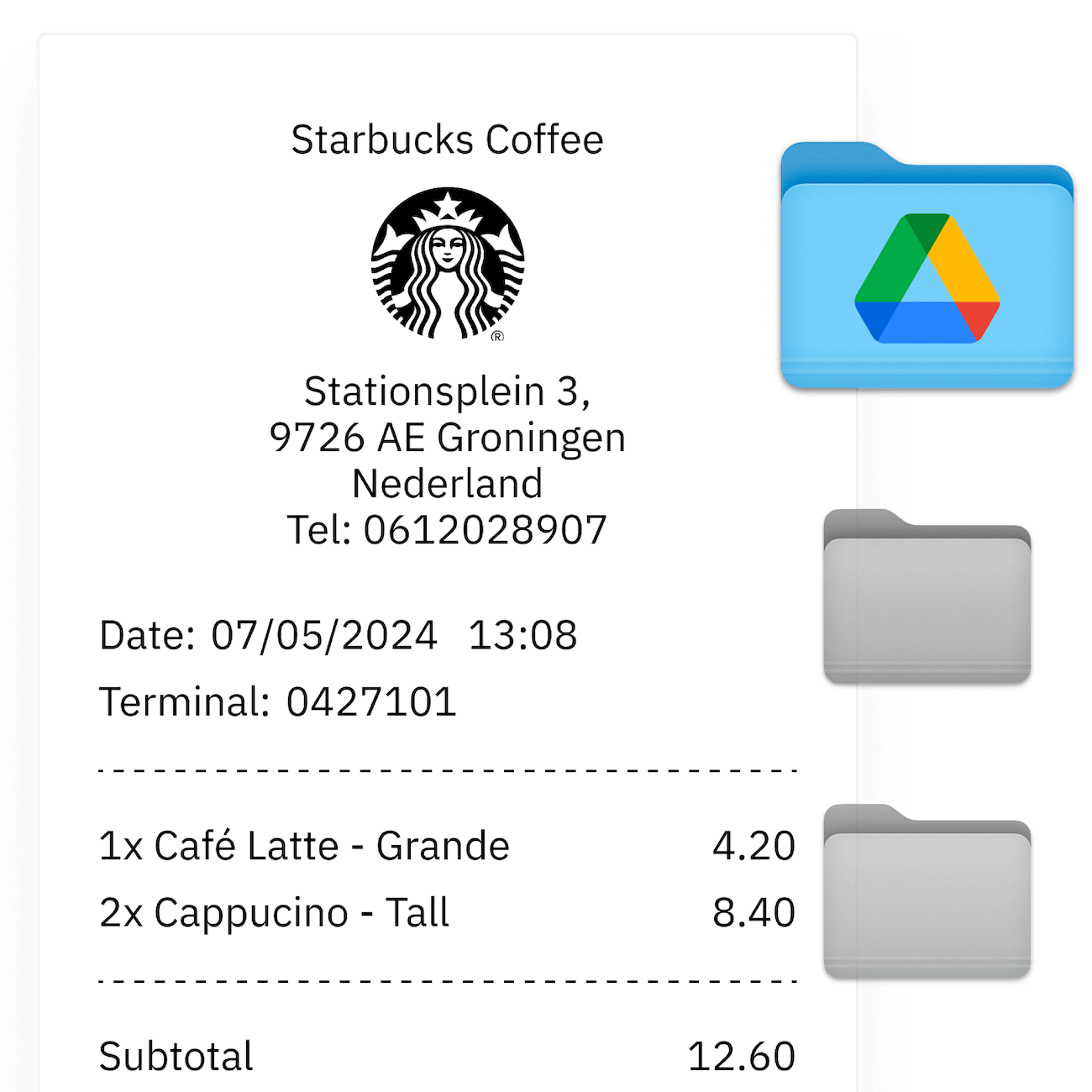
6. Integration: The platform integrates seamlessly with various applications (e.g., Google Drive, Xero, Salesforce), allowing businesses to sync and use extracted data across systems.
By automating these tasks, Doxis AI.dp saves businesses time, reduces errors, and ensures compliance with data protection regulations.
What features are included in the platform?
Doxis AI.dp includes the following key features:
1. Data Extraction: Automatically extracts key data from documents, such as names, amounts, dates, and other relevant details, using AI and OCR technology.
2. Document Conversion: Converts documents into various formats, making it easier to share and integrate the data into other business systems.
3. Document Classification: Classifies documents based on predefined categories, enabling better organization and faster document processing.
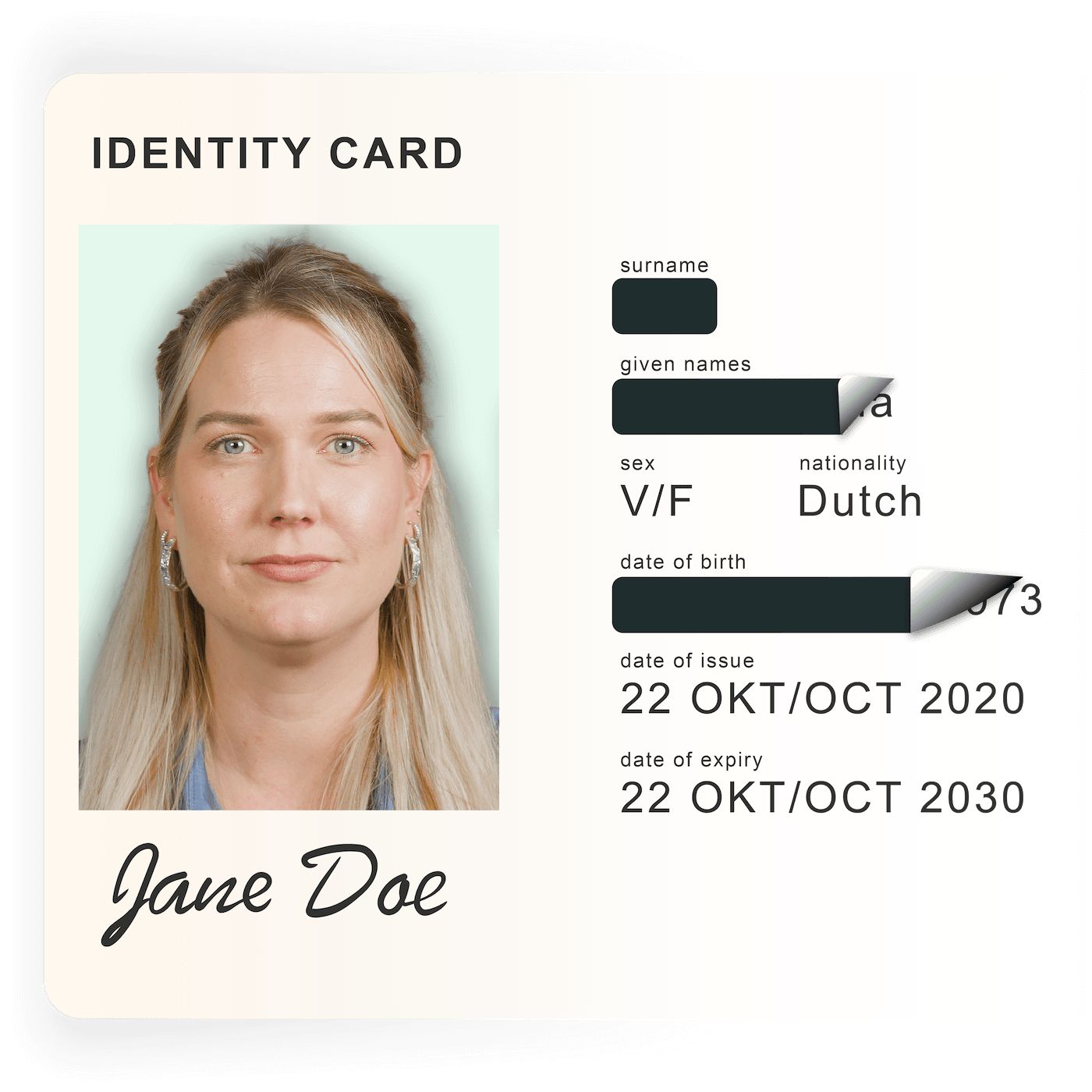
4. Data Anonymization: Masks sensitive data within documents, ensuring compliance with privacy regulations like GDPR while protecting personal and confidential information.
5. Document Verification: Verifies the extracted data to ensure accuracy, checking it against business rules and predefined criteria.
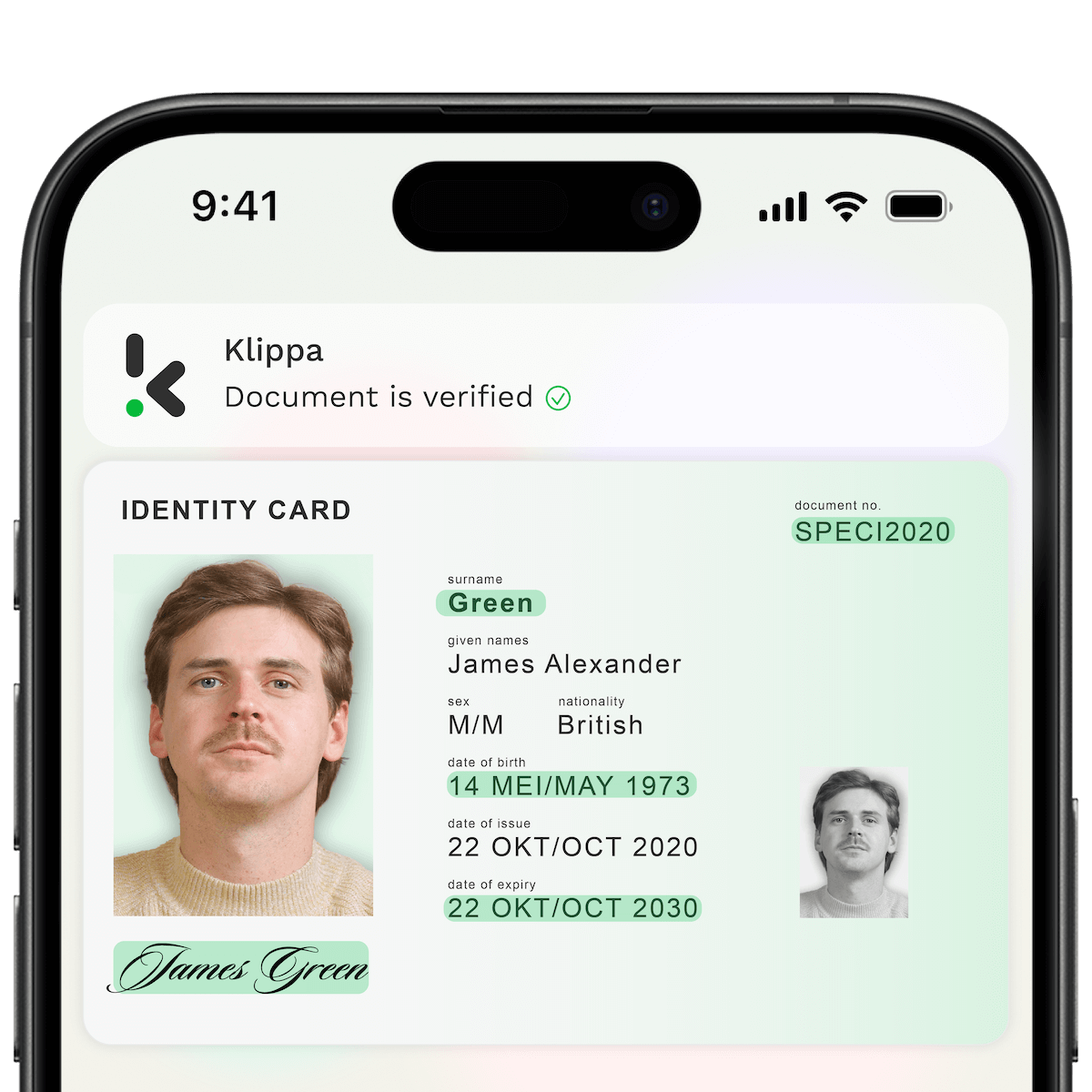
6. Identity Verification: Verifies the identity of individuals by processing documents like IDs, passports, or driver’s licenses, using facial recognition and other AI-driven checks.
7. Human-in-the-Loop (HITL): Integrates human oversight to ensure 100% accuracy in data extraction for complex or uncertain documents, combining AI with human expertise.
8. Workflow Builder: Allows you to create customized document processing workflows with minimal technical skills, automating repetitive tasks and improving efficiency.
9. Prompt Builder: Provides a user-friendly interface to define and customize AI prompts, allowing you to fine-tune the platform’s responses based on your specific needs and document types.
10. Model Builder: Lets you train your own AI model tailored to specific document types or business requirements. This feature enables you to create models that suit your exact needs without needing deep machine learning knowledge.
These features work together to streamline document processing, enhance automation, and ensure data accuracy and security across various business applications.
Moreover, with our latest prompt builder, you can process all kinds of documents you can imagine. If you have any questions, please feel free to contact us.
Which languages are supported by Doxis?
Doxis supports all Latin-alphabetic languages, including Dutch, English, French, Spanish, German, Portuguese, Italian, Danish, Swedish, Finnish, Greek, and more. Hebrew is currently in BETA. Additional languages can be supported upon request.
Can I process multiple documents at once?
Yes, Doxis AI.dp can process multiple documents at once. It allows you to upload and batch process documents in bulk, saving time and increasing efficiency.
The platform uses AI and OCR to automatically extract data from all documents in the batch, ensuring they are processed simultaneously.
This is especially useful for businesses that handle large volumes of documents, as it eliminates the need for manual entry and speeds up the overall workflow.
Does Doxis integrate with my other tools?
Yes, Doxis integrates with a wide range of business tools and applications, making it easy to streamline your workflows and sync data across systems. Some of the key integrations include:
1. Accounting Software: Xero, QuickBooks, and other accounting tools to automate financial document processing.
2. CRM Systems: Salesforce, HubSpot, and more for seamless data transfer between document processing and customer relationship management.
3. Cloud Storage: Google Drive, Dropbox, OneDrive, and other cloud storage platforms to store and access processed documents easily.
4. ERP Systems: Integration with ERPs like SAP and Microsoft Dynamics for smoother data flow and automation of business processes.
5. Other Business Applications: Doxis can integrate with many other tools through APIs and platforms like Zapier, enabling you to connect it with your existing software stack.
These integrations allow you to automate workflows, reduce manual data entry, and improve efficiency by connecting Doxis with the tools you already use.
Our pricing model is based on either an annual license or a pay-per-document fee. Depending on your requirements and volume, our product specialists will provide you with a personal pricing quote.
Yes, switching to Doxis is designed to be easy and seamless. The platform offers several features that make the transition smoother:
1. Simple Onboarding Process: Doxis provides a user-friendly onboarding experience, guiding you through setup and integration with your existing systems. You can get up and running quickly without extensive technical expertise.
2. Data Migration Support: If you are moving from another document processing solution, Doxis can assist with data migration to ensure that your existing documents and workflows are transferred smoothly.
3. Integration with Existing Tools: Since Doxis integrates with a wide range of tools and applications (e.g. accounting software, CRMs, cloud storage), you can easily connect Doxis to your current systems without significant disruption.
4. Customizable Workflows: You can tailor Doxis’ workflows to match your current processes, minimizing the need for drastic changes and allowing a smoother adoption.
5. Dedicated Support: Doxis offers support to help you through the transition. Our team can provide guidance and answer any questions as you switch to the platform.
Overall, Doxis is designed to simplify the adoption process, making it easier to switch and start automating your document processing workflows quickly.
Is my data safe with Doxis?
Yes, 100%! By default, Doxis does not store any customer data on its servers. Data is always processed under a data processing agreement (DPA) and all services from Doxis are compliant with the GDPR.
All data transfer is done via secure SSL connections. Our servers are ISO-certified and by default located in Amsterdam, the Netherlands. Getting a custom server on a location of choice is possible in any location worldwide.