


Doxis Invoice Processing for SAP
Digital invoice processing with OCR technology, approval workflows and integration with SAP
Save up to 70% of processing time with OCR and digital workflows
In-control
Improve internal control with smart controls and digital audit trials
Integrate easily
Create smart booking proposals to SAP through real-time integration
Digital invoice processing, how does it work?
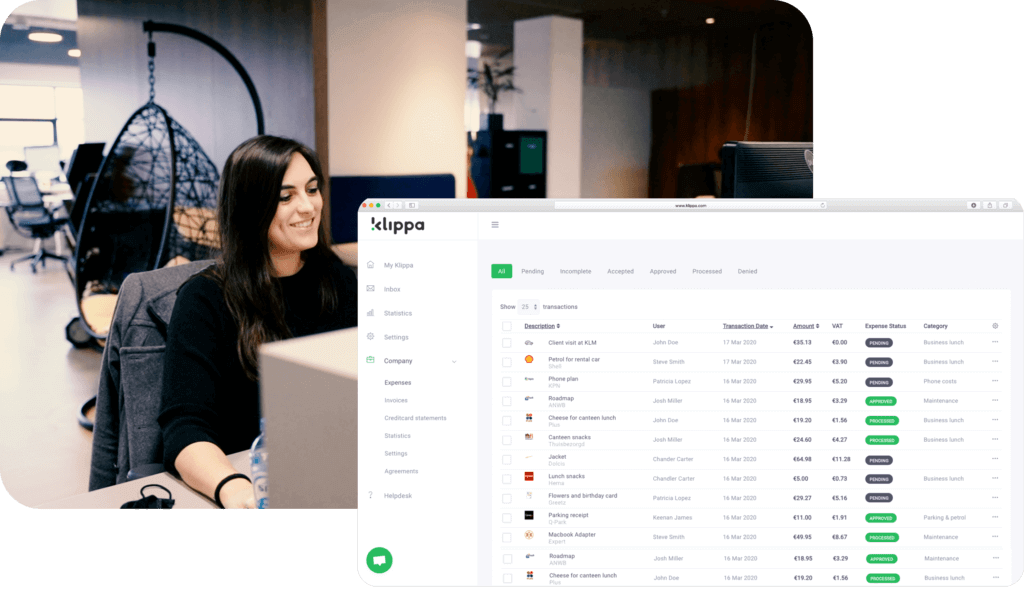
Submit invoices with OCR technology
In Doxis, you can add invoices to the dashboard in three ways: (1) automatically forward invoices to your Doxis mailbox, (2) upload invoices from your computer, and (3) scan invoices using the SpendControl App. Each option has Doxis’ OCR technology integrated.
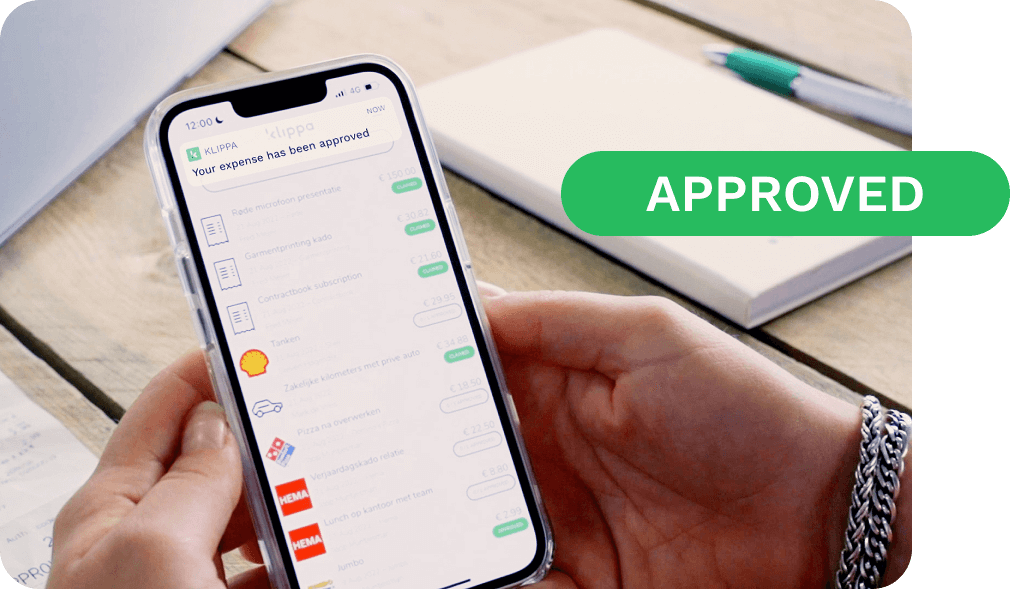
Approve invoices via customizable approval flows
After an invoice is added to Doxis, it is automatically assigned to the appropriate employee for approval. For this purpose, Doxis has extensive multi-level approval workflows. Approval can be done with the mobile app or via the web application.
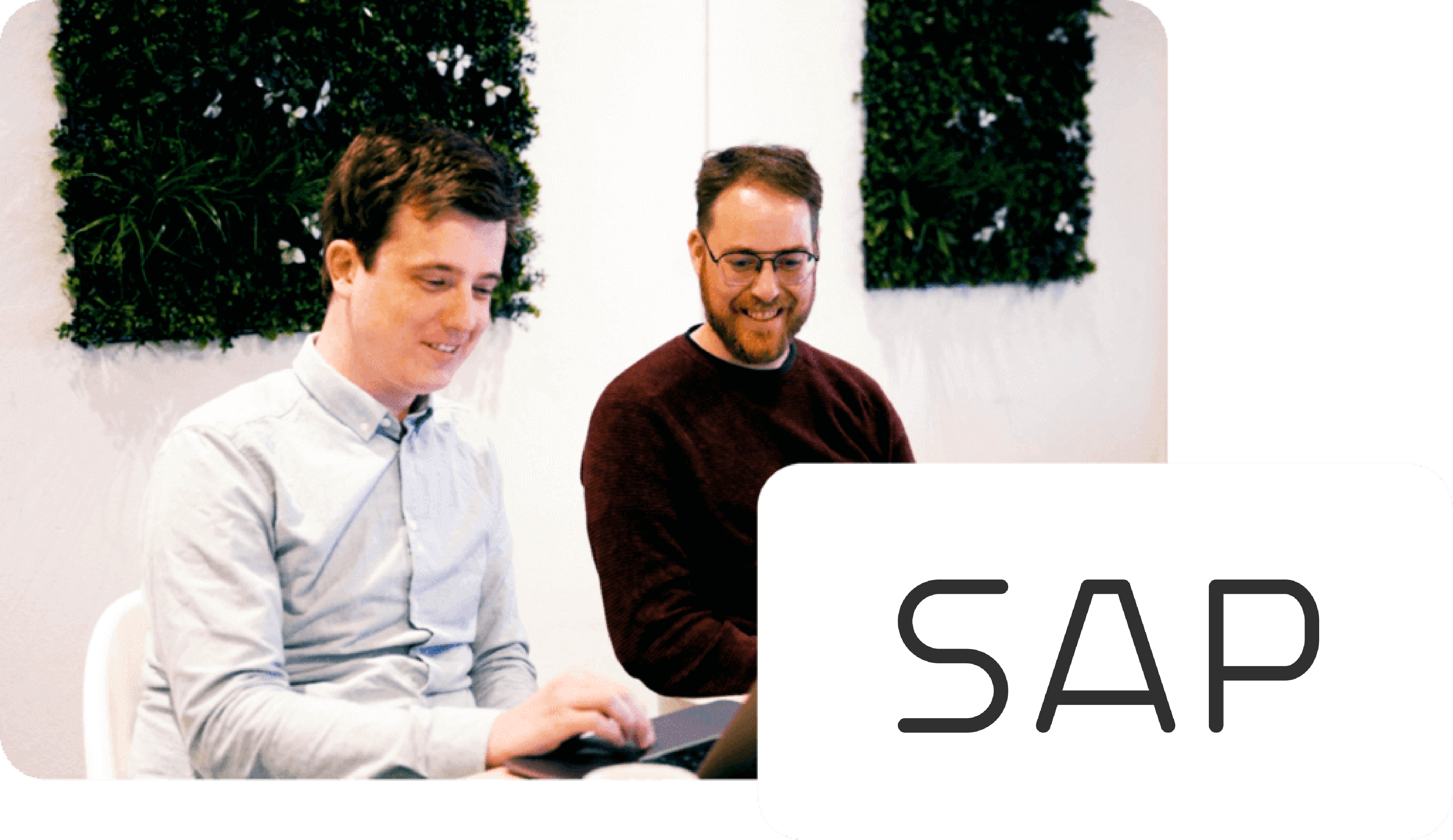
Automatically process invoices in SAP
An approved invoice contains all data processed in SAP. Doxis provides a booking suggestion for the supplier, including general ledger account, VAT code, amount(s), cost center, cost carrier and project.
Trusted by 1000+ brands worldwide





Benefits of processing invoices with Doxis
Let's talk over the phone!
We love to explain more about Doxis via a short phone call. If you want us to call you back, just pick a date and time that suits you best.
We are available for calls in English, Spanish, French, German and Dutch during office hours (CET time zone). You can reach us at +44 330 828 0642.
Automate your invoice processing
Watch the video to see you can easily automate your invoice processing process with Doxis SpendControl
“The cloud environment is very user-friendly and our invoice processing process
has become much more efficient.”
What to expect?
Tour the platform and its key features
See your use case in action
Ask questions and get expert input
Understand pricing and options
Get access to try the solution
Simply answer a few questions and pick a time slot.








Frequently Asked Question
Is it possible to offset purchase invoices against purchase orders in Doxis?
Yes, this is possible in combination in Doxis invoice processing in combination with SAP Business ByDesign.
As part of this SAP link, it is possible to synchronize purchase orders to Doxis and then match them against the purchase invoices.
Through the booking to SAP, the purchase order is then automatically updated.
What information is synchronized from the integration?
Expenses booked to SAP can be booked to the employee created in SAP.
When making the booking, the correct general ledger account and VAT code is automatically suggested in Doxis SpendControl. Also, the correct cost center, cost carrier and/or project can be sent along with the booking.
Is it possible to book a purchase invoice to a G-account?
Yes, this is possible in Doxis invoice processing in combination with SAP Business ByDesign.
As part of this link with Doxis, it is possible to book part of a purchase invoice into a G account.
What costs should I take into account?
Three different packages are available at Doxis that are based on the scan volume and number of users.
There is also an integration fee of €100,- p/m for SAP integration. For more information on our package pricing, please see our pricing page.
What is the implementation time for creating a integration from Doxis to SAP?
To make sure you can get started as quickly as possible, we help you set up the account and integrate with SAP through an onboarding call.
After your account is fully set up, we do a good knowledge transfer in an onboarding call to the people who will be working with Doxis so you will be able to make the software your own.
Usually the implementation time depends on the complexity of the setup. Overall it is somewhere between 2-6 weeks.
We are happy to discuss this with you in a personal meeting. Our helpdesk articles can also help you on your way.
Does Doxis offer digital expense management in addition to invoice processing?
Sure! In addition to invoice processing, Doxis also offers a special module for digital expense management.
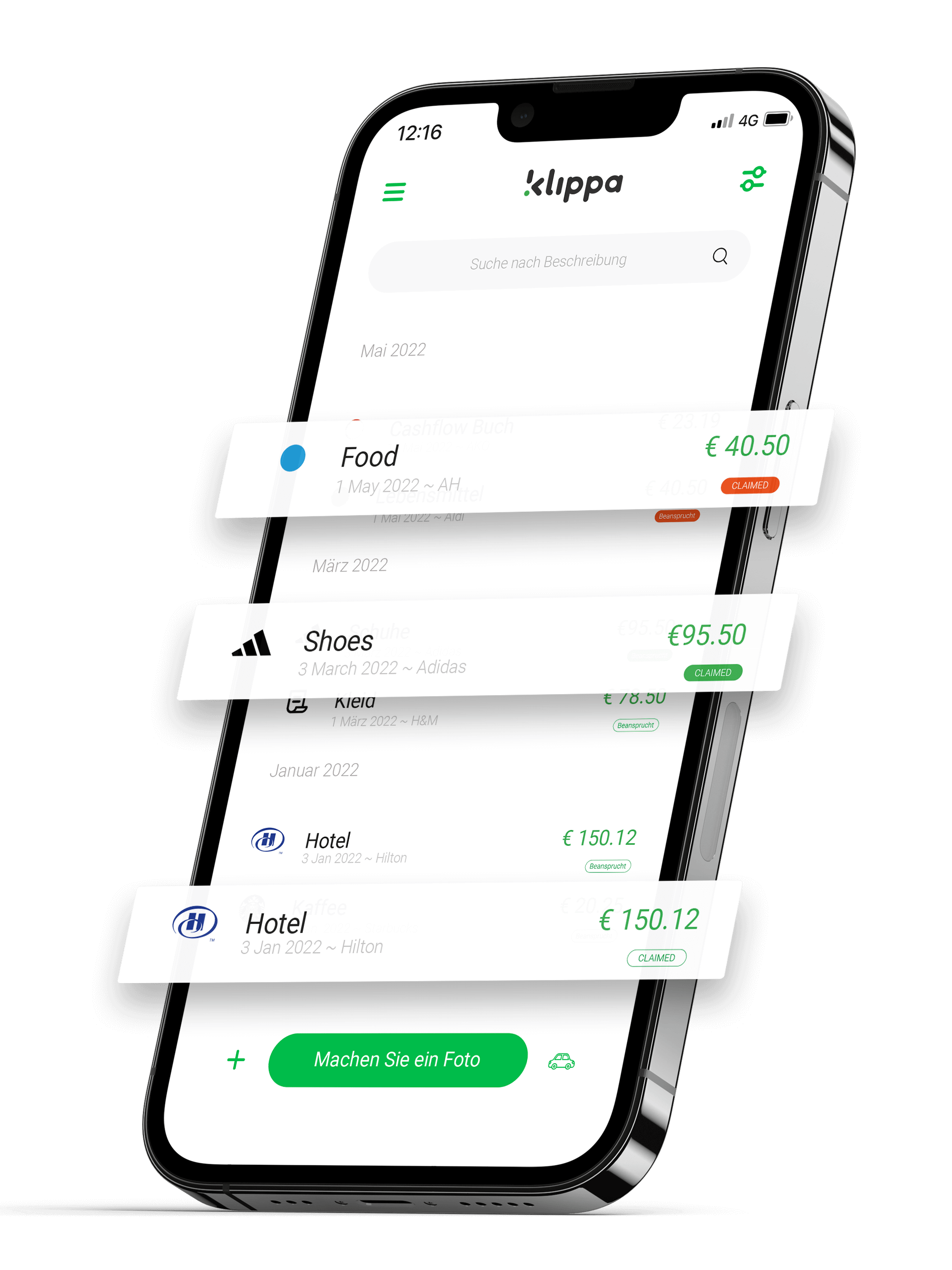
You can easily submit expenses via the mobile app or web application. Submitted claims end up in the to-do list of the approver, who can approve them anywhere and at any time.
Also in this module, approved expense reports can be booked by the click of a button to SAP! It is also possible to manage both expense management and invoice processing in one workflow.
This way you are not dependent on different modules and can manage everything from a central point.