


Automated Document Conversion Software
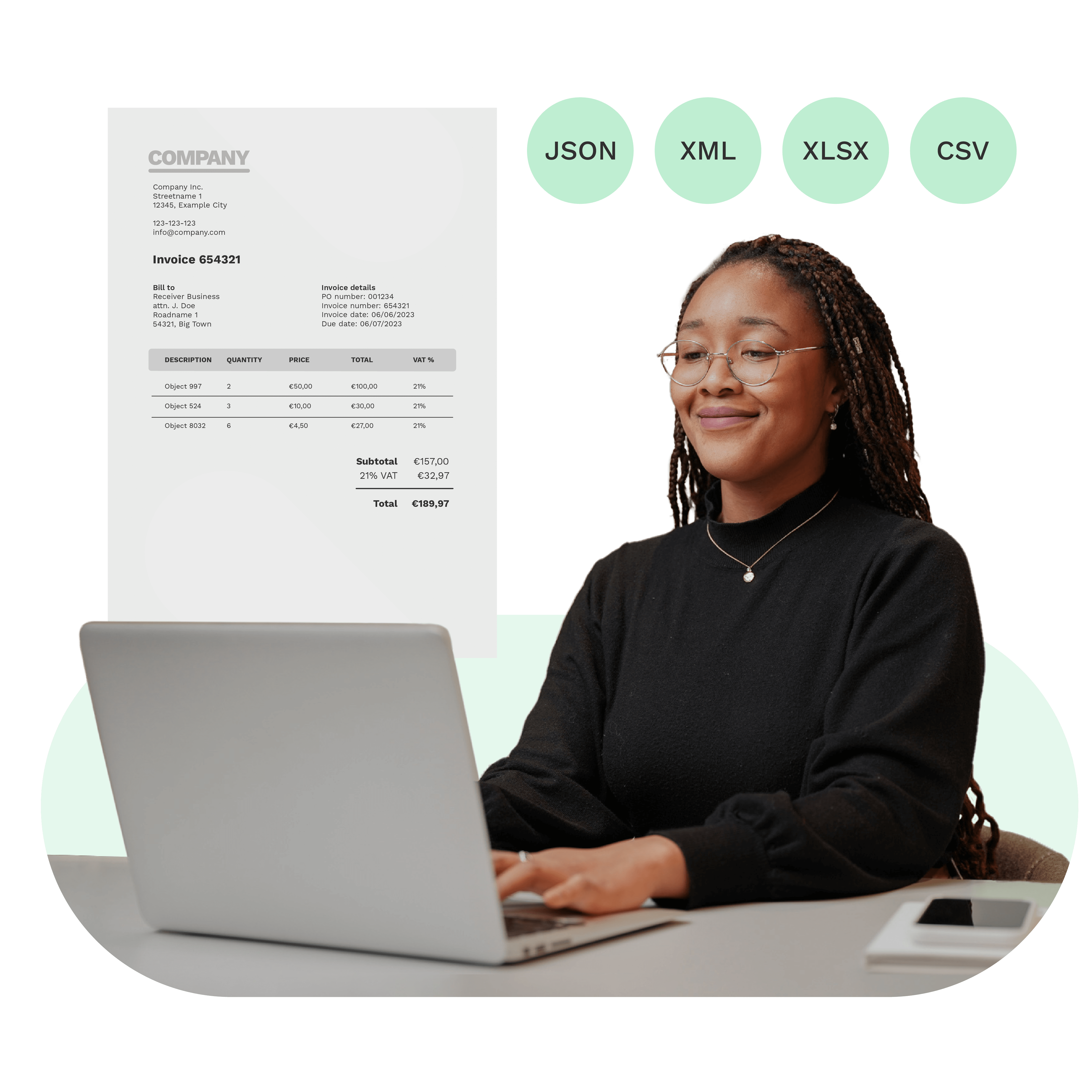
Doxis offers an AI-powered document conversion software to transform files in bulk into any format your business workflow requires.
Trusted by 1000+ brands worldwide






Accurate data
Up to 100% accurate data extraction & format conversion.
Minimal costs
No extra overhead costs with automated conversion workflows.
Scalability
Easy bulk uploads & multiple conversion workflows at once.
Fast integration
Seamless integration with your software or applications of choice.
THE SOLUTION
AI-Powered Bulk Document Converter for Any Workflow
Doxis’ automated document conversion software uses AI to process files in bulk, extract key data, convert them to the required format, and integrate results into ERP, CRM, or financial systems with full GDPR compliance.
How it works
Automated Document Conversion In 3 Simple Steps

Select input for your documents
Scan your documents with our mobile scanning SDK or transfer them to our platform in any of these formats:
.jpg, .jpeg, .png, .pdf, .doc, .docx, .xlsx, .heic, .webp, or otherConvert your documents
Define what data you want to convert or what other conversions like splitting or renaming need to happen. Then, simply select the format for your output such as
.json, .xml, .csv, .pdf, etc.Forward converted data
After completing your conversion, you can automatically forward the output to your accounting, ERP, CRM, or other preferred software and applications like Dropbox or Google Sheets. Check our documentation.
- ✓ Secure

- ✓ Compliant
- ✓ Protected
- ✓ Hosted in EU
- ✓ Trusted

CUSTOMER REVIEWS
What They Say About Us
Doxis AI.dp earns a 4.8/5 rating from verified users on Capterra.




“Doxis’ OCR is fast, it’s accurate, and also easy to implement. The contact with Doxis was always easy, convenient, and nice.”
With Doxis AI.dp, Alasco automated bulk invoice conversion from PDF and images into structured JSON, processing multilingual documents with 99% accuracy.
How Real Estate Software Alasco Automates Invoice Workflows
USE CASES
Document Conversion Workflows We Can Automate
With the AI.dp Platform, you’re able to automate any document conversion workflow. Don’t see your example? No worries! Conversion with AI.dp is fully customizable.
FAQ
Frequently Asked Questions About Document Conversion
What is document conversion software?
What file formats can be converted automatically?
Can document conversion preserve formatting and tables?
Is document conversion safe for sensitive data?
Can I convert thousands of documents at once?
Can invoices be converted to XML or UBL for e‑invoicing?
Can document conversion software connect to ERP or CRM systems?
How much does Doxis AI.dp cost?
Discover Our Insightful Blogs
Explore our step-by-step blogs on how to automate document conversion on the AI.dp Platform.