


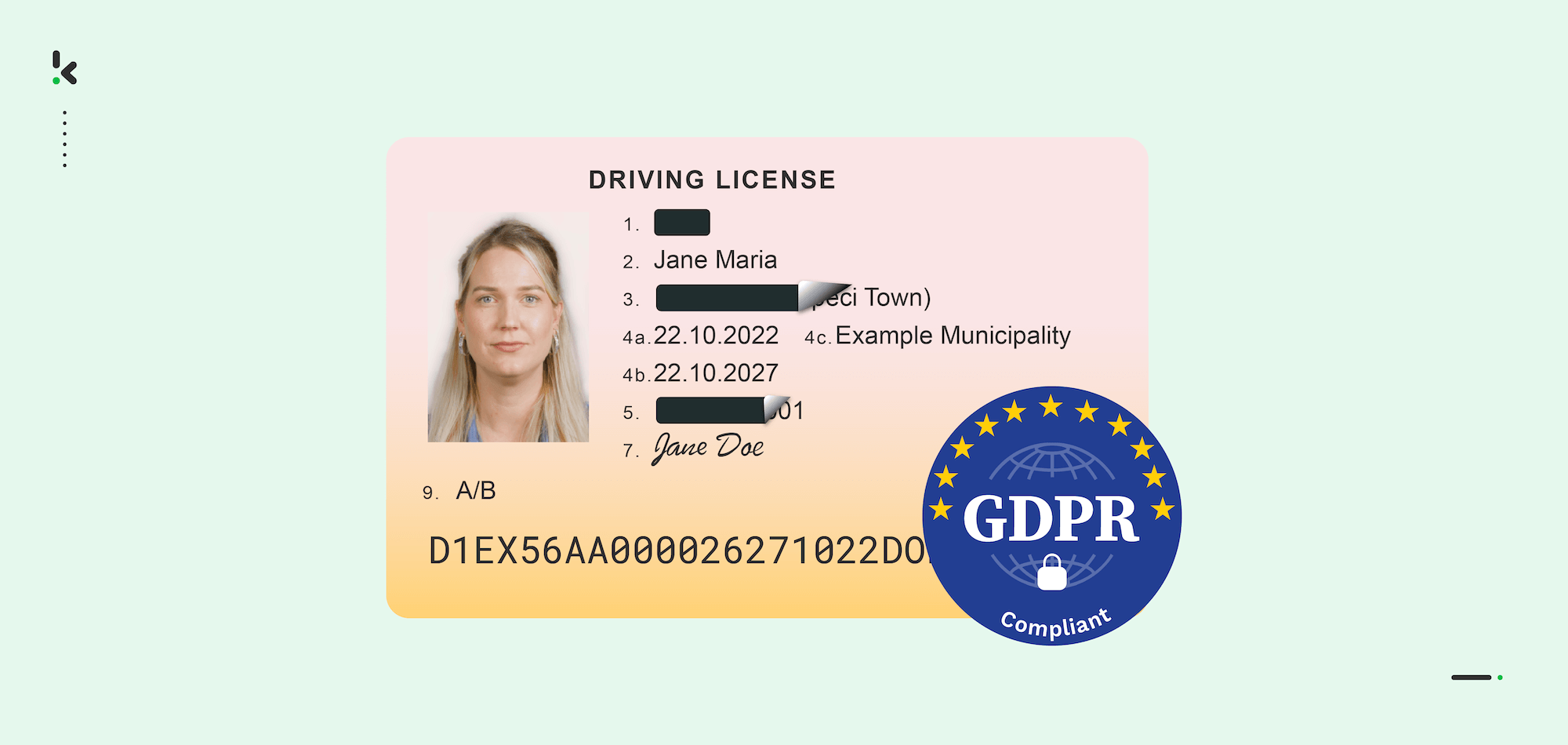
Every time a customer fills in a form, submits a document, or signs up for your service, they are trusting you with their personal data. That trust is fragile, and the consequences of mishandling it are steep.
According to IBM’s Cost of a Data Breach Report 2025, over 53% of all data breaches involve customer personally identifiable information (PII), with each compromised record costing organizations an average of $160. For businesses in the United States, the average total breach cost has risen to $10.22 million, an all-time high.
PII masking is one of the most effective ways to reduce that risk. This guide walks you through exactly how to do it, from understanding what qualifies as PII to choosing the right techniques and automating the process at scale.
Key Takeaways
- PII is any data that can identify an individual, including names, ID numbers, email addresses, and financial details
- Over 53% of data breaches involve customer PII, making it the most commonly targeted data type
- PII masking protects sensitive data by replacing or obscuring it, while keeping it usable for business purposes
- The main masking techniques are redaction, substitution, tokenization, shuffling, and anonymization, each suited to different use cases
- Static masking protects non-production environments; dynamic masking controls access in real-time production systems
- Automated document processing software like Doxis AI.dp can detect and redact PII across thousands of documents with over 99% accuracy
What is PII Masking?
PII masking is the process of replacing or obscuring personally identifiable information in data sets or documents so that unauthorized parties cannot read, use, or reconstruct it. The goal is to protect sensitive data while preserving its structure and usefulness for legitimate business purposes such as testing, analytics, and document processing.
Personally identifiable information (PII) refers to any data that could be used, alone or in combination, to identify a specific individual. This includes obvious identifiers like full names, social security numbers, passport numbers, and bank account details, as well as less obvious ones like IP addresses, device IDs, and certain combinations of demographic data.
PII masking differs from encryption in an important way: masked data does not need to be decrypted to be useful. A masked name or date of birth can still be used in a test environment or analytics pipeline, without ever exposing the real value behind it.
Why PII Masking Matters for Your Business
PII shows up across your organization in many places. It lives in invoices and contracts, in HR files and employee records, in customer onboarding documents, and in the test databases your development team uses every day. Each of these is a potential exposure point.
Regulations including GDPR, CCPA, HIPAA, and PCI DSS all require businesses to implement appropriate safeguards for personal data. Failing to do so can result in significant fines, legal liability, and reputational damage.
Beyond compliance, masking PII also reduces your attack surface: if sensitive data is never exposed to begin with, a breach has far less to steal.
Here is what effective PII masking protects your business from:
- External cyberattacks targeting customer and employee data
- Accidental internal exposure and insider threats
- Regulatory fines and compliance penalties under GDPR, CCPA, and HIPAA
- PII exposure in non-production environments such as development and testing systems
- Third-party vendor risk when sharing data externally
How to Mask PII Data: Step by Step
The steps below give you a practical framework to implement PII masking across your organization, from the initial audit through to ongoing governance.
Step 1: Audit Your Data and Identify PII
Run a data audit across both your production systems (live, day-to-day operations) and non-production environments (development, testing, analytics). Research by Perforce found that 95% of organizations store sensitive data in non-production environments, yet these systems typically have much weaker security controls.
Your audit should cover:
- Every system, database, and application that stores or processes PII
- What types of PII are present in each location
- Who currently has access, and whether that access is necessary
- Which regulatory frameworks apply to your data and your business
Step 2: Understand Your Regulatory Obligations
GDPR governs any organization handling data from EU residents. CCPA applies to businesses operating in California. HIPAA covers health data in the United States. PCI DSS applies to payment card information. Each regulation has different requirements around what counts as adequate protection, so involving your legal or compliance team at this stage will save time and prevent gaps later.
Step 3: Choose the Right Masking Technique
Different data types and use cases call for different masking approaches, and in practice most organizations use a combination.
Here is a comparison of the most used techniques:
Step 4: Apply Static or Dynamic Masking
Beyond the technique itself, you need to decide when and where masking is applied.
Static Data Masking (SDM) creates a permanently masked copy of your data for use in non-production environments. The original production data is never altered.
Dynamic Data Masking (DDM) applies masking in real time based on a user’s role and permissions, so different users see different versions of the same data without the underlying data ever changing.
For most businesses, the safest approach is both: static masking for all non-production environments, and dynamic masking to control access in production.
Step 5: Implement Masking in Your Document Workflows
For businesses processing large volumes of documents, manual PII masking is not viable at scale.
Invoices, contracts, identity documents, payslips, and medical records all contain PII, and reviewing them by hand is slow and error-prone. Automated document processing software uses OCR, AI-based field detection, and rule-based logic to identify and mask PII across thousands of documents, including scanned files, low-quality images, and handwritten content.
A typical automated document masking workflow looks like this:
- Documents are ingested via upload, email, FTP, or cloud storage
- OCR converts scanned or image-based files into processable text
- AI models and detection rules identify PII fields within the content
- Flagged fields are masked or redacted according to your configured rules
- The masked document is output in your required format such as PDF, JSON, or DOCX
- The original unmasked data is deleted from processing servers in line with your data retention policies
Step 6: Validate and Govern Ongoing Masking
Implementing masking is not the end of the process; it requires regular validation and governance to stay effective.
Once masking is applied, verify that all PII fields have been correctly identified and that masked data retains its structural integrity. Run test queries with different user roles to confirm that access controls are working as expected.
Beyond the initial setup, treat PII masking as an ongoing responsibility. Regulations change, new data sources are added, and business processes evolve. Review your masking policies regularly and ensure your team understands why data protection matters in their day-to-day work.
Common PII Masking Mistakes to Avoid
Even well-intentioned teams can fall into predictable traps when implementing PII masking. Here are the most common ones to watch out for:
- Masking production data only: Many organizations focus on live systems while leaving development and test environments completely unmasked.
- Ignoring unstructured data: PII embedded in free-text fields, scanned documents, and PDFs is frequently missed by basic masking software that only operates on structured databases.
- Over-masking your data: Removing too much data makes it useless for its intended purpose. Mask what is necessary, not everything.
- Breaking referential integrity: Masking a customer ID in one table but not in a related table breaks record links and causes problems downstream.
- Using predictable masking patterns: If masked values follow a formula, they can potentially be reverse-engineered, which defeats the purpose entirely.
- No regular review: Data masking strategies need to keep pace with how your business evolves. A policy that worked two years ago may have gaps today.
Automate PII Masking with Doxis AI.dp
If your business processes documents at any volume, manual PII masking simply does not scale. It is too slow, too inconsistent, and leaves too much room for human error.
Doxis AI.dp is an AI-powered Intelligent Document Processing software that automatically identifies and permanently masks PII across any document type. Whether you are processing scanned passports, digital contracts, payslips, or invoices, AI.dp detects and redacts sensitive information with over 99% accuracy, at a speed no manual process can match.
Here is what Doxis AI.dp brings to your PII masking workflow:
- Processes thousands of pages per minute with bulk redaction, eliminating document backlogs
- Reduces manual review time by up to 90-98%, freeing your team for higher-value work
- Fully compliant with GDPR, CCPA, and ISO standards, with all processing covered under a Data Processing Agreement
- Integrates via API or SDK into your existing systems like your ERP, or cloud storage
- Supports over 50 document types and 150 languages, with custom document types available on request
Beyond redaction, Doxis AI.dp also handles data extraction, document classification, verification, and conversion to structured formats including JSON, CSV, and XLSX. It is a complete document processing pipeline, not just a masking software.
Want to see it in action? Request a free demo below or get in contact with one of our experts and find out how Doxis AI.dp can automate PII masking across your document workflows.
FAQ
Encryption scrambles data so it can only be read with a decryption key. Masked data, by contrast, is replaced or obscured in a way that preserves its format and usability. You do not need a key to work with masked data, which makes it practical for testing and analytics without exposing the original values.
2. Is PII masking required by GDPR?
GDPR does not mandate a specific technique, but it does require that personal data be processed securely and with appropriate safeguards. PII masking, particularly anonymization and pseudonymization, are widely recognized as compliant approaches. Fully anonymized data falls outside GDPR scope entirely.
3. What types of data count as PII?
PII includes any data that can identify an individual, such as:
– Full names, usernames, and pseudonyms
– National ID numbers, passport numbers, and driver’s license numbers
– Email addresses, phone numbers, and postal addresses
– Bank account and payment card details
– Dates of birth and biometric identifiers
– IP addresses and device identifiers in certain contexts
4. What is the difference between static and dynamic data masking?
Static data masking creates a permanently masked copy of your data, typically for use in non-production environments. Dynamic data masking applies masking in real time at the point of access, based on user roles, so the underlying production data is never altered. Most organizations benefit from using both approaches.
5. Can PII masking work on scanned documents and PDFs?
Yes, with the right software. AI-powered document processing platforms like Doxis AI.dp use OCR to extract text from scanned files, images, and handwritten content before applying detection and masking rules. This allows PII masking to work across virtually any document format, not just native digital text files.
6. How accurate is automated PII detection?
Accuracy depends on the software and the quality of your detection rules. Modern AI-powered platforms using Named Entity Recognition (NER) can achieve over 99% detection accuracy. Low-quality tools with high false-positive or false-negative rates can either over-restrict your data or leave PII unprotected. Choosing software with strong NER capabilities and support for multiple languages and document formats is essential.
7. Does PII masking affect data usability?
Good PII masking should not significantly reduce data usability. The goal is to replace sensitive values with realistic equivalents that retain the same format, structure, and statistical properties. Substitution and tokenization techniques are specifically designed to produce masked data that behaves like real data for development and analytics purposes.